
Front of house to the pass
The till, the kitchen screens and the card readers working together.
A till built for busy service (coming soon)
Take orders, run tabs and settle bills quickly, on the same menu as everything else.
- Bar tabs and table orders
- Split bills any way the table wants
- Discounts and refunds with manager approval
- Staff log in with a PIN, with money limits for each supervisor
- Keeps taking orders if the internet drops (coming soon)
Compare us with: Lightspeed · Square · Tevalis · Zonal
Included with tills and kitchen screens
Built around one menu and one guest record.
One menu everywhere
Change a price or an allergen once and it updates on the till, the kitchen screen and your website.
Allergens to the pass
Allergens come from your menu and show on kitchen tickets and printed dockets.
Staff PINs and limits
Charge to room (coming soon)
Hotels can put a bar or restaurant bill on the guest’s room bill, with the hotel system switched on.
Service charge shared
Service charge shared by hours worked, with a record of every split and a report you can show your team.
Keep your Lightspeed till
Not ready to switch tills? Connect Lightspeed and use mDOS alongside it.
Every feature, in detail
Everything below comes with every plan, at one price per site, with no add-ons or per-user fees. Open each area underneath for the rest. Coming soon means it isn’t on sale yet: book a demo to hear when it’s ready.
More features, by area
3 features
| Feature | Every plan |
|---|---|
| Discounts and comps on a whole bill or a single line | ✓ Included Coming soon |
| Loyalty scanned at checkout | ✓ Included Coming soon |
| Charge a bill to a hotel room, with the hotel system on | ✓ Included Coming soon |
4 features
| Feature | Every plan |
|---|---|
| Card readers through Stripe Terminal, and cash | ✓ Included Coming soon |
| A customer display showing the order and total | ✓ Included Coming soon |
| Cash drawers and a Z-report at the end of the day | ✓ Included Coming soon |
| Receipt printing | ✓ Included Coming soon |
3 features
| Feature | Every plan |
|---|---|
| Tickets from the till, online orders and table QR in one place | ✓ Included Coming soon |
| Kitchen and bar stations, each with Bump All | ✓ Included Coming soon |
| A guest allergen banner on every ticket | ✓ Included Coming soon |
9 features
| Feature | Every plan |
|---|---|
| A card held against an open tab | ✓ Included Coming soon |
| Email or PDF receipts for a closed tab | ✓ Included Coming soon |
| Promotions that apply to the basket shown automatically | ✓ Included Coming soon |
| A returning guest’s history and preferences shown while ordering | ✓ Included Coming soon |
| The till reads live table status from your floor plan | ✓ Included Coming soon |
| Card readers paired to each site | ✓ Included Coming soon |
| Choose which card reader takes the payment | ✓ Included Coming soon |
| Server and cover counts recorded on every order | ✓ Included Coming soon |
| Any browser becomes a till, kitchen screen or front desk with a pairing code | ✓ Included Coming soon |
2 features
| Feature | Every plan |
|---|---|
| Different menus and prices by time of day | ✓ Included Coming soon |
| Several outlets at one site, such as bar, restaurant and takeaway | ✓ Included Coming soon |
1 feature
| Feature | Every plan |
|---|---|
| Shifts left open too long closed and flagged for a manager | ✓ Included Coming soon |
1 feature
| Feature | Every plan |
|---|---|
| Networked receipt and kitchen printers (Star CloudPRNT) | ✓ Included Coming soon |
9 features
| Feature | Every plan |
|---|---|
| Manager overrides tied to the exact amount | ✓ Included Coming soon |
| Staff ask for a bigger discount, with a full record | ✓ Included Coming soon |
| A tab paid twice is spotted and put right | ✓ Included Coming soon |
| A party under its minimum spend can’t settle without a top-up or manager’s say-so | ✓ Included Coming soon |
| A sensible ceiling on tips, to stop a mistyped tip | ✓ Included Coming soon |
| Disputed orders flagged for a manager | ✓ Included Coming soon |
| A leaver’s personal data erased from till records | ✓ Included Coming soon |
| The till locks itself after a set idle time | ✓ Included Coming soon |
| Cash and stock differences flagged for a manager to review | ✓ Included Coming soon |
Make it yours. Let it do the legwork.
Shape it to how you work, and let it handle the routine for you.
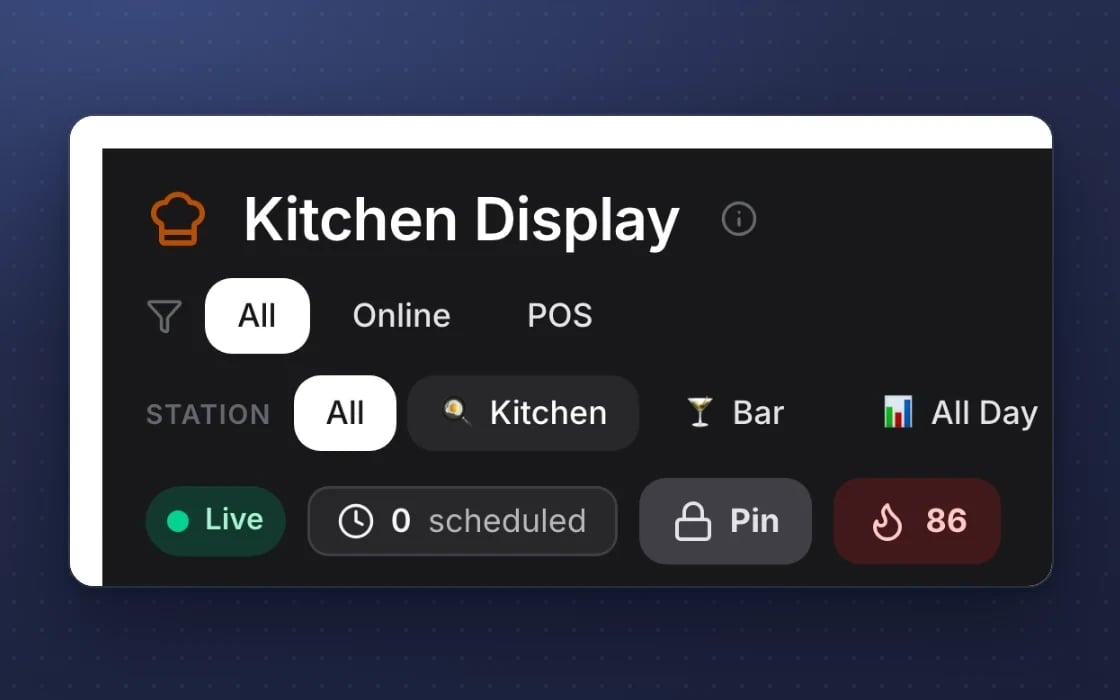
Your pass, your columns
Name and order the kitchen screen columns to match how your pass runs, with stations for kitchen and bar.
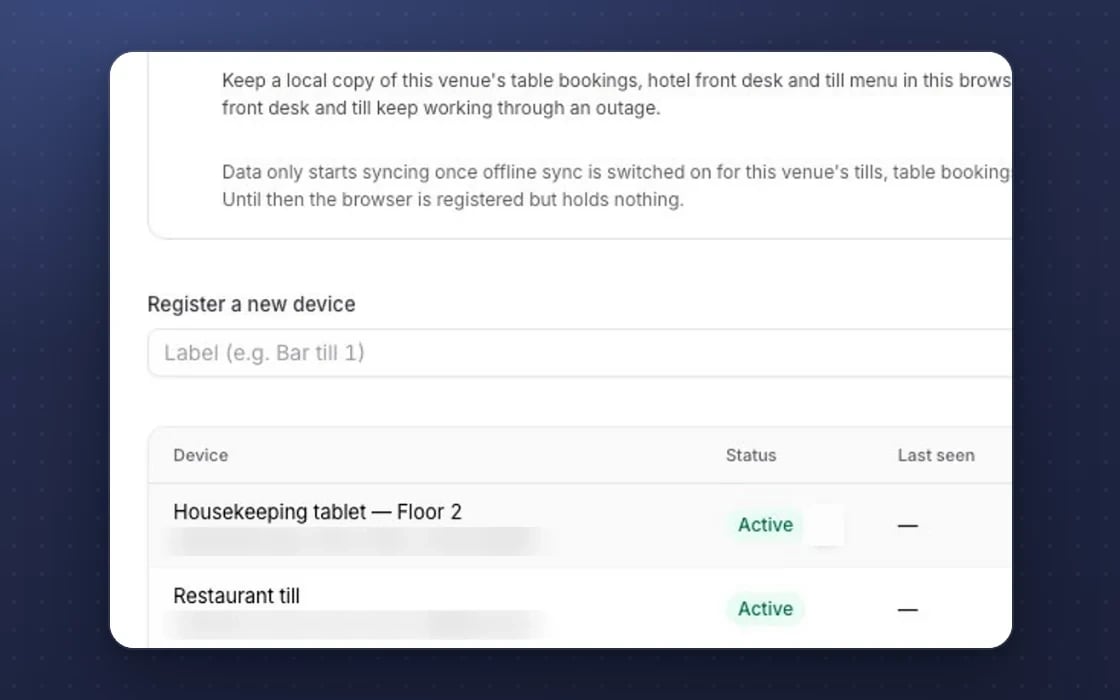
Nothing lost, nothing oversold
The till keeps working if the internet drops, and an item sells out everywhere the moment stock runs out.
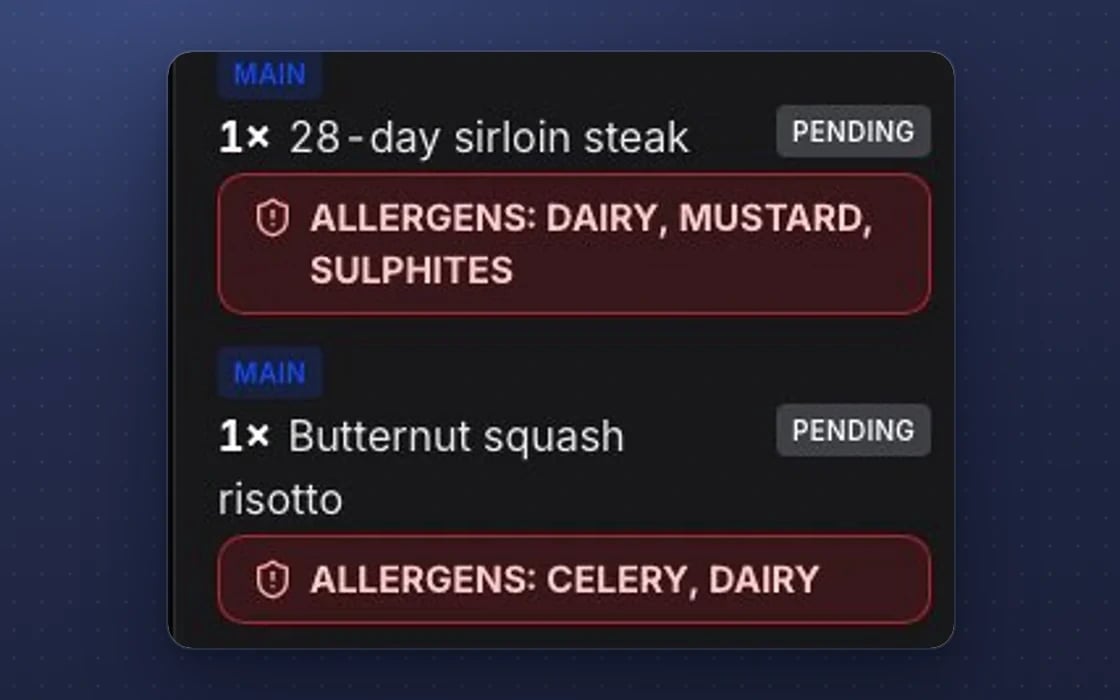
Allergens on every ticket
A guest allergen banner on every kitchen ticket, and a warning on any dish not yet declared.
Built for trust
The protections behind every plan, in plain words.
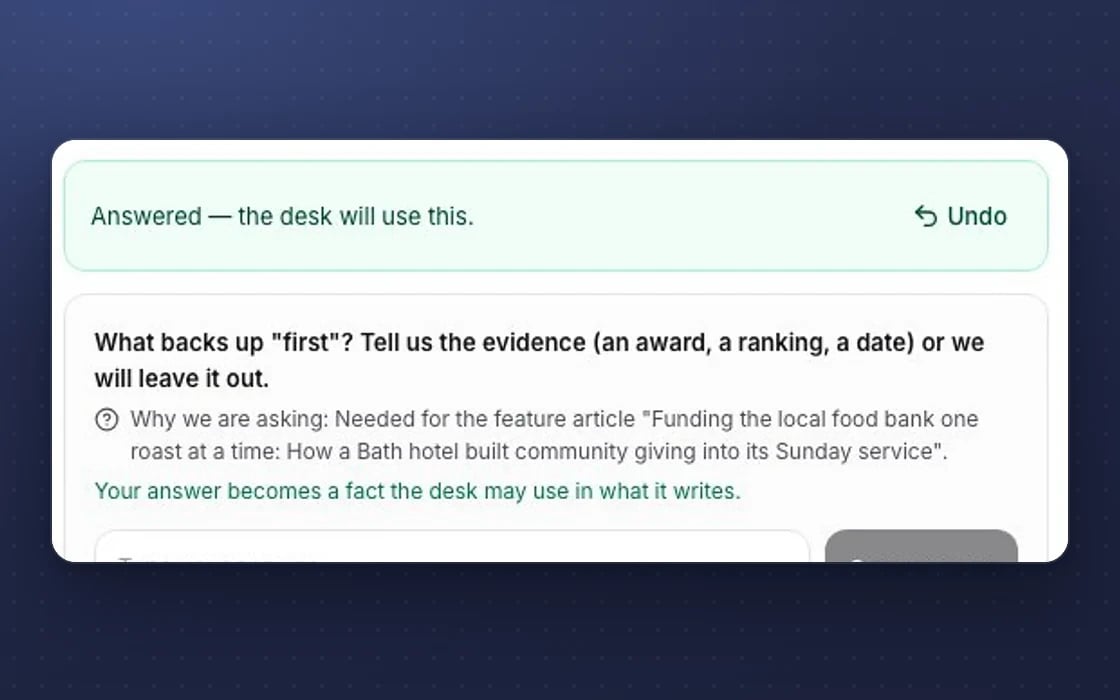
Undo
Destructive actions show an Undo button with a countdown, so a slip is easy to put right.
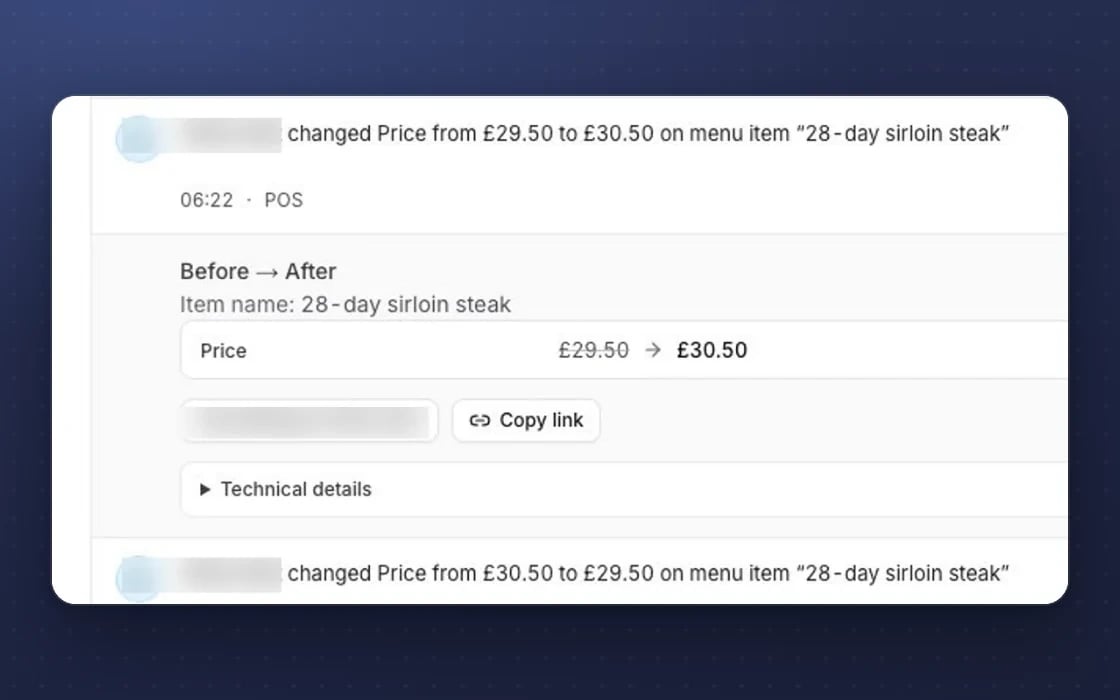
A tamper-evident log
The access log is append-only and checked every day, so a change can’t be quietly rewritten.
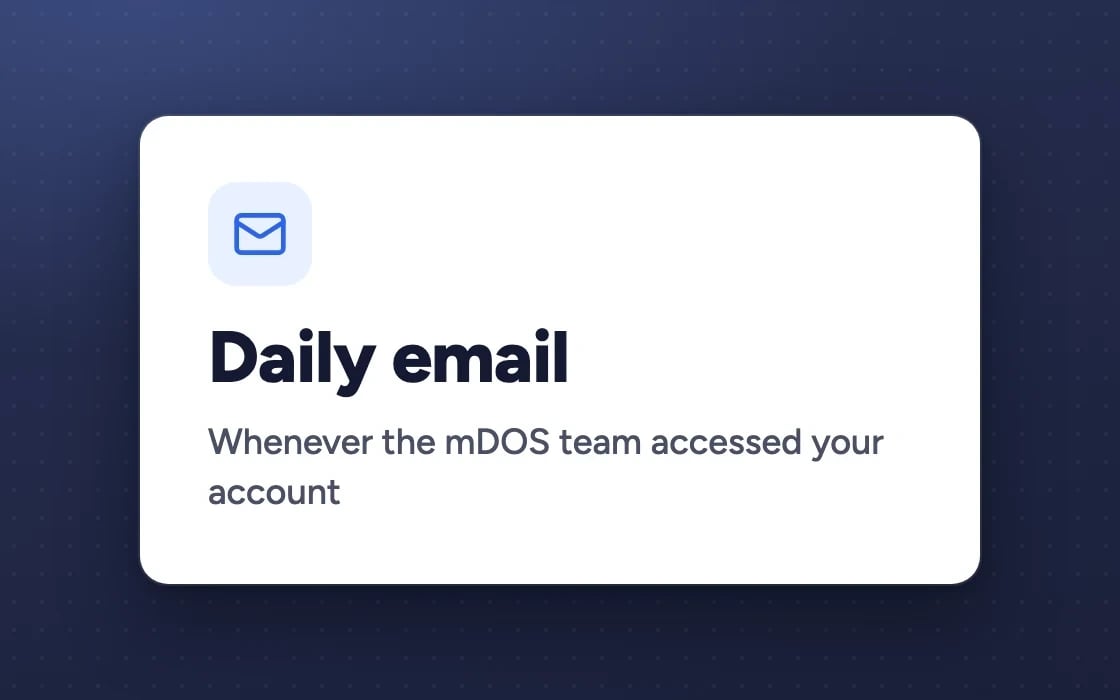
Our access, reported
Your admins get an email on any day the mDOS team accessed your account.
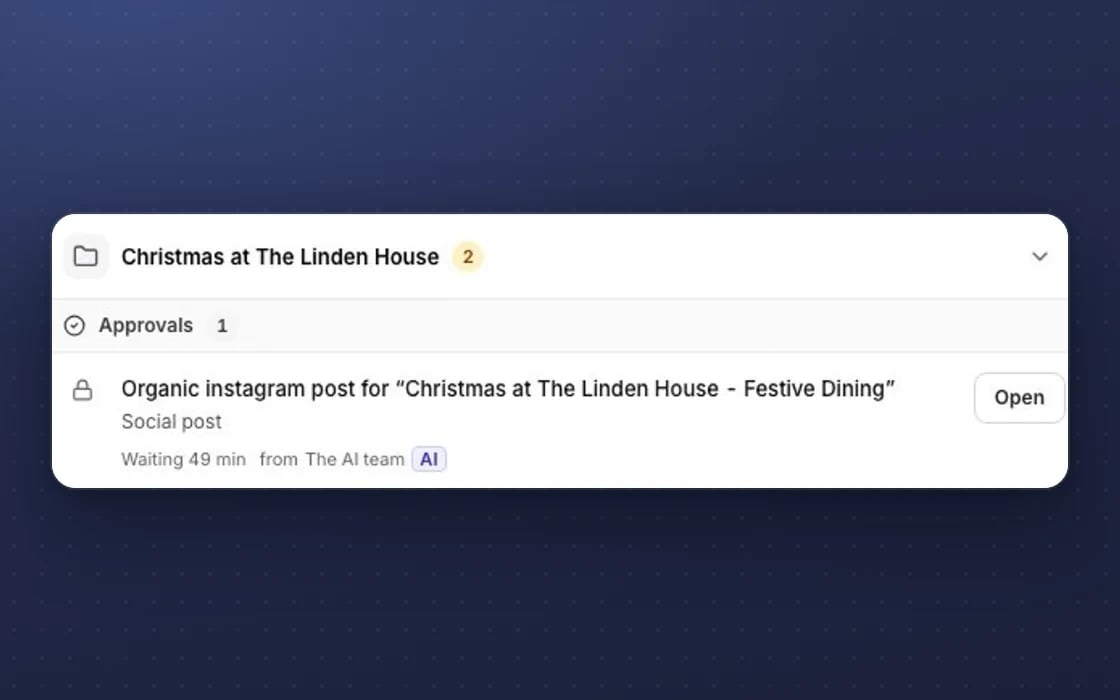
Approval first
Anything with money or brand risk waits in Approvals for a person to say yes.
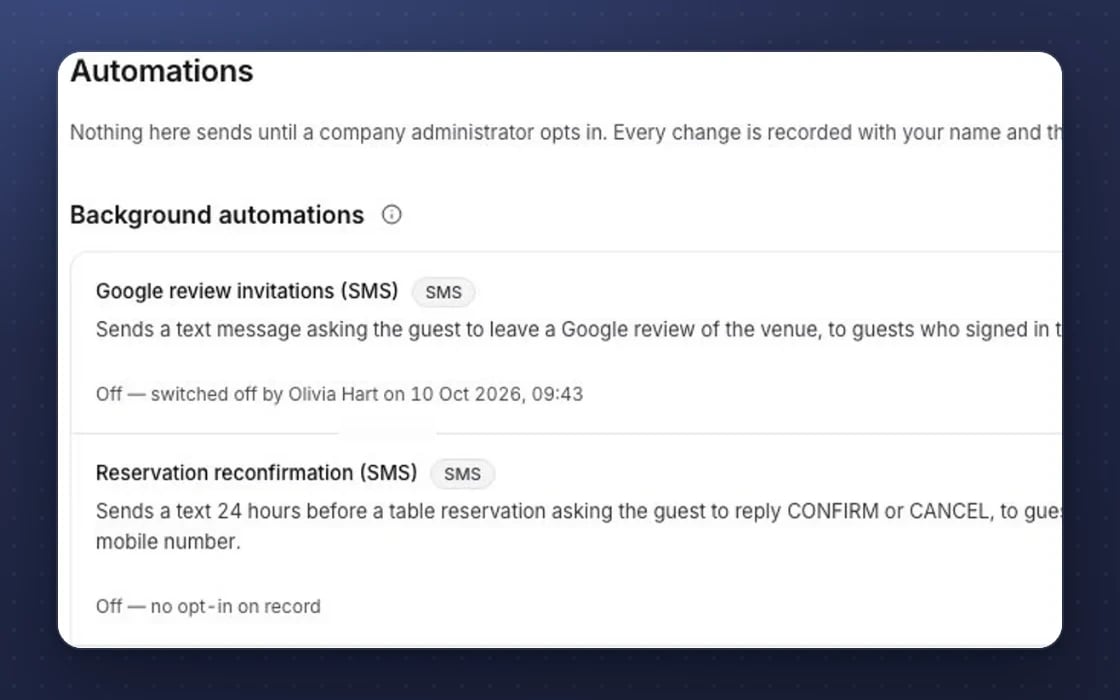
Zero default automations
No email, reminder or automation runs until a company administrator switches it on.
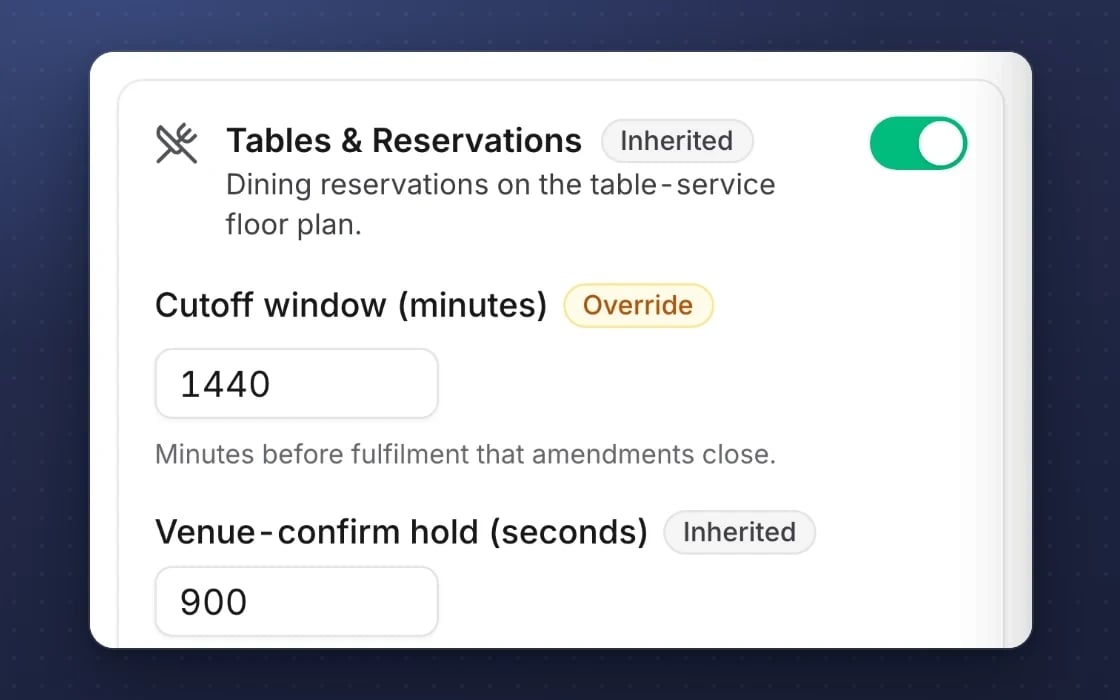
Inheritance
Settings flow from company to brand to site, with groups of sites, so every site follows your rules.
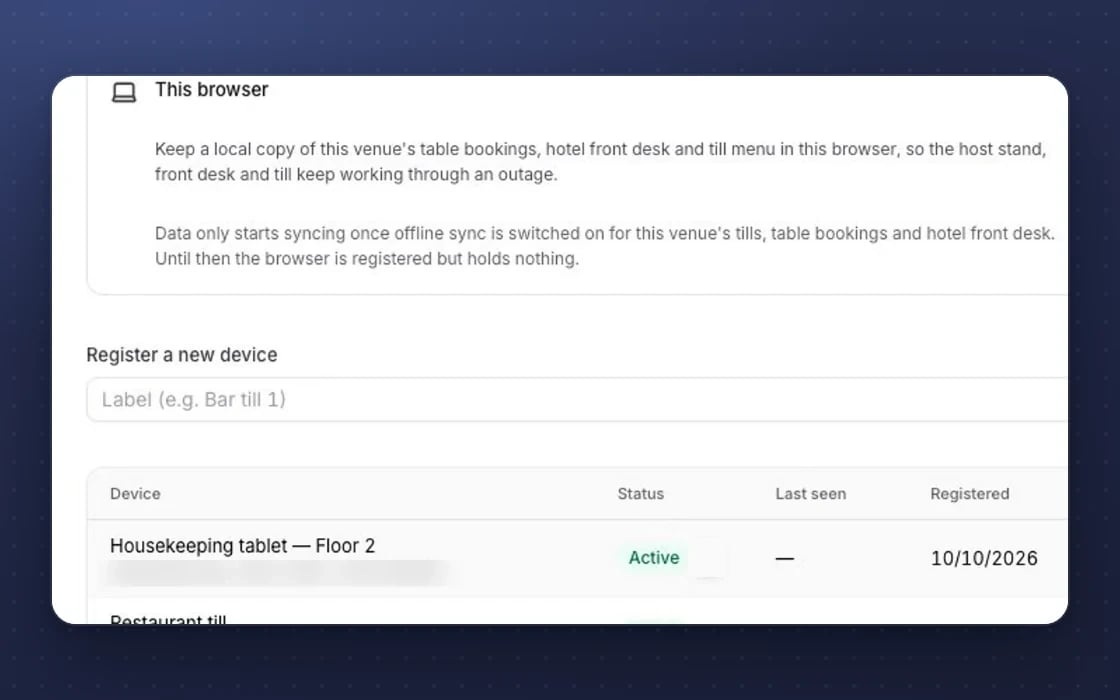
Works offline
The till, staff app, forms and ticket scanner keep working when the signal drops.
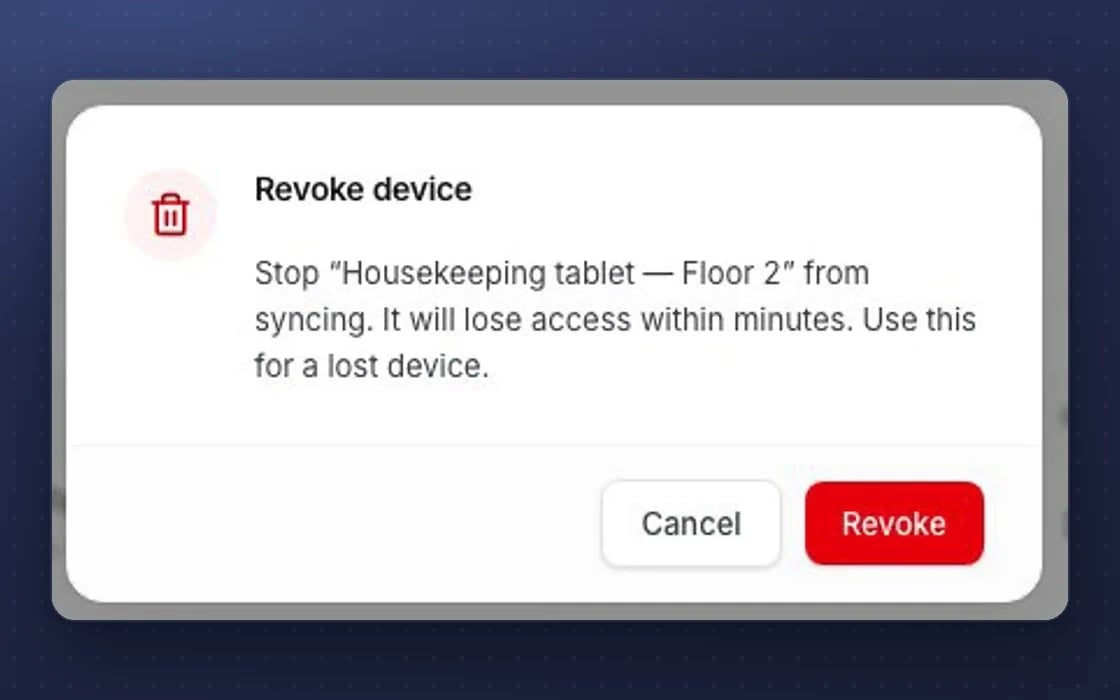
Device kill switch
A lost staff device can be revoked or wiped, so it stops syncing.
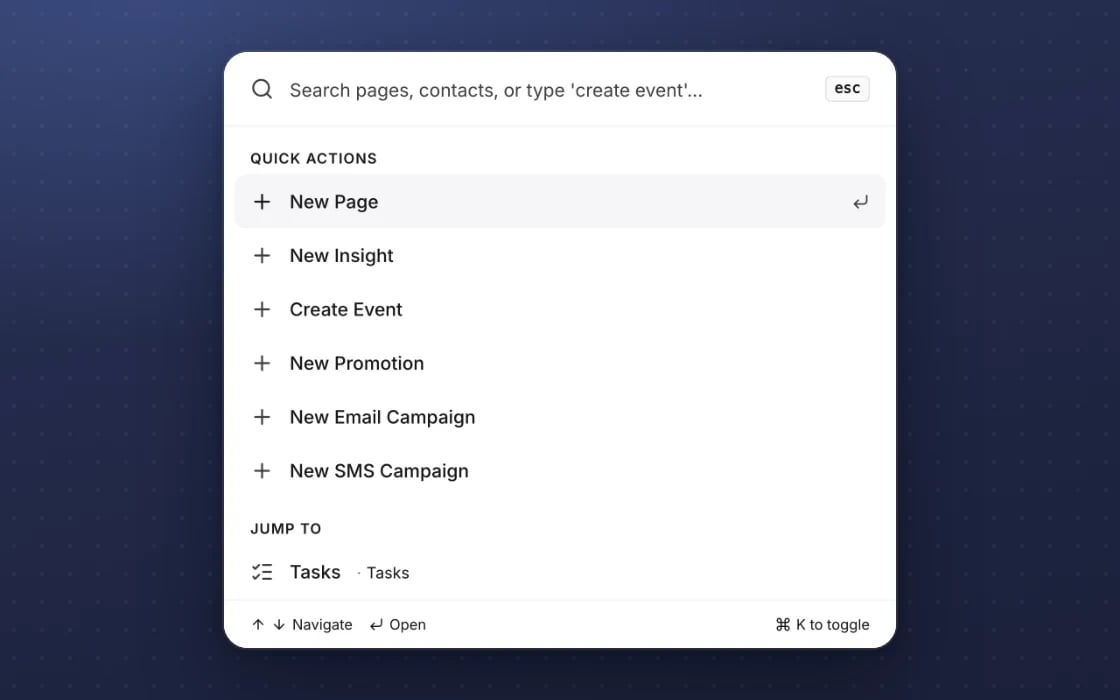
Keyboard-first
A command palette and keyboard shortcuts, with focus handled properly in every dialog.
What it replaces
A till that knows your guests, not just your sales.
Lightspeed, Square and Toast
The till shares its menu and guests with your bookings and marketing, so there’s one less system to keep in step.
Tevalis, Zonal and Epos Now
Bar tabs, split bills and staff PINs without a separate till contract once yours runs out.
A separate kitchen screen
Kitchen screens are included, and take orders from the till, your website and the table.
YOUR AI TEAM, ON SERVICE
It gets every shift off to a good start
It works around the clock once you switch it on. Nothing goes out without your approval.
A morning briefing
Prepares a briefing for each venue: what’s on, what to watch and what needs doing first.
Stock running low
Flags items likely to run out, allowing for what’s already on order.
Short shifts spotted
Looks at the coming week’s rota against expected demand and flags shifts that look short.
Set up by real people, supported by AI. An mDOS Expert Partner sets up your menu, staff PINs and kitchen screens with you and is a call away when you need them, while the AI agents prepare briefings and you approve anything they suggest.
Switch at your own pace
Start with kitchen screens or one bar, not the whole estate. Keep your current till while its contract runs out, we bring your menu and sales history across, and you get a tailored switching plan for each venue.
Three things no one else brings together
The till is only part of the picture. Alongside it, mDOS gives you AI agents and a real team. Our till and kitchen screens are coming soon.
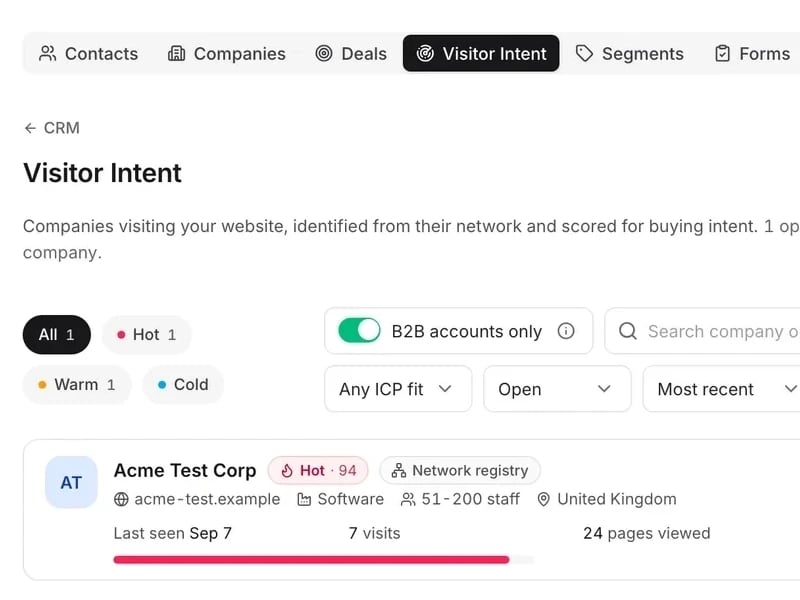
World-leading software
A till and kitchen screens that will share one menu with your bookings and online orders. Coming soon: book a demo to hear when it’s ready.
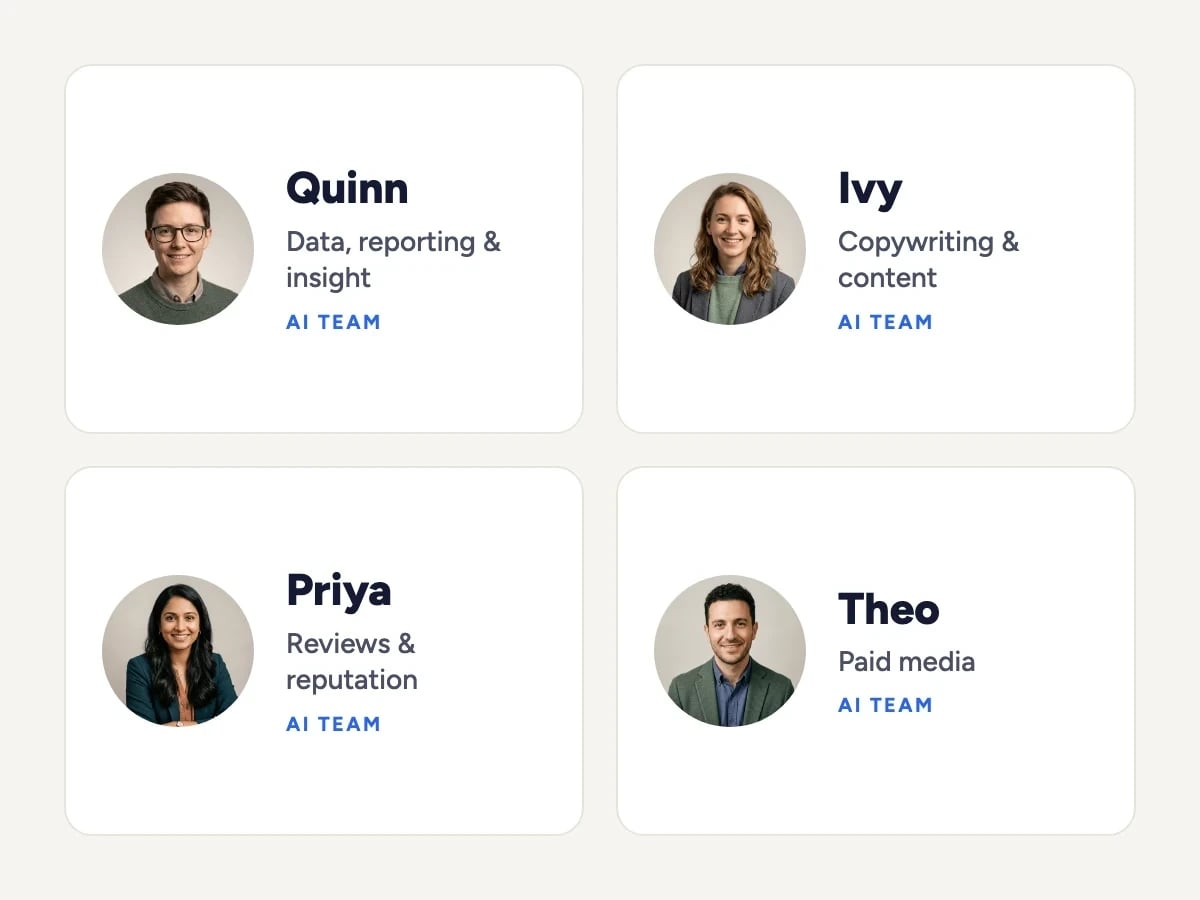
Tireless AI agents
AI agents prepare a morning briefing for each venue, flag stock likely to run out and spot shifts that look short against expected demand.

Real experts driving it
Our team will set up your menu, staff PINs and kitchen screens with you, and is a call away when you need them.
Keep the tools that work for you. Replace the ones that don't.
Use the payment provider that suits your business. Takings flow into the same reports as everything else.
Support from a real marketing team
mDOS is built and operated by MDOS AI LTD. When you message or phone us, real Marketing Experts answer, on every plan, led by our Founding Partner Agency, Mr Digital. Here are five ways we help you get results.
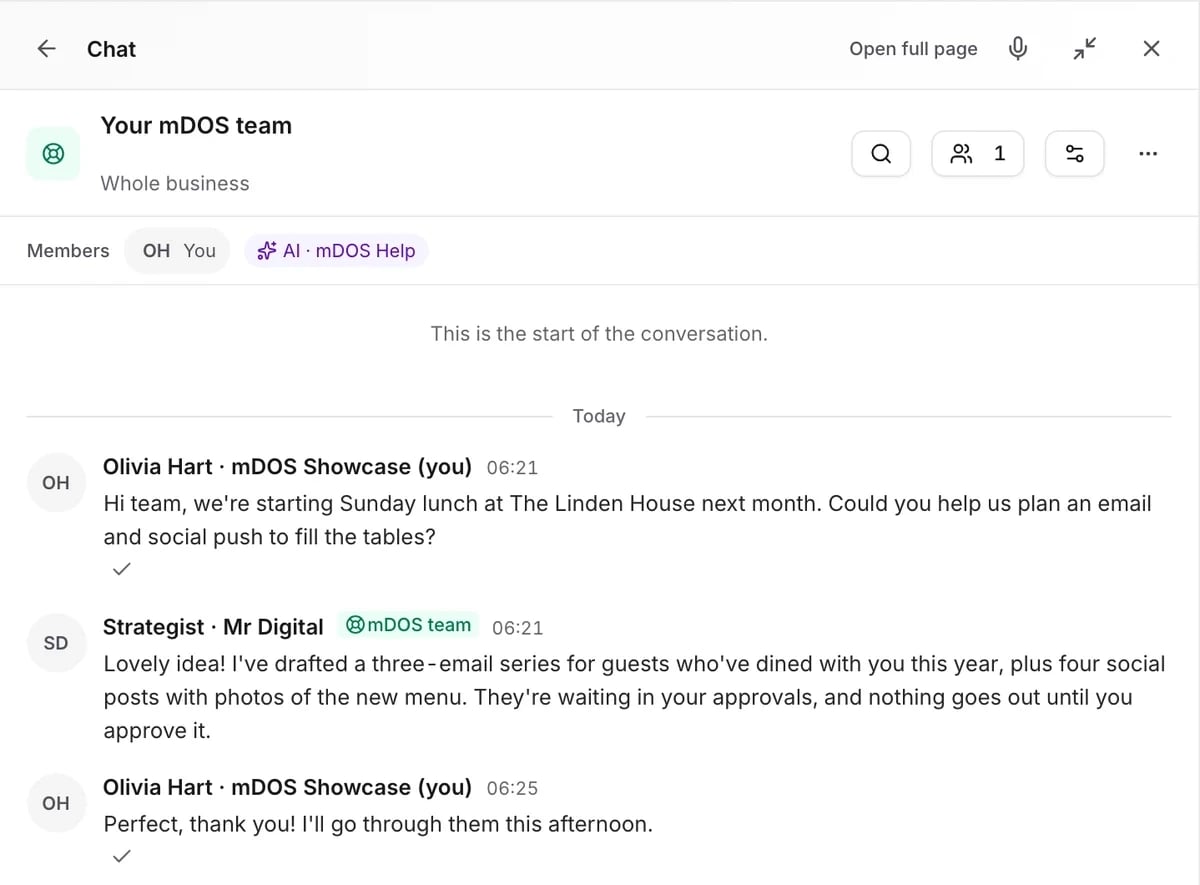
Chat with our marketing experts
Message us from any screen in mDOS. The people who answer are marketers from our partner agencies, not a call centre.
- Live chat on every plan, from the Chat button on every page, and you can phone us when you need to
- Answered by marketing experts from our partner agencies, the same people who run marketing for clients
- Ask about the software or your marketing: setup, campaigns and results
- AI support for quick answers whenever you need one
Included in every plan
Questions about tills and kitchen screens
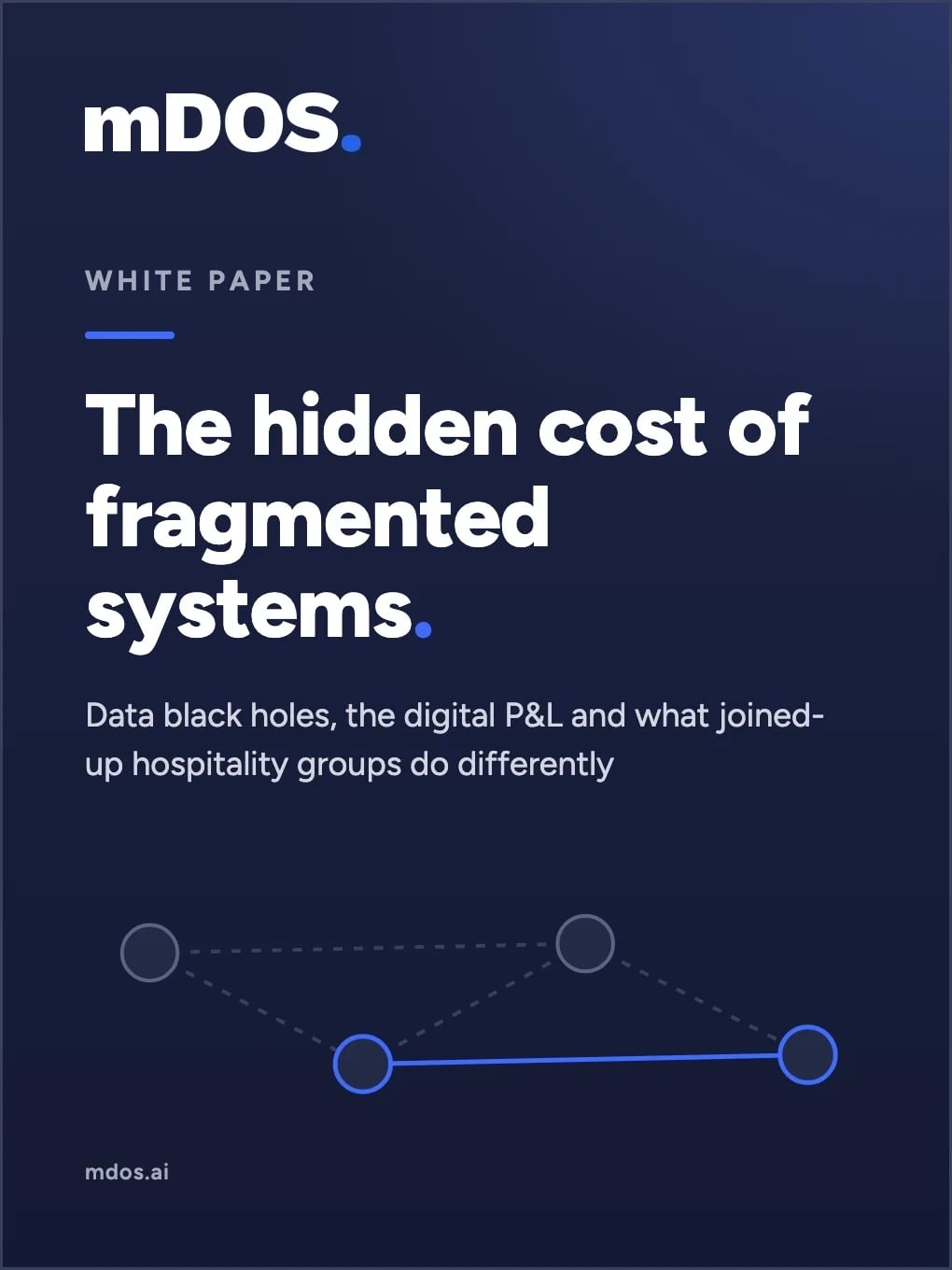
Where is your data leaking money?
When bookings, tills, marketing and reviews live in separate systems, the numbers never join up. This guide shows where the gaps hide in your P&L, and how to close them.
- The five data black holes in most hospitality groups
- How to build a digital P&L you can trust
- A checklist to find the gaps in your own business