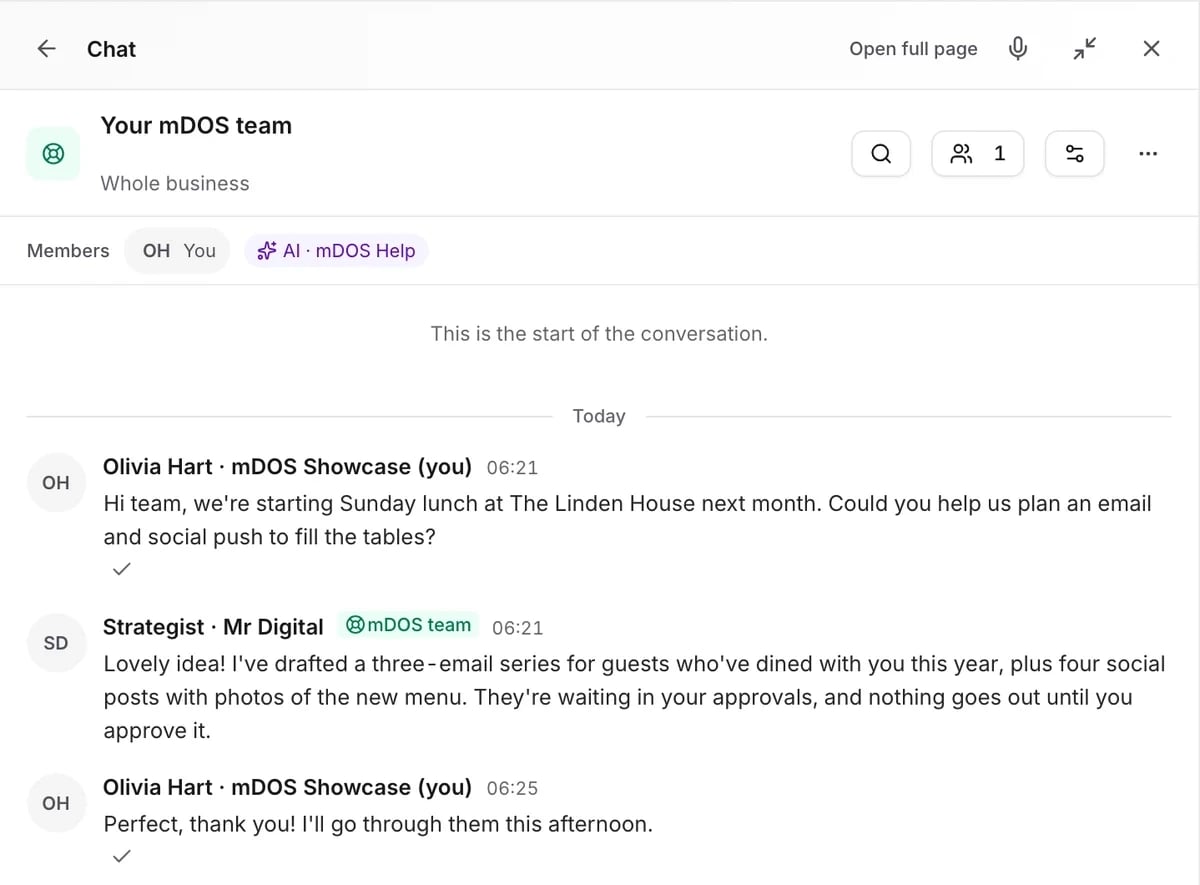
Every job, whoever is doing it
Find the right list, hand work on and keep projects moving.
Tabs that answer the question
My tasks, AI members and waiting on others, each one tab away.
- Filter by person, project, site or status
- Approvals waiting as tasks
- Repeat jobs in their own tab
Included with tasks & projects
One list of everything that needs doing.
Tabs that answer the question
My tasks, whole team, AI members, people, waiting on others and automated. Filter by person, project, site or status, and sort however suits you.
Hand work to anyone
Delegate a task to a colleague or to an AI teammate, and see their progress posted back to the task. You always know where it stands.
Approvals become tasks
Anything waiting for your approval shows up as a task with a button that opens it, and closes itself once decided. Your to-do list and your approvals are one list.
Waiting on others
Track what you’re waiting for from other people, so nothing falls through the gaps. Chase it with one tap instead of another email.
Projects with a plan
Each project holds its plan, briefs, meetings and documents, with an honest debrief at the end. Lessons learned are kept for next time.
Repeat jobs in one place
Routines and scheduled work have their own tab, so you can see what happens and when. Nothing repeats out of sight.
Every feature, in detail
Everything below comes with every plan, at one price per site, with no add-ons or per-user fees. Open each area underneath for the rest.
More features, by area
2 features
| Feature | Every plan |
|---|---|
| Hand a task to an AI teammate | ✓ Included Beta |
| AI teammates post their progress as tasks | ✓ Included Beta |
12 features
| Feature | Every plan |
|---|---|
| Proactive cards that spot what needs doing across the business | ✓ Included Beta |
| Suggestions tuned to what you act on and what you dismiss | ✓ Included Beta |
| A quick “got it” to acknowledge an update | ✓ Included |
| Turn a task into a project in one click | ✓ Included |
| The history of every recurring task, in plain English | ✓ Included |
| Project briefs with a read-only share link | ✓ Included |
| See what changed between two versions of a brief | ✓ Included |
| Share a project plan with a client, ready to present | ✓ Included |
| A project brief scoped by every AI specialist at once | ✓ Included Beta |
| A formal handover when the AI team passes work back to a person | ✓ Included Beta |
| Bring the AI team into a project in one click | ✓ Included Beta |
| Clients sign off a brief from a no-login link | ✓ Included |
2 features
| Feature | Every plan |
|---|---|
| A limit on how many suggestions each person sees | ✓ Included Beta |
| Your own workflow stages for each kind of task | ✓ Included |
2 features
| Feature | Every plan |
|---|---|
| Overlapping suggestions bundled, so you’re not flooded | ✓ Included Beta |
| Edit or close many tasks at once | ✓ Included |
5 features
| Feature | Every plan |
|---|---|
| Admins can see across everyone’s tasks for oversight | ✓ Included |
| A definition of done for every project | ✓ Included |
| A named person signs off each project | ✓ Included |
| An AI teammate can turn down work it shouldn’t do, with a reason | ✓ Included Beta |
| A full trace of everything that happened on a project | ✓ Included |
Make it yours. Let it do the legwork.
Shape it to how you work, and let it handle the routine for you.
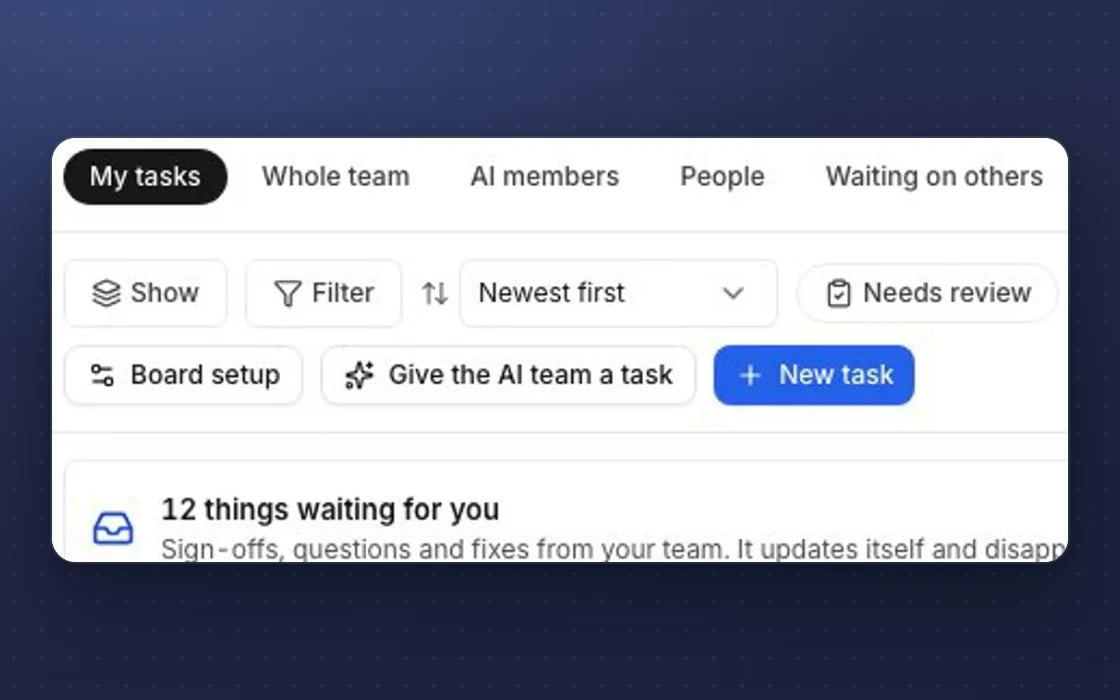
What each person sees
Choose for each person whether they see their own work, the AI team’s, chosen colleagues or everything.
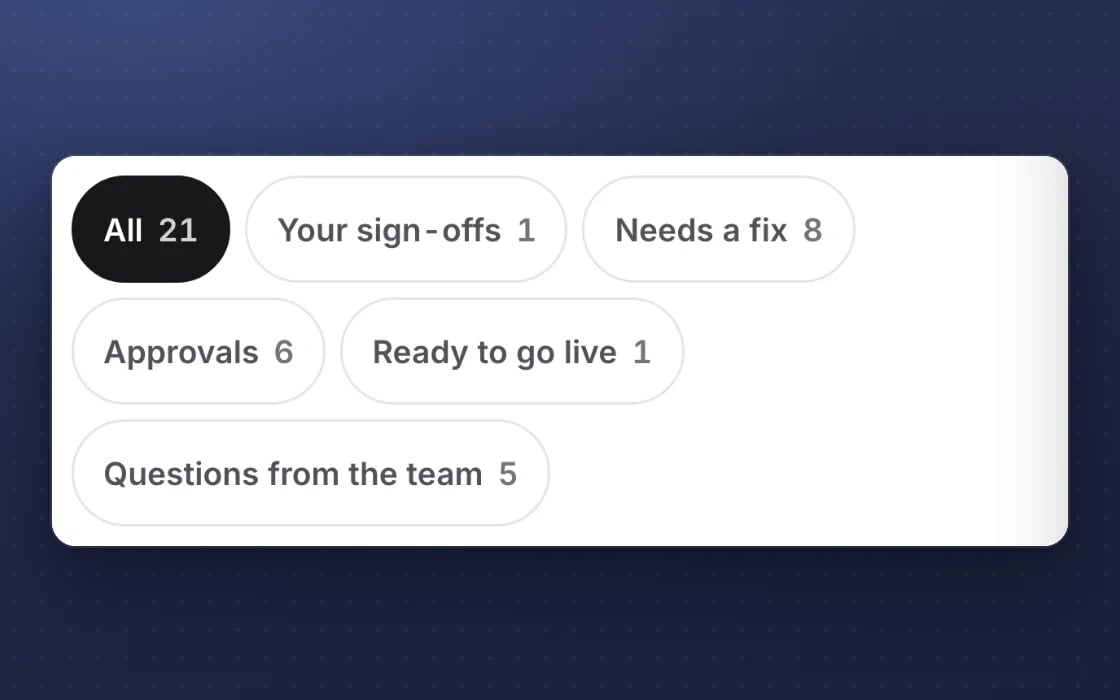
Approvals that close themselves
Approvals waiting for you appear as tasks and close when they’re decided.
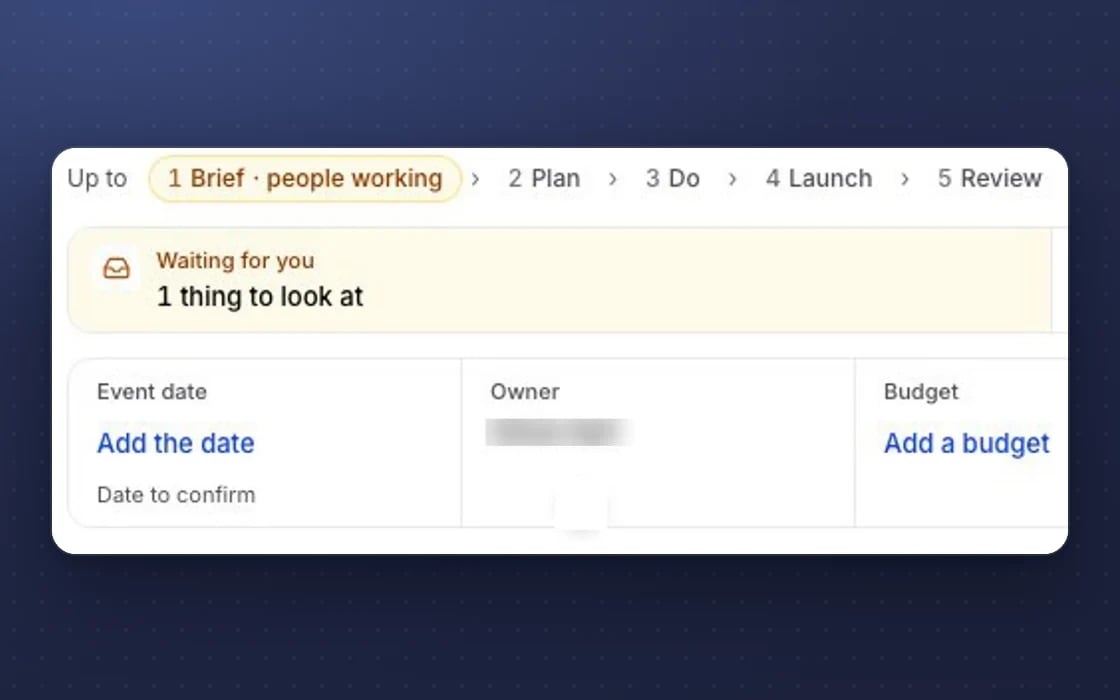
Projects that learn
Every project ends with a debrief, and the lessons are kept.
What it replaces
Your to-do list and your project tool, joined to the work.
Asana, Monday or Trello
A separate task tool with per-user pricing and no link to your bookings or campaigns. Here tasks come with every plan and sit next to the work they’re about.
Notion or Basecamp
Project plans kept apart from the work itself. Projects here hold the plan, the tasks and the debrief together.
Chasing by email
Asking who is doing what and whether it’s done, then asking again a week later. The board shows it, and late tasks are raised for you.
YOUR AI TEAM, ON TASKS
AI teammates who show their work
It works around the clock once you switch it on. Nothing goes out without your approval.
Owns and finishes tasks
AI teammates take on tasks, post their results and hand work back to a person when it needs one. Sam, the sales teammate, posts updates such as the prospects he has researched.
Chases overdue work
When a task goes overdue, it’s raised with its owner and a suggested next step. Nobody has to play chaser.
Turns briefs into plans
Give the AI team a brief and it drafts a project plan for you to check. At the end it writes the debrief and lessons learned.
Set up by real people, supported by AI. An mDOS Expert Partner sets up your board and first projects with you, and the AI team picks up the tasks you hand it.
Switch at your own pace
Start with one team’s tasks and add projects when you’re ready. Keep your current task tool while its contract runs out, bring your open work across, and we plan the switch with you. Nothing is switched off until you’re happy.
Three things no one else brings together
One board shows all three at work: your team, your AI agents and your partner experts, with every job in the same place.
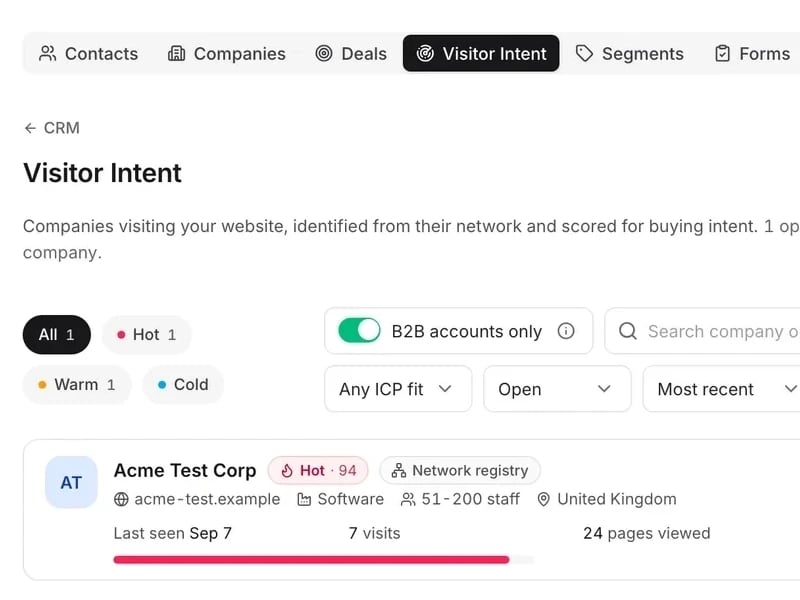
World-leading software
One board for tasks, projects, briefs and approvals, showing what’s done, what’s late and who’s waiting.
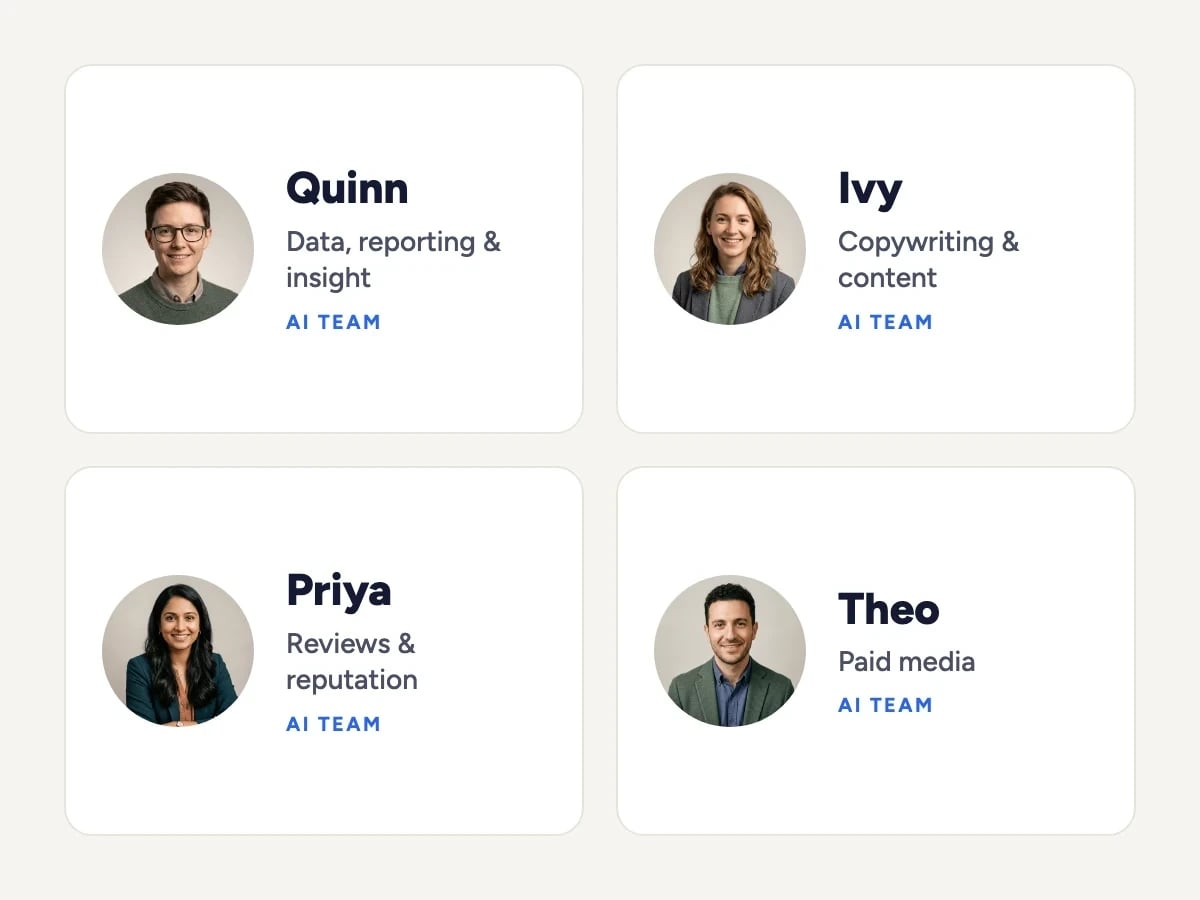
Tireless AI agents
AI agents take on tasks, post their results and hand work back when it needs a person. They chase overdue work and turn a brief into a project plan.

Real experts driving it
An mDOS Expert Partner sets up your board and first projects with you, and partner marketers plan the work with you.
Support from a real marketing team
mDOS is built and operated by MDOS AI LTD. When you message or phone us, real Marketing Experts answer, on every plan, led by our Founding Partner Agency, Mr Digital. Here are five ways we help you get results.
Chat with our marketing experts
Message us from any screen in mDOS. The people who answer are marketers from our partner agencies, not a call centre.
- Live chat on every plan, from the Chat button on every page, and you can phone us when you need to
- Answered by marketing experts from our partner agencies, the same people who run marketing for clients
- Ask about the software or your marketing: setup, campaigns and results
- AI support for quick answers whenever you need one
Included in every plan