Products › Switching & data migration
Switch to mDOS without losing a thing.
Move one area at a time, keep your current systems while contracts run out, and bring your customers, bookings and sales history with you, checked before anything is imported.
How a calm switch works
How we move you across, step by step.
One area at a time
Start where it will make the biggest difference, and add the rest when you’re ready.
- Pick a first area, such as bookings or customer records
- Go live on that area before touching the next
- Add more areas as each old contract ends
- Every product is already in your plan, so there’s nothing to upgrade
What every switch includes
Included in every plan. No extra charge for moving your data.
A guided import
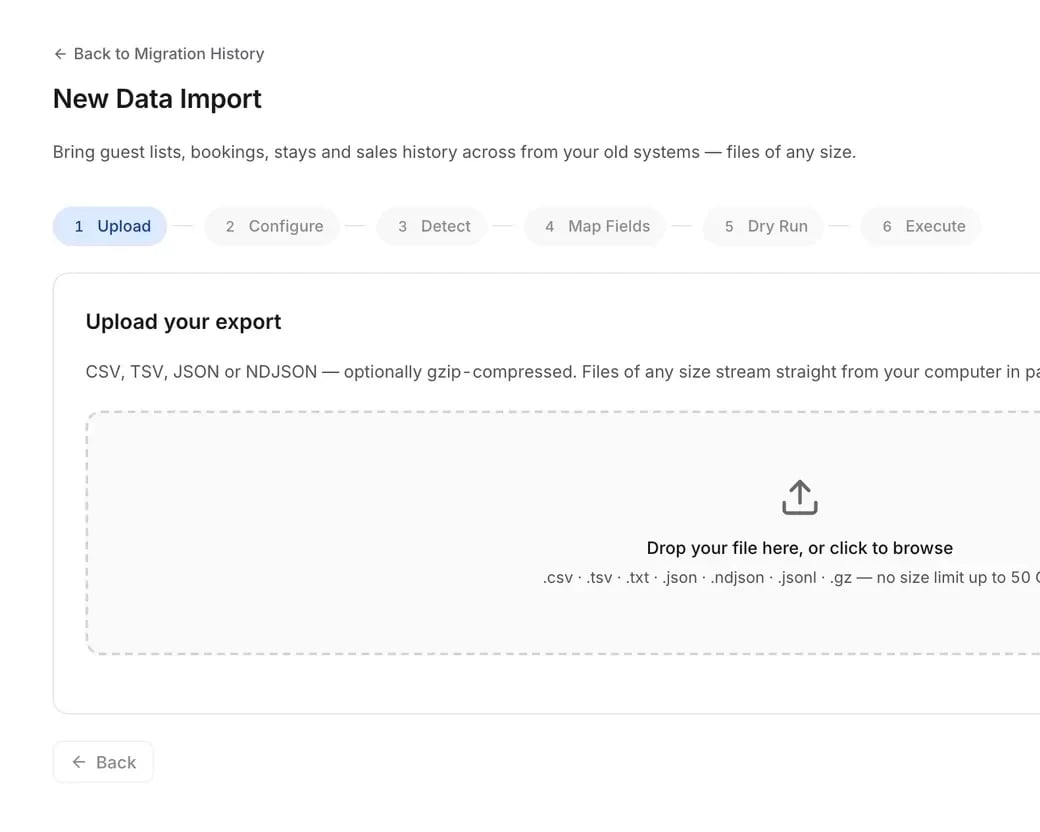
Upload, check, match your columns, test with a dry run, then import. Six clear steps, with nothing hidden.
Every row checked
The dry run uses the same checks as the real import, so the problems it finds are exactly the ones you fix.
Big files welcome
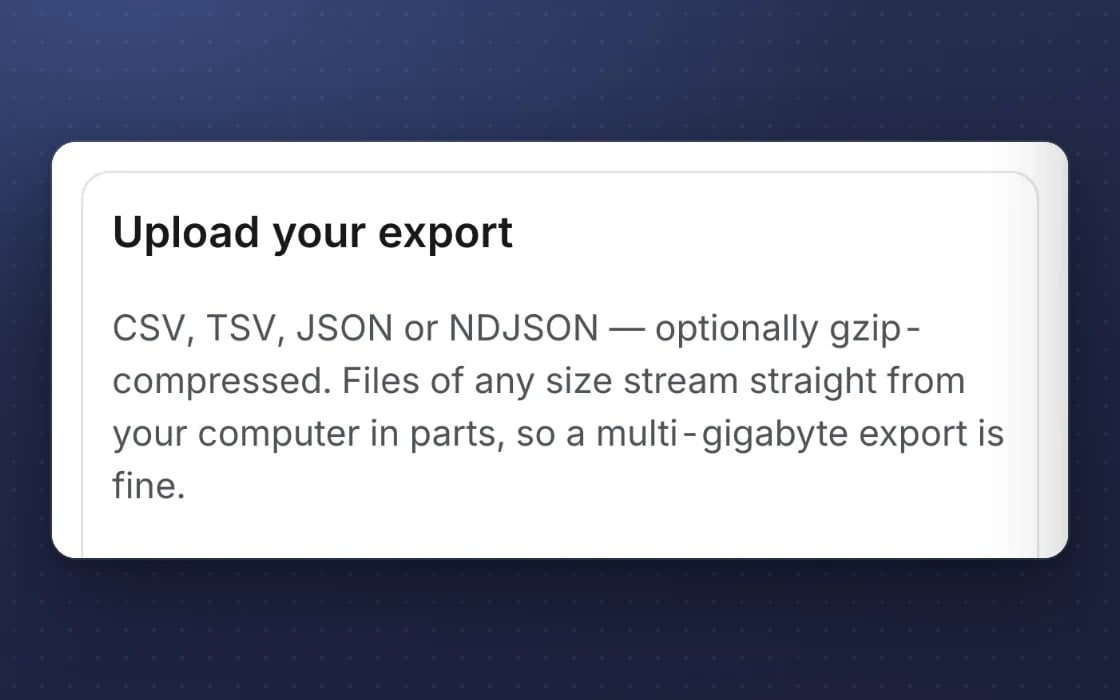
Years of history in one export is fine. Large files upload in parts and pick up where they left off.
An undo button
If an import isn’t right, roll it back and only what that import added is removed.
Old sales stay quiet
Imported sales land in your reports, without triggering loyalty points, stock changes or emails for visits long gone.
Kept private
Your files are stored in your own private folder, and only your company admins can run an import.
Every feature, in detail
Everything below comes with every plan, at one price per site, with no add-ons or per-user fees. Open each area underneath for the rest.
More features, by area
4 features
| Feature | Every plan |
|---|---|
| Guest records matched into one per person | ✓ Included |
| Old sales imported without awarding points, moving stock or sending emails | ✓ Included |
| An imported sale linked to the right customer by email | ✓ Included |
| Only your company admins can run an import | ✓ Included |
5 features
| Feature | Every plan |
|---|---|
| A plan board that moves each area from Today to Live | ✓ Included |
| The tools you keep, shown side by side with mDOS | ✓ Included |
| Your plan shared with your customer by a read-only link | ✓ Included |
| Ready-made plans for common switches | ✓ Included |
| Progress that updates itself as imports finish | ✓ Included |
6 features
| Feature | Every plan |
|---|---|
| References such as “which site” mapped during an import | ✓ Included |
| Live progress while an import runs | ✓ Included |
| Keep pulling from your old system every hour while you run both | ✓ Included |
| Pull straight from OpenTable, ResDiary, Toggle, Nutritics and Guestline | ✓ Included |
| Make mDOS look like the system your team already knows | ✓ Included |
| Import your team from a spreadsheet | ✓ Included |
1 feature
| Feature | Every plan |
|---|---|
| Ready-made mappings for Guestline, ResDiary, Lightspeed, HubSpot, Mailchimp and more | ✓ Included |
Make it yours. Let it do the legwork.
Shape it to how you work, and let it handle the routine for you.
Move what you choose
Bring across guests, bookings, stays, sales, orders and tickets, one area at a time.
A dry run first
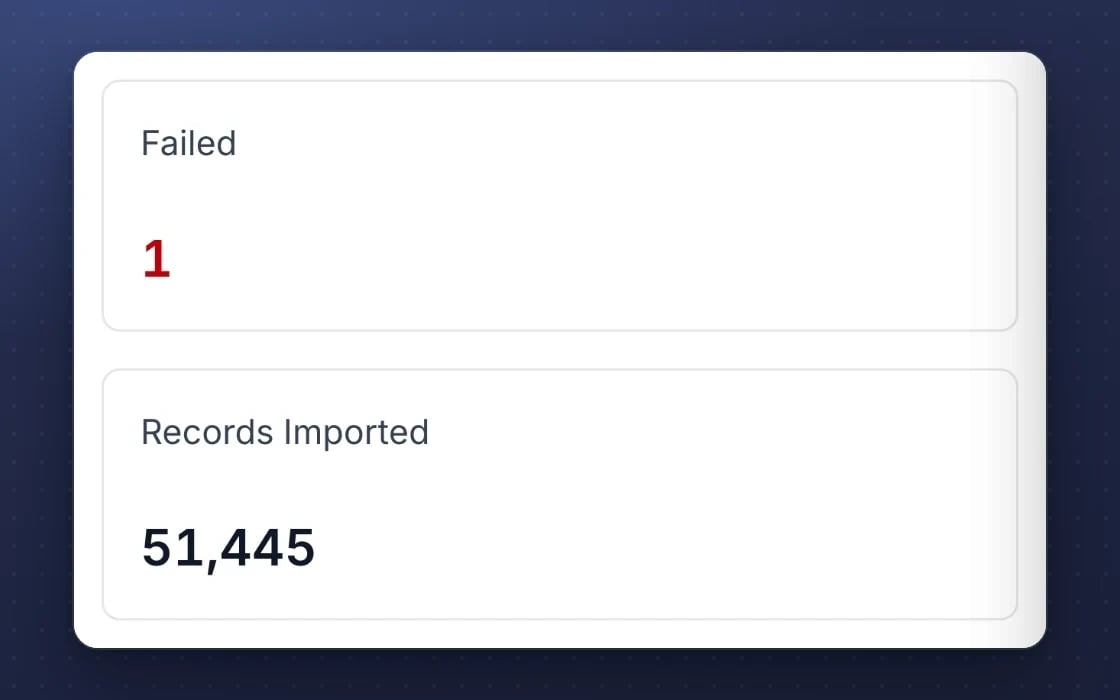
A dry run uses the same checks as the real import, and a finished import can be rolled back.
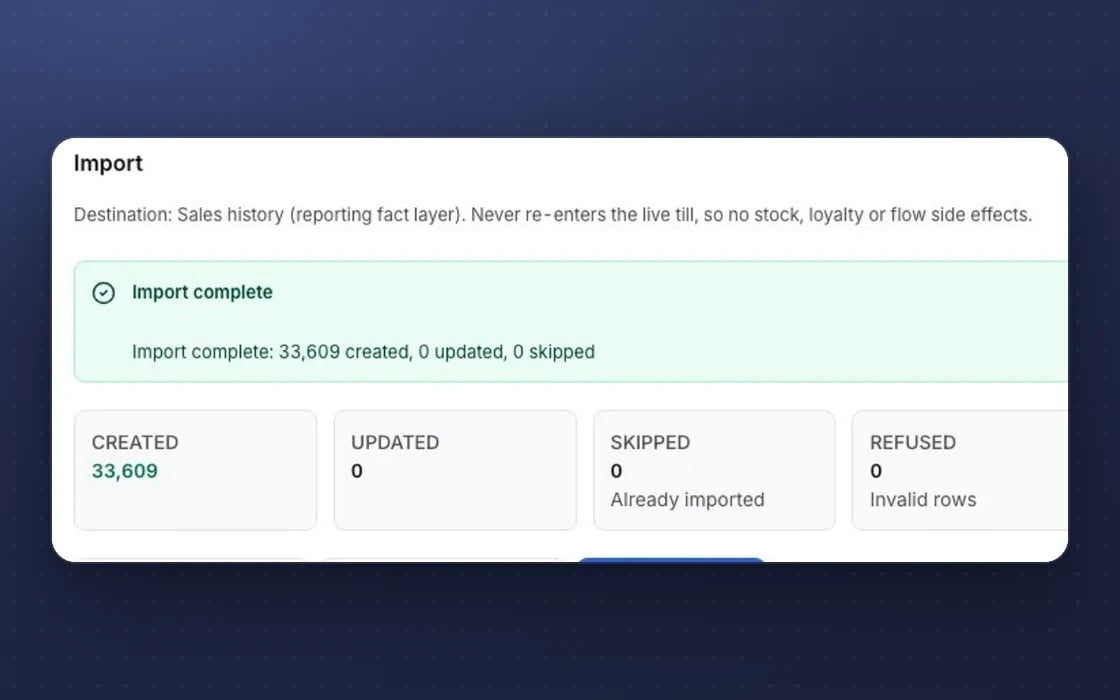
No side effects
Old sales come in without awarding points, moving stock or sending emails.
What it replaces
The usual ways of changing systems, and why this is calmer.
The big-bang weekend
No switching everything at once and hoping. Each area goes live on its own, while the rest keeps running.
Copying by hand
No retyping customers or bookings into a new system. Your exports come across, checked row by row.
Starting from scratch
No losing years of customer history and sales the day you switch. Your reports start with the numbers you already have.
Set up by real people, supported by AI. Our team plans your switch with you and helps move your data. Once you’re live, the AI team works around the clock once you switch it on, and nothing goes out without your approval.
Ready to plan your switch?
Tell us what you use today and when each contract ends. We’ll map the best place to start, move your history across and keep both running until you’re ready.
Three things no one else brings together
Switching is more than moving data. With mDOS you get the software, AI agents ready from day one and a team that plans the move with you.
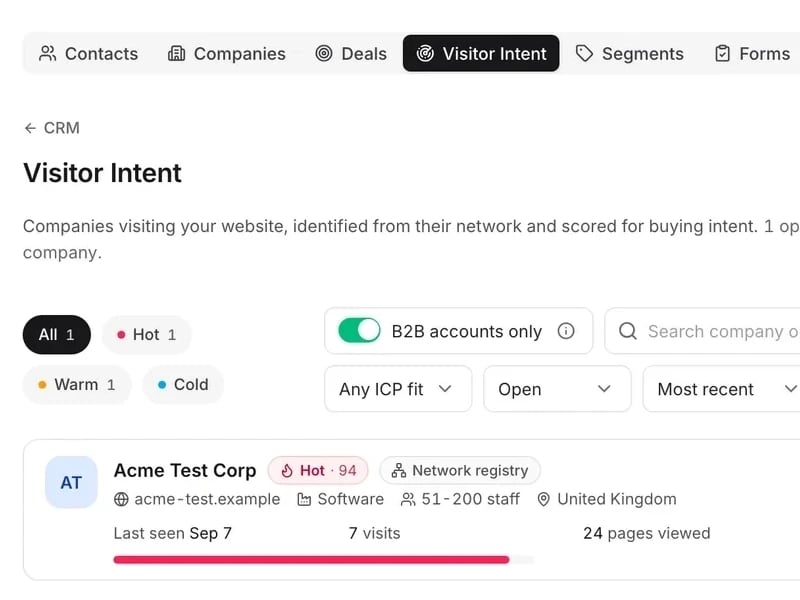
World-leading software
Move one area at a time and bring your customers, bookings and sales history with you, checked before anything is imported.
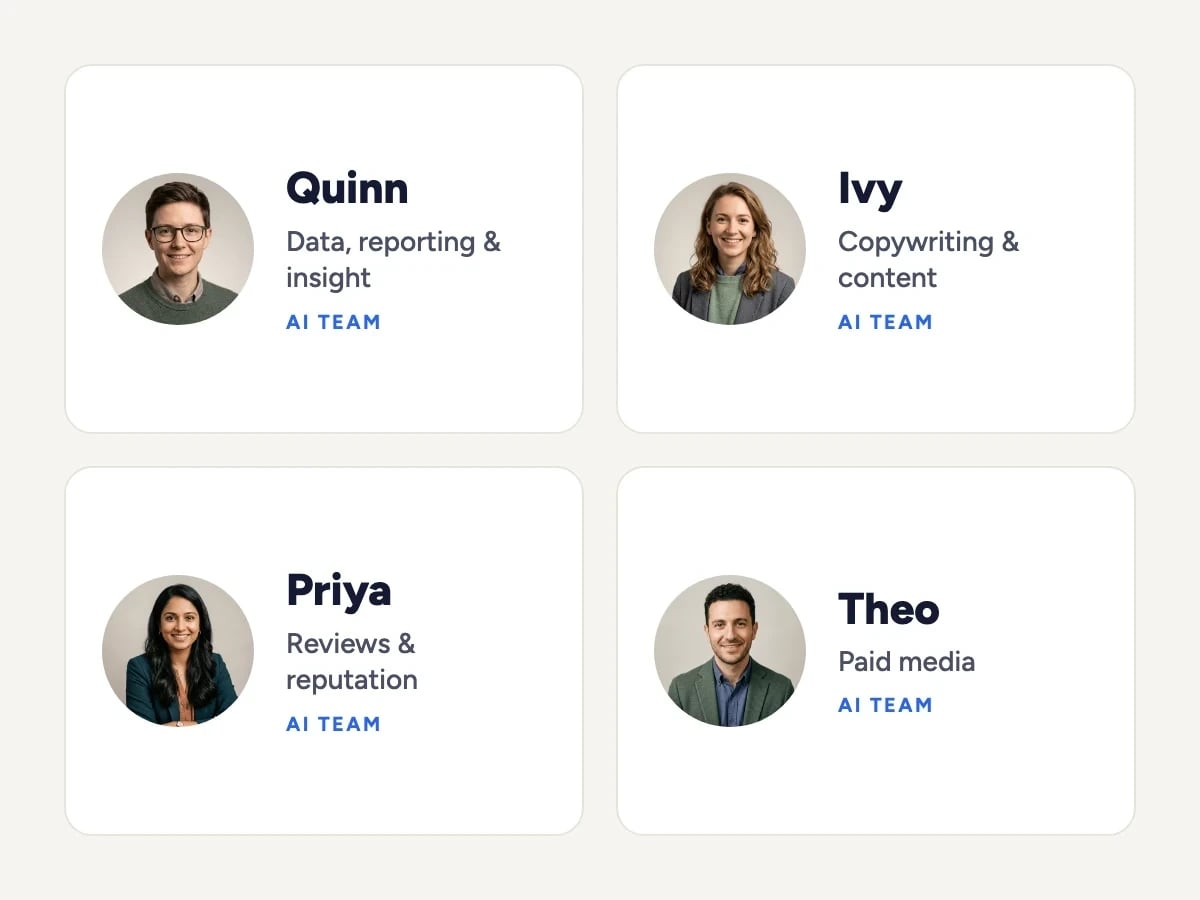
Tireless AI agents
Once you’re live and switch them on, AI agents start drafting, checking and reporting straight away, and nothing goes out without your approval.

Real experts driving it
Our team plans your switch with you and helps move your data, so you can keep your current systems while their contracts run out.
Support from a real marketing team
mDOS is built and operated by MDOS AI LTD. When you message or phone us, real Marketing Experts answer, on every plan, led by our Founding Partner Agency, Mr Digital. Here are five ways we help you get results.
Chat with our marketing experts
Message us from any screen in mDOS. The people who answer are marketers from our partner agencies, not a call centre.
- Live chat on every plan, from the Chat button on every page, and you can phone us when you need to
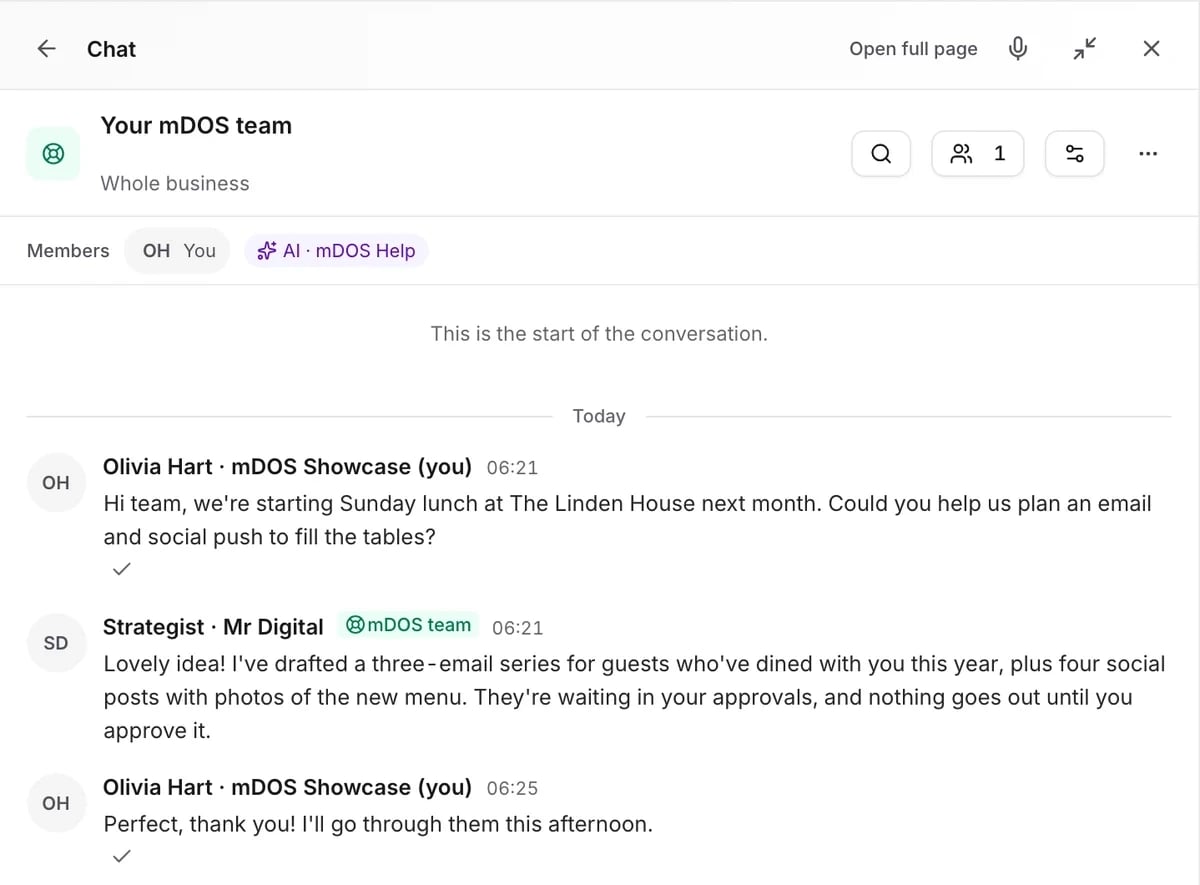
- Answered by marketing experts from our partner agencies, the same people who run marketing for clients
- Ask about the software or your marketing: setup, campaigns and results
- AI support for quick answers whenever you need one
Included in every plan