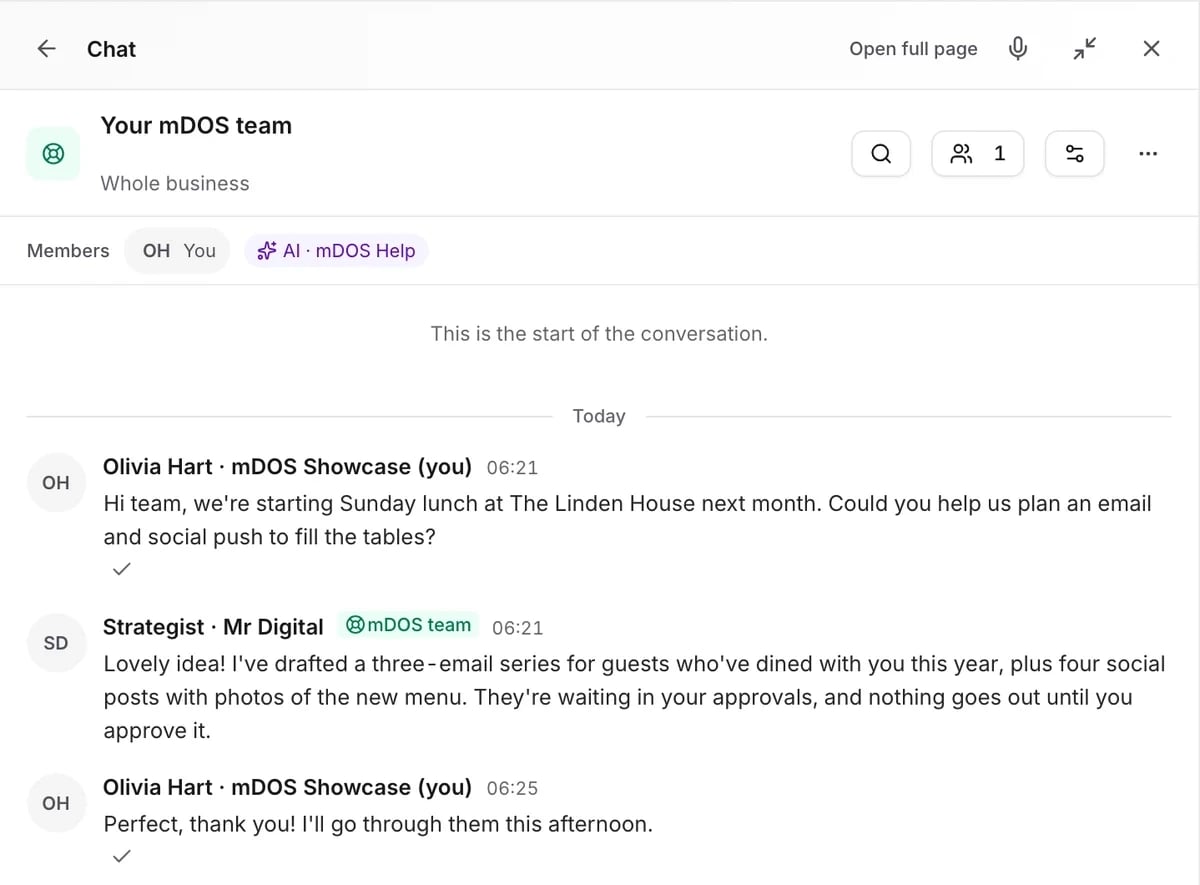
Show it once, check it, then trust it
Record a task, confirm the steps and watch a safe practice run.
Show it once
Record the task while you do it, talking it through as you would for a new starter.
- Record live or upload a recording
- Talk it through as you go
- Any routine back-office task
How it learns a job
From one demonstration to a skill you can trust, in six steps.
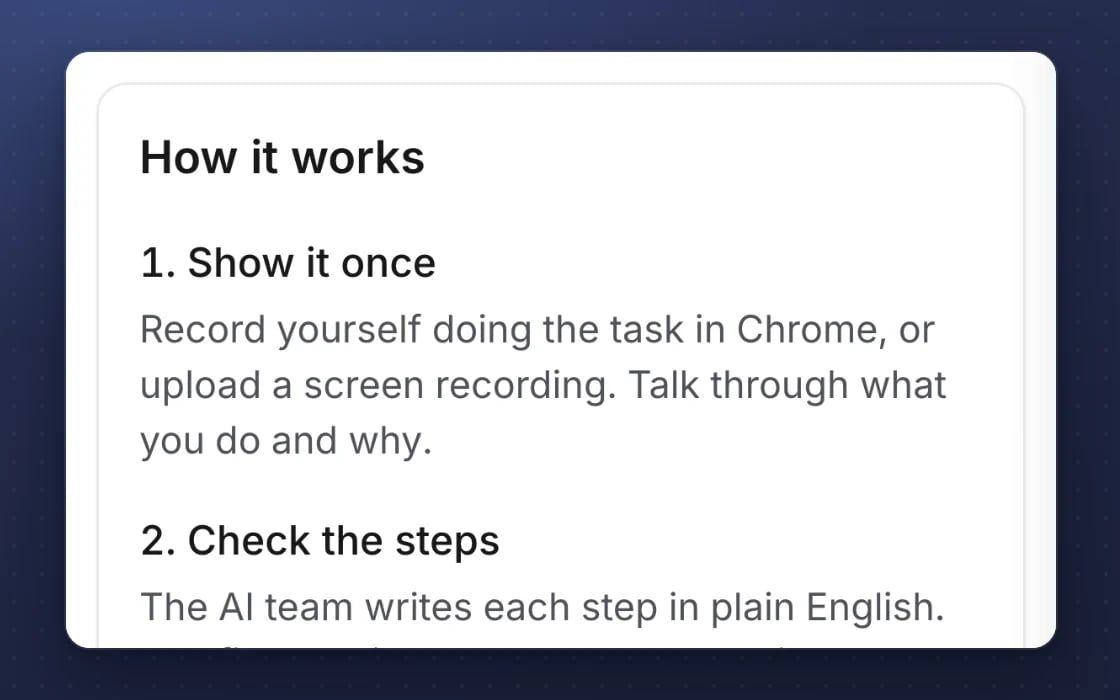
Show it once
Record the task while you do it, or upload a recording you already have. Talk it through as you go, just as you would for a new starter.
It learns the steps
The AI turns your recording into a step-by-step skill and asks about anything that’s unclear. It doesn’t guess at steps it didn’t see.
You confirm each step
Read the steps in plain English, edit anything that’s wrong and approve the skill before it’s ever used.
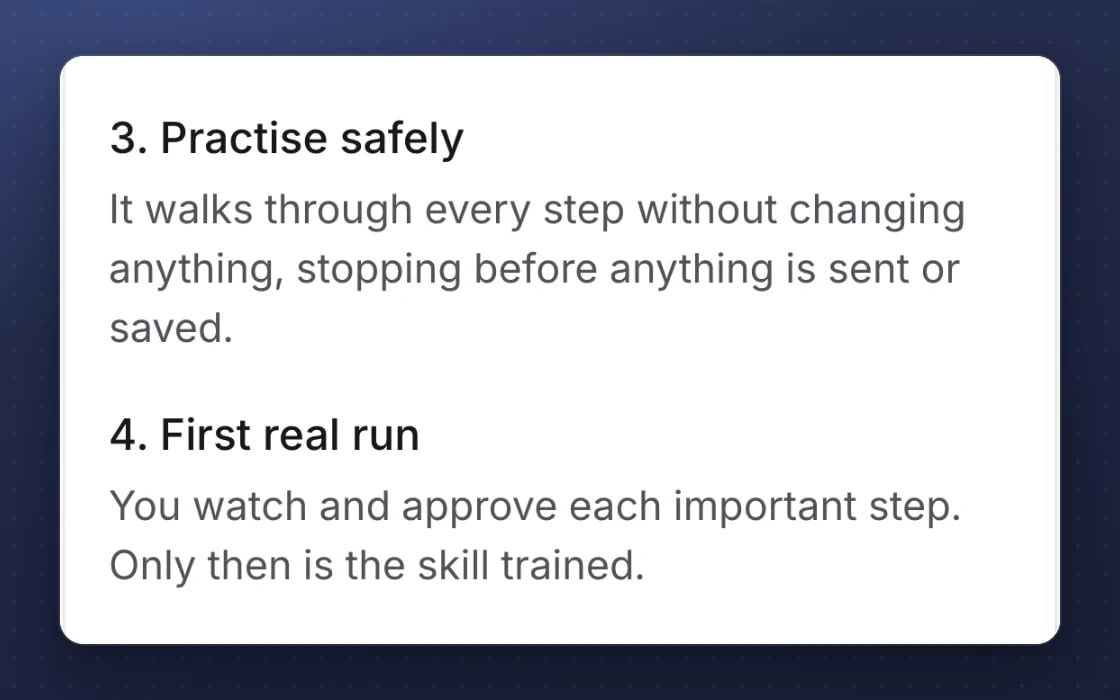
A safe practice run
It does a dry run that stops before the first step that can’t be undone, so you can check its work before anything real happens.
A supervised first run
On its first real run, a person approves every step that reaches outside mDOS. You watch it work and step in if anything looks wrong.
Then it’s trained
Once proven, the skill joins the AI teammate’s toolkit, ready whenever you need the job done. You can see every run it has made.
Every feature, in detail
Everything below comes with every plan, at one price per site, with no add-ons or per-user fees. Open each area underneath for the rest. Beta means it works today and an mDOS Expert Partner sets it up with you.
More features, by area
4 features
| Feature | Every plan |
|---|---|
| AI teammates browse the web in a safe, controlled session | ✓ Included Beta |
| A coaching brief before a skill’s first supervised run | ✓ Included Beta |
| A board of every skill the AI team has learned | ✓ Included Beta |
| Record a task in your own browser with the mDOS Recorder extension | ✓ Included Beta |
1 feature
| Feature | Every plan |
|---|---|
| Choose which websites the AI may visit | ✓ Included Beta |
1 feature
| Feature | Every plan |
|---|---|
| Learned skills run in a sandboxed browser with an allow-list | ✓ Included Beta |
1 feature
| Feature | Every plan |
|---|---|
| A spending meter and cap on AI browsing | ✓ Included Beta |
Make it yours. Let it do the legwork.
Shape it to how you work, and let it handle the routine for you.
Your way of doing it
Record the task your way and confirm, edit and approve each step it writes down.
Practice before it’s live
A practice run stops before anything can’t be undone, then a supervised first run before it joins the skills.
Private by default
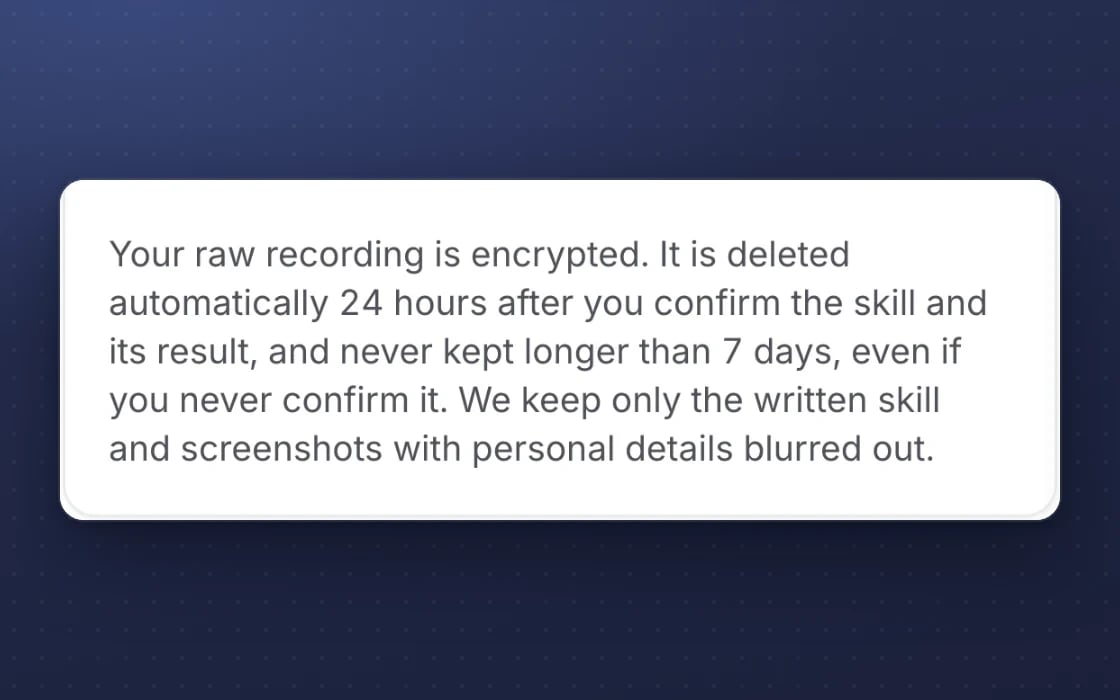
Passwords and payment details are hidden, and raw recordings are deleted within 7 days.
What it replaces
Less time spent explaining the same job twice.
Training a new starter
Hours spent showing someone a process, then checking their work for weeks. Show it once and the AI writes the steps down for you, then proves it has learned them.
Scribe or Tango
Tools that record how-to guides that people still have to follow by hand. Here the guide becomes a skill your AI team can use, with you approving the steps that matter.
Automation projects
Automation with tools like UiPath that needs developers and a long set-up. Teach by showing needs a recording, your answers to a few questions and your sign-off.
SAFE BY DESIGN
You stay in charge of every skill
It works around the clock once you switch it on. Nothing goes out without your approval.
Flags steps that can’t be undone
Steps such as sending, paying or deleting are marked, and the AI stops for your approval before each one.
Proves itself first
No skill is used until it has passed a dry run and a supervised live run. Trust is earned, not assumed.
Kept inside your business
Your recordings and skills stay within your own account and are never used for anyone else’s business.
Set up by real people, supported by AI. An mDOS Expert Partner helps you pick the first jobs worth teaching and talks you through your first recording, and the AI team learns them under your supervision.
Switch at your own pace
Start by teaching one weekly job, such as a report you pull by hand, and add more as trust grows. Keep the tools you use today while their contracts run out, we move your history across, and we plan the switch with you.
Three things no one else brings together
Teach by showing turns your own know-how into work your AI agents can do, with our team helping you choose what to teach. It’s in Beta.
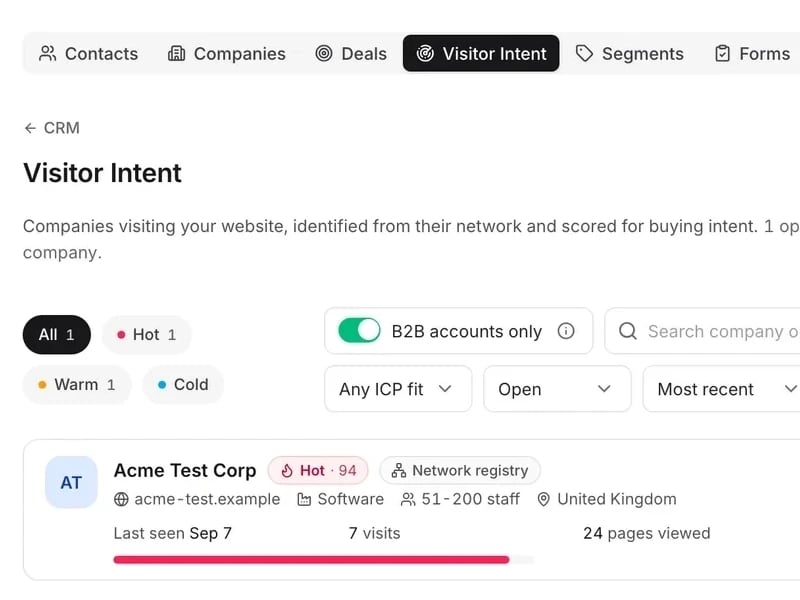
World-leading software
Record a task you do every week and the steps are saved as a skill inside your own account, never used for anyone else’s business.
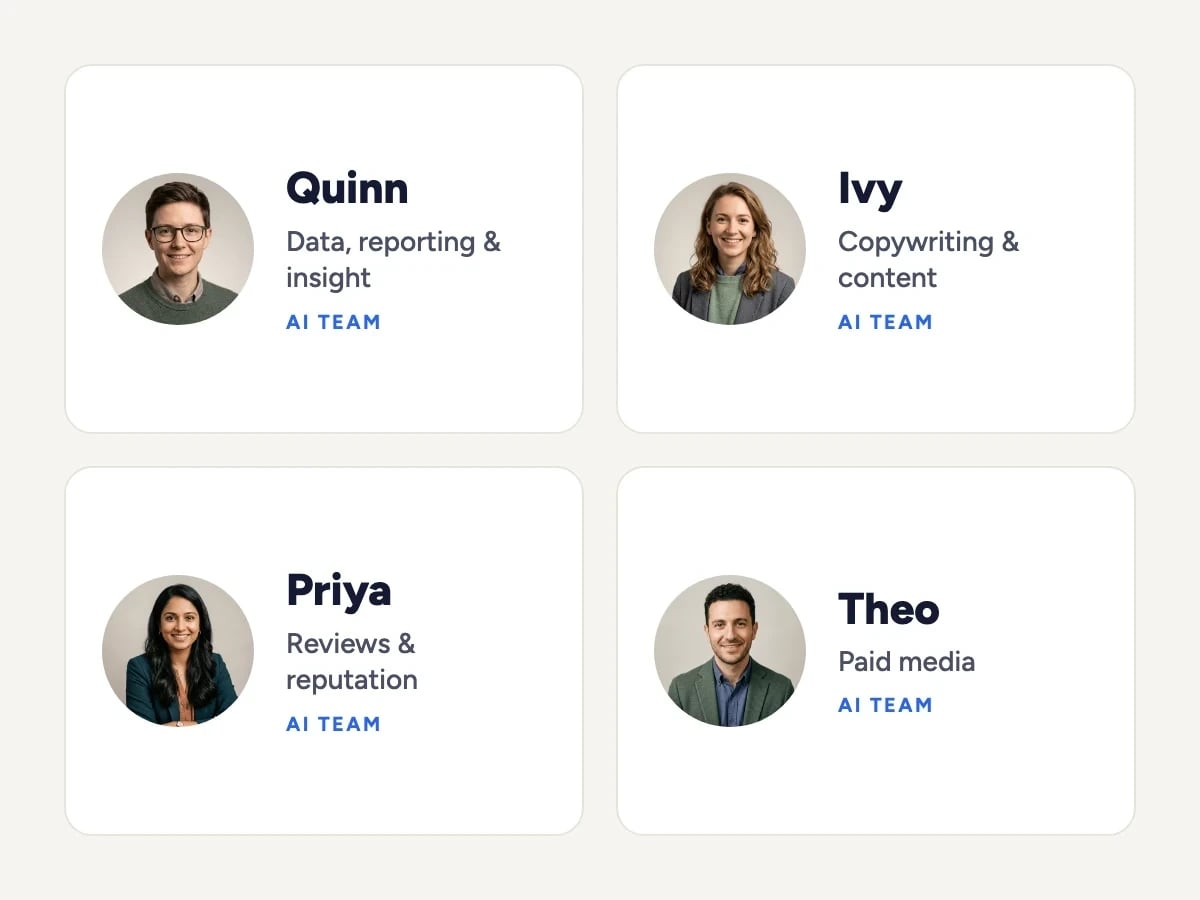
Tireless AI agents
AI agents learn the steps, check them with you and prove themselves in a dry run and a supervised live run, stopping for your approval before anything final.

Real experts driving it
An mDOS Expert Partner helps you pick the first jobs worth teaching and talks you through your first recording.
Support from a real marketing team
mDOS is built and operated by MDOS AI LTD. When you message or phone us, real Marketing Experts answer, on every plan, led by our Founding Partner Agency, Mr Digital. Here are five ways we help you get results.
Chat with our marketing experts
Message us from any screen in mDOS. The people who answer are marketers from our partner agencies, not a call centre.
- Live chat on every plan, from the Chat button on every page, and you can phone us when you need to
- Answered by marketing experts from our partner agencies, the same people who run marketing for clients
- Ask about the software or your marketing: setup, campaigns and results
- AI support for quick answers whenever you need one
Included in every plan