Products › Stock & suppliers · BETA
Know what’s in stock and what it costs.
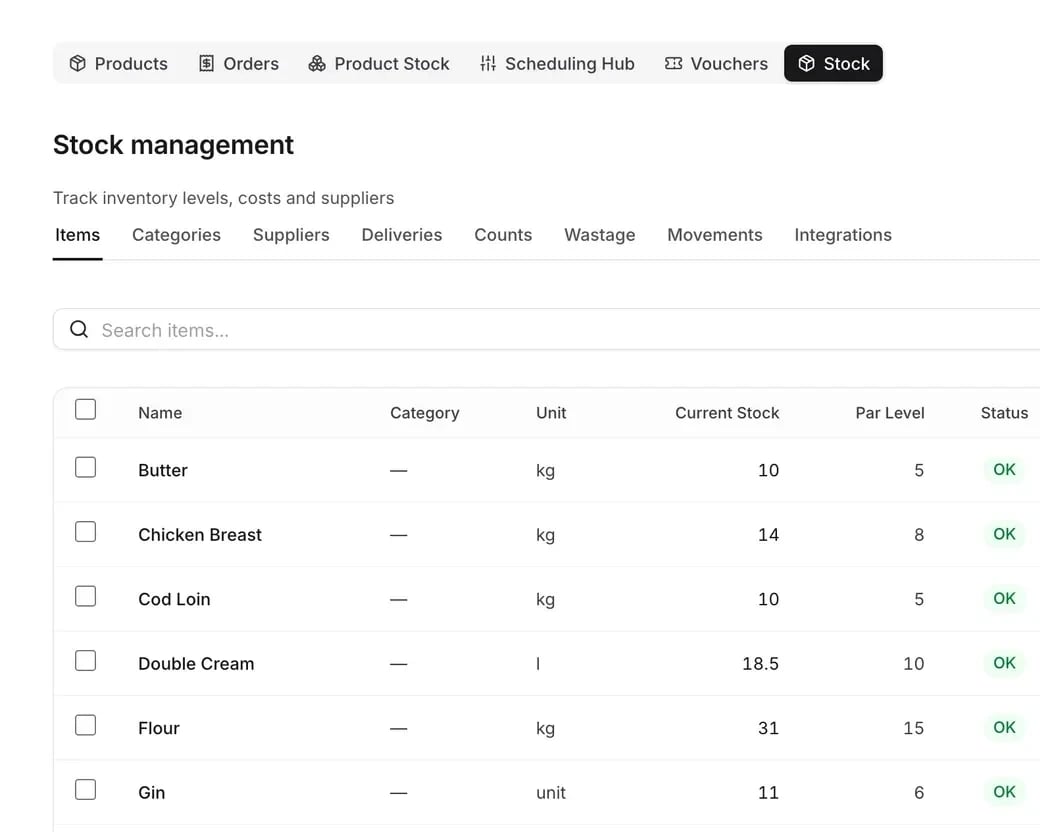
Stock items, counts, wastage and deliveries in one place, with supplier prices that keep your recipe costs and gross profit up to date. No separate stock system to feed, and stock is in Beta.
Count it, receive it, account for it
Stock takes, deliveries and wastage, with the money attached.
Stock takes with variance
Count by category on a tablet and see the difference valued in money.
- Expected against counted
- The variance valued in money
- Stock updated when the count is complete
Included with stock & suppliers
Counts, costs and suppliers that match your menu.
Stock takes with variance
Count by category on a tablet and see expected against counted, with the difference valued in money. Completing the count updates your stock.
Wastage with reasons
Log what was thrown away and why, from out-of-date stock to spillages. You can see where money is leaking and do something about it.
Deliveries in, costs updated
Receive deliveries from your suppliers and check them in against what arrived. The last price paid becomes the cost of each item.
A supplier directory
Contacts, payment terms, delivery days and minimum orders for every supplier. Import the whole list from a spreadsheet in one go, rather than typing each one.
Linked to your recipes
Recipe costs and gross profit use your real stock prices, so a supplier price rise shows up in your margins. Items can show as unavailable when you run out.
Every movement traced
Each delivery, count adjustment and wastage entry is logged as a stock movement. When a number looks wrong, you can see exactly why it changed.
Every feature, in detail
Everything below comes with every plan, at one price per site, with no add-ons or per-user fees. Open each area underneath for the rest. Beta means it works today and an mDOS Expert Partner sets it up with you.
More features, by area
2 features
| Feature | Every plan |
|---|---|
| Menu items linked to stock, so recipes use real costs | ✓ Included Beta |
| Items to take off the menu flagged when stock runs low | ✓ Included Beta |
6 features
| Feature | Every plan |
|---|---|
| Every stock movement in, out and between sites recorded | ✓ Included Beta |
| Manual adjustments with a reason | ✓ Included Beta |
| Purchase units converted to recipe units for you | ✓ Included Beta |
| Supplier price lists imported to update your costs | ✓ Included Beta |
| Direct supplier connections listed as they arrive | ✓ Included Beta |
| Edit many stock items at once | ✓ Included Beta |
1 feature
| Feature | Every plan |
|---|---|
| Stock categories you manage | ✓ Included Beta |
1 feature
| Feature | Every plan |
|---|---|
| Items marked sold out the moment stock runs out | ✓ Included Beta |
1 feature
| Feature | Every plan |
|---|---|
| Stock held when an order is placed, so two tills can’t sell the last one | ✓ Included Beta |
Make it yours. Let it do the legwork.
Shape it to how you work, and let it handle the routine for you.
A master item or one per site
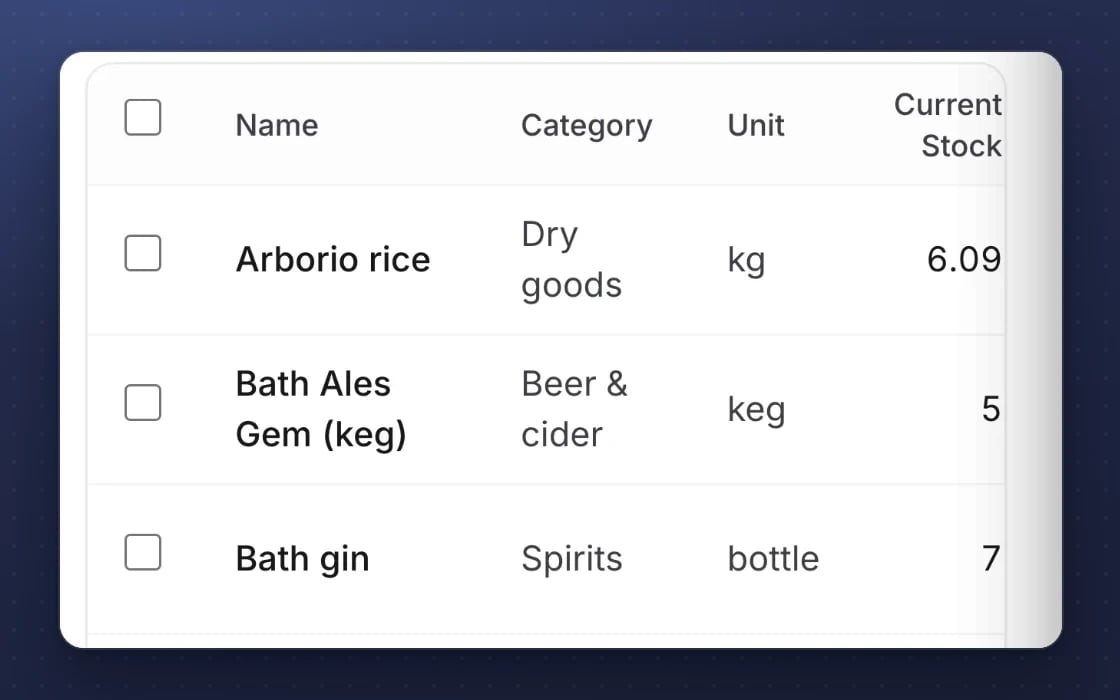
Keep a master item for the group or a separate one for each site, with delivery days for each supplier.
Stock taken off as you sell
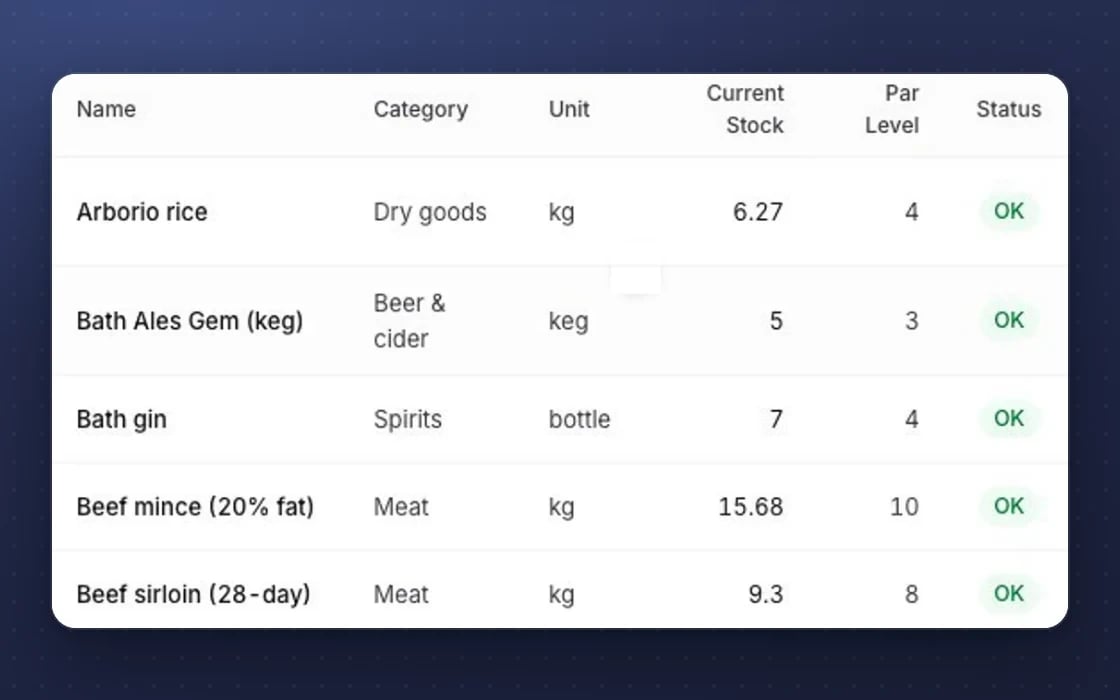
Stock comes off automatically when items sell, and low stock is flagged.
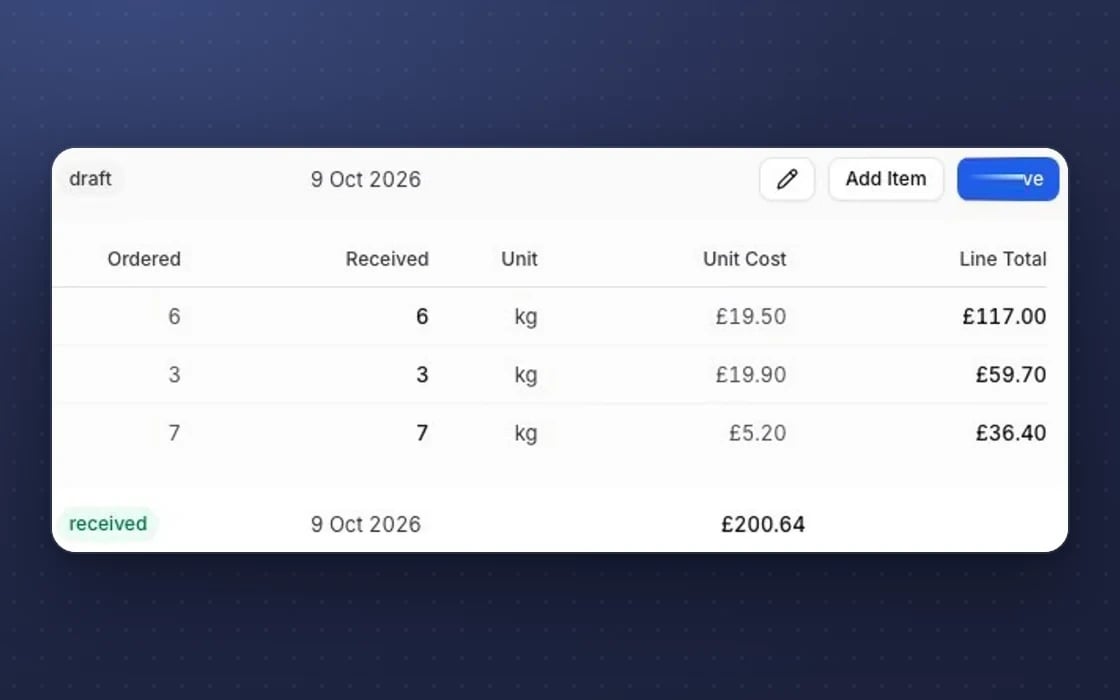
Real costs in recipes
Menu items are linked to stock, so recipes use real costs.
What it replaces
One set of items for your stock, recipes and menus.
Nory, Apicbase or Kitchen CUT
A separate stock and recipe system with its own subscription and its own copy of your menu. Here stock, recipes and menus share one set of items.
Procure Wizard or MarketMan
A separate tool for supplier prices and deliveries, with its own log-ins and its own item list. Supplier costs and deliveries are recorded where your recipes can use them.
Clipboards and spreadsheets
Counts on paper, typed up later, and costs that are months out of date. Counts happen on a tablet and costs update when prices change.
YOUR AI TEAM, ON STOCK
It warns you before you run out
It works around the clock once you switch it on. Nothing goes out without your approval.
Stock risk watch
Each day it checks for items that will run out within the cover you set, allowing for what’s already on order. You hear about it before the kitchen does.
Ready for the shift
Stock risks are included in the briefing your managers get, so they start the day knowing what’s short and what to swap or push.
A monthly look back
Busy and quiet days, sites under pressure and what to plan for next month, written in plain English for your managers.
Set up by real people, supported by AI. An mDOS Expert Partner sets up your items, suppliers and first stock take with you, and the AI team watches stock levels once you switch it on.
Switch at your own pace
Start with one site’s stock and add the rest when you’re ready. Keep your current stock system while its contract runs out, we move your items and suppliers across, and we plan the switch with you.
Three things no one else brings together
Stock counts are only the start. mDOS adds AI agents that warn you before you run out, and a team that sets it up with you. Stock is in Beta.
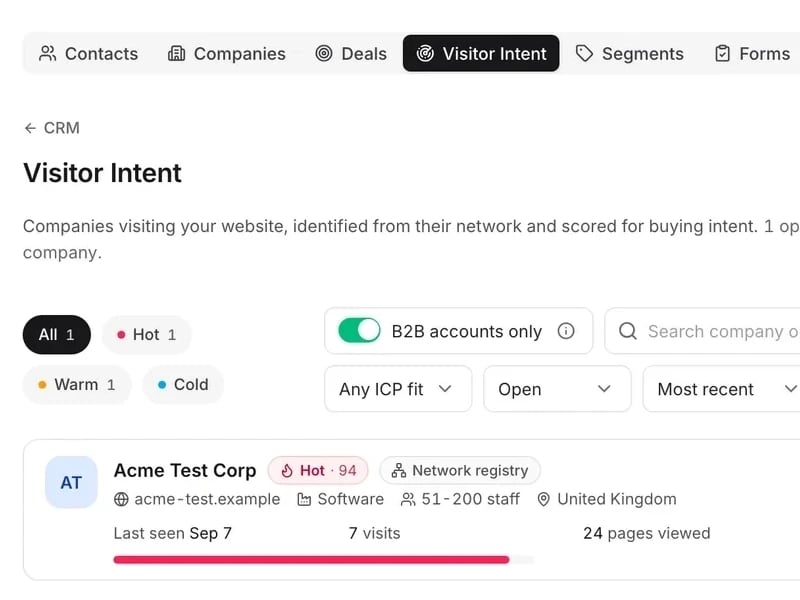
World-leading software
Stock items, counts, wastage and deliveries in one place, with supplier prices that keep your recipe costs and gross profit up to date.

Tireless AI agents
AI agents check each day for items that will run out, put stock risks in your managers’ briefing and write a monthly look back in plain English.

Real experts driving it
An mDOS Expert Partner sets up your items, suppliers and first stock take with you, and is a call away when something doesn’t add up.
Keep the tools that work for you. Replace the ones that don't.
Already using a till, a payment provider or booking sites you like? mDOS works alongside them, or takes over when you’re ready.
Support from a real marketing team
mDOS is built and operated by MDOS AI LTD. When you message or phone us, real Marketing Experts answer, on every plan, led by our Founding Partner Agency, Mr Digital. Here are five ways we help you get results.
Chat with our marketing experts
Message us from any screen in mDOS. The people who answer are marketers from our partner agencies, not a call centre.
- Live chat on every plan, from the Chat button on every page, and you can phone us when you need to
- Answered by marketing experts from our partner agencies, the same people who run marketing for clients
- Ask about the software or your marketing: setup, campaigns and results
- AI support for quick answers whenever you need one
Included in every plan