
Skip to content
Log in
mDOS home

Products › Booking systems

Let customers book you directly. Whatever you take bookings for.

Tables, rooms, appointments, meetings or events, booked on your own website, with no per-booking fees and every booking saved to the customer's record.

One booking system, five ways to use it

Choose what you take bookings for.

Table booking

Fill your tables without paying per cover.

  • A floor plan that seats people in the best spots
  • Waitlist and walk-ins in the same view
  • Pre-orders and deposits for big groups
  • Allergies and occasions noted on every booking
  • Charge to room for hotel guests

Compare us with: OpenTable · ResDiary · SevenRooms

Included with every booking system

No add-ons, no per-booking fees.

Deposits and no-show protection

Take a deposit or card details when people book, so empty slots cost you less.

Reminders by email and text

Confirmations and reminders go out automatically, in your branding.

Book from your own website

A booking button that matches your site, plus links for social media and emails.

Every booking in the customer record

See their history, preferences and spend before they arrive.

Customers manage their own bookings

Change, cancel or add extras without calling you. Hotel and restaurant guests also see their bookings in the mDOS Guest appAwaiting App Store Approval.

Reports you can act on

Busy times, quiet days, no-shows and where bookings come from.

Every feature, in detail

Everything below comes with every plan, at one price per site, with no add-ons or per-user fees. Open each area underneath for the rest.

Every plan
What sets it apart
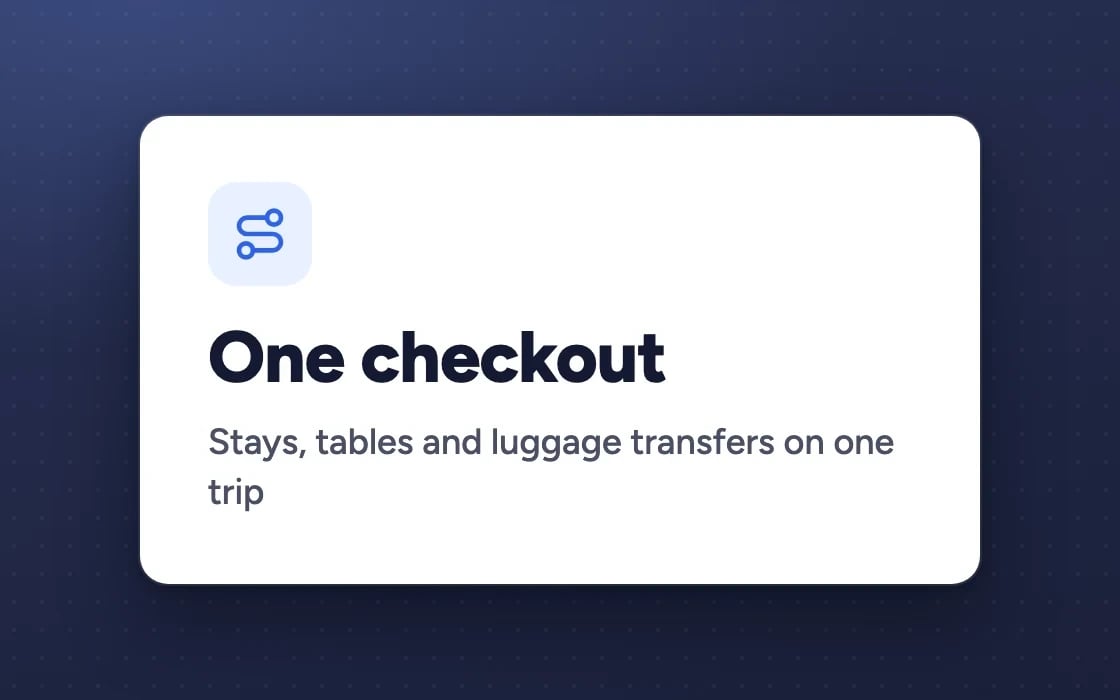
Plan a multi-stop trip, with stays, tables and luggage transfers, in one checkout✓ Included in every plan
Each booking keeps the deposit and cancellation terms the guest agreed to✓ Included in every plan
One booking widget for a site, a group of sites, a brand or the whole company✓ Included in every plan
Staff bookings checked against live availability, with a recorded override✓ Included in every plan
A widget colour that follows your brand colour by itself✓ Included in every plan
What people can book
Tables, with a live floor plan for your team✓ Included in every plan
Rooms, booked straight from your website✓ Included in every plan
Appointments with services, staff and resources✓ Included in every plan

More features, by area

3 features

FeatureEvery plan
Weekly classes with set places✓ Included
Meeting links with Google Meet or Microsoft Teams✓ Included
Event tickets✓ Included

3 features

FeatureEvery plan
One booking button for every type, in your colours✓ Included
Booking links for social posts, emails and QR codes✓ Included
Extras and add-ons when people book✓ Included

5 features

FeatureEvery plan
Deposits set by rules you choose✓ Included
Hold card details and charge only if they don’t turn up✓ Included
Cancellation terms with refund tiers✓ Included
A waitlist that offers the place when one frees up✓ Included
Reminders 24 hours and 2 hours before, once you switch them on✓ Included

3 features

FeatureEvery plan
Every reservation and order in one list, with a calendar view✓ Included
Drag a booking to move it in the calendar✓ Included
Update many bookings at once✓ Included

11 features

FeatureEvery plan
A portal where a group’s organiser manages their block✓ Included
Large-party rules: set menus, minimum spend, table-hold times and deposits✓ Included
Pre-order links for each guest in a big party, feeding a kitchen prep sheet✓ Included
A pre-shift briefing of covers, VIPs, allergies and occasions✓ Included
A run sheet for the day: arrivals, tables and notes✓ Included
Tables that join together for bigger parties✓ Included
The best table suggested for each booking✓ Included
Birthdays and anniversaries flagged, with a prompt for your team to mark them✓ Included
Update or message many bookings at once✓ Included
Export your bookings as a spreadsheet✓ Included
Corporate accounts with agreed rates, named bookers and monthly invoices✓ Included

1 feature

FeatureEvery plan
Your own booking sources, beside the four built in✓ Included

2 features

FeatureEvery plan
Guests who leave a booking half-done are reminded✓ Included
Unconfirmed holds released back to sale automatically✓ Included

1 feature

FeatureEvery plan
A party under its minimum spend can’t settle without a top-up or a manager’s say-so✓ Included

1 feature

FeatureEvery plan
Tables booked straight from Google Search and Maps✓ Included

Make it yours. Let it do the legwork.

Shape it to how you work, and let it handle the routine for you.

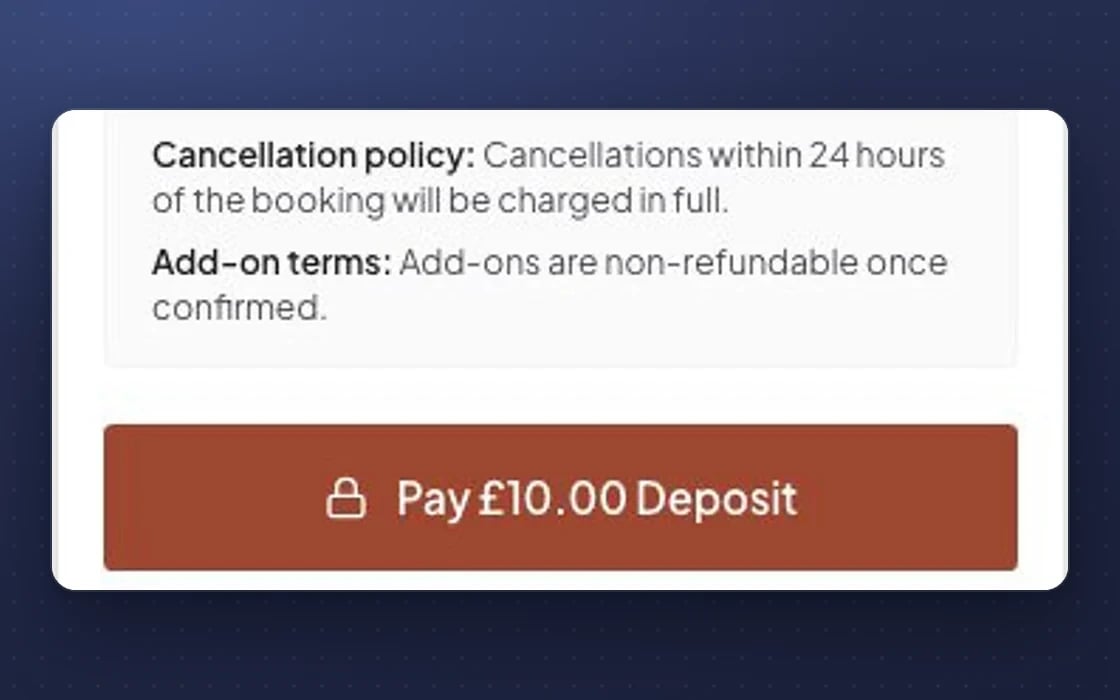
Paying a deposit when booking a table in mDOS, with the venue’s cancellation terms shown first
1
MAKE IT YOURS

Rules for your business

Set deposits by party size, day or time, cancellation terms with refund tiers, and one booking widget for a site, a brand or the whole company.

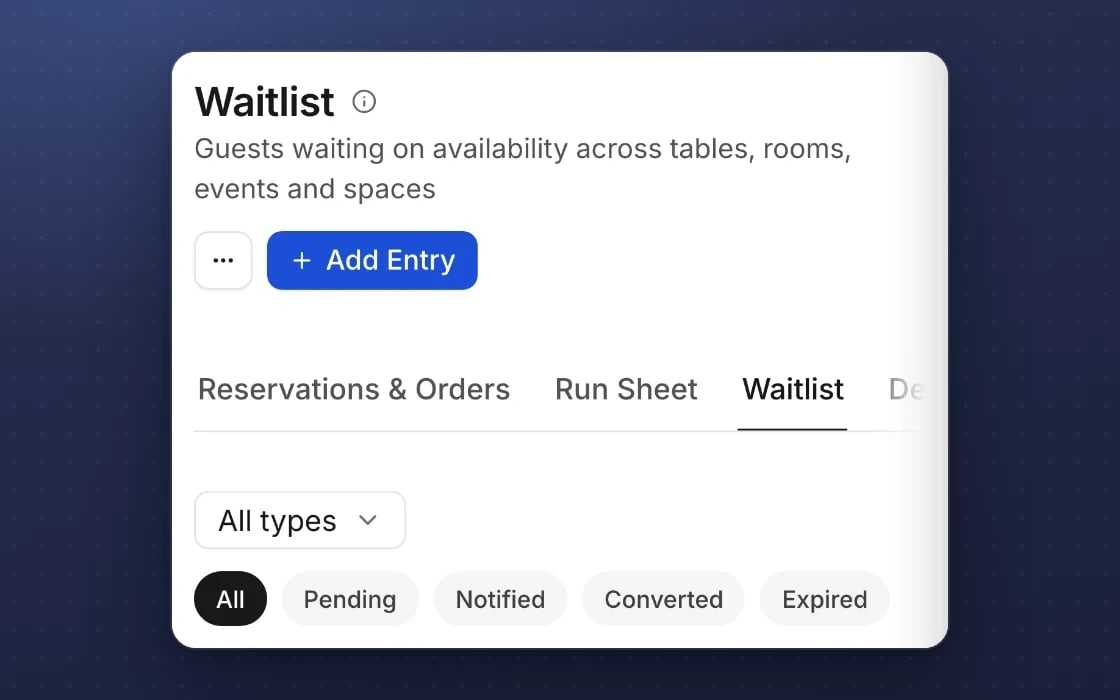
The mDOS waitlist for tables, rooms, events and spaces, with entries moving from waiting to notified to converted
2
IT DOES THE LEGWORK

A waitlist that refills itself

When a booking is cancelled, the place is offered to the next person on the waitlist automatically.

One checkout: stays, tables and luggage transfers on one trip
3
BUILT IN

A whole trip in one go

Guests plan a multi-stop trip, with stays, tables and luggage transfers, in one checkout.

YOUR AI TEAM, ON BOOKINGS

It keeps an eye on your diary for you

Switch it on and it spots what needs doing. Nothing goes out without your approval.

Quiet days ahead

Spots low bookings coming up and drafts a post or email to fill them.

Unfinished bookings

Follows up with people who started a booking but didn't finish.

A briefing before every shift

Who's coming in, who's a regular and anything your team should know.

Set up by real people, supported by AI. Our team gets your booking system live and is a call away. The AI team watches the diary day to day, and you approve anything it suggests.

Switching from another booking system?

We'll bring your future bookings and customer history across, and you can run both side by side while your current contract runs out.

How switching works

Three things no one else brings together

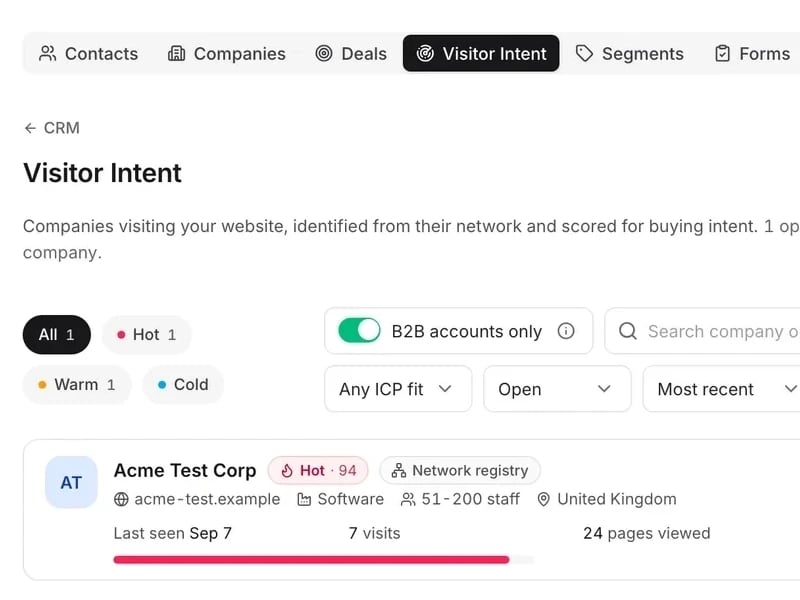
Bookings software is only part of it. AI agents follow up every enquiry and a partner agency runs your marketing, so the diary stays full.

mDOS Visitor Intent: a company visiting the website scored Hot 94, with its visits and pages viewed, under the intent filters

World-leading software

Tables, rooms, appointments, meetings and events in one diary, with deposits and no per-booking fees. Every booking lands on the customer record.

See the software →
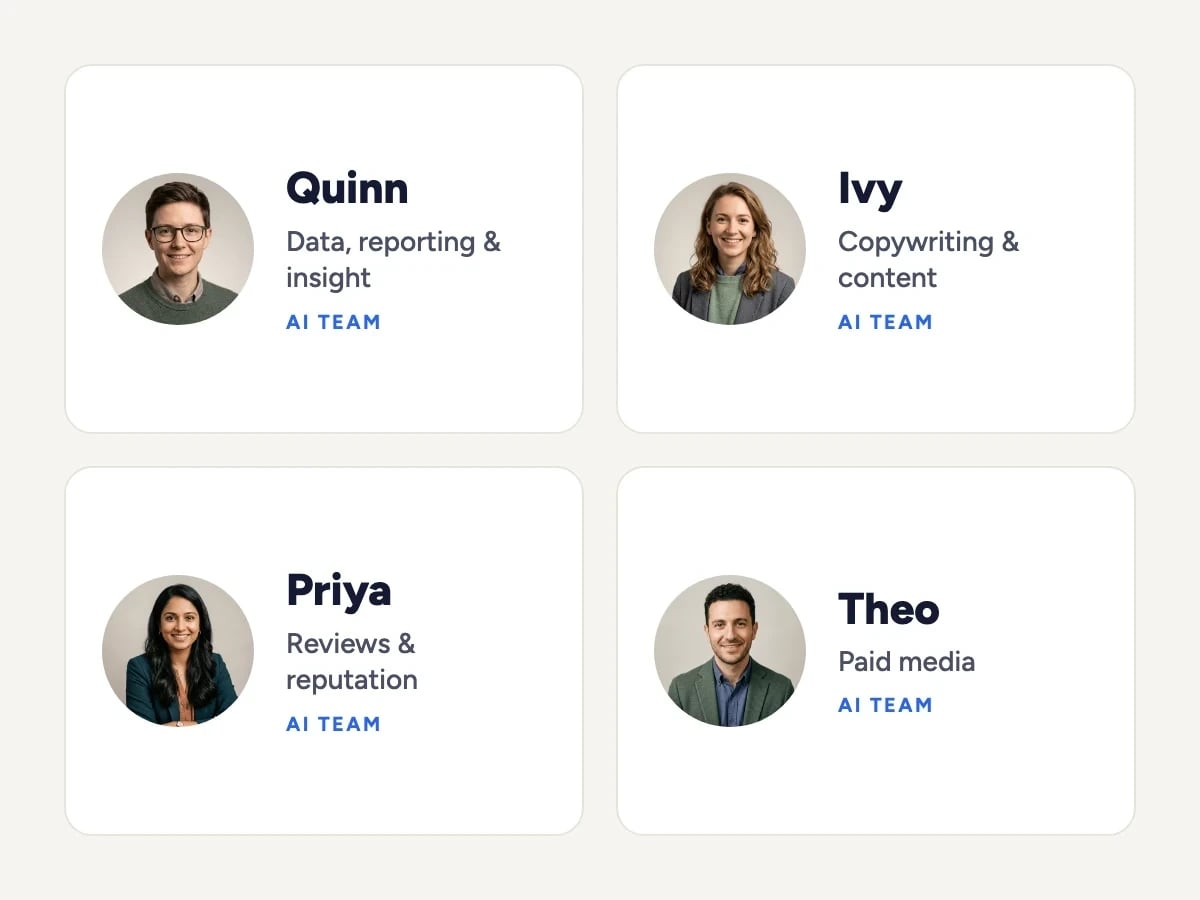
Four members of the mDOS AI team: Quinn (data, reporting and insight), Ivy (copywriting and content), Priya (reviews and reputation) and Theo (paid media)

Tireless AI agents

AI agents draft replies to booking enquiries in your shared inbox, spot quiet dates ahead and draft the email or post to fill them, for you to approve.

Meet the AI agents →
The Mr Digital team walking together across a footbridge

Real experts driving it

An mDOS Expert Partner sets up your booking types with you, and partner marketers plan the emails, social posts and ads that keep bookings coming in.

Meet the people →
TRY IT YOURSELF

Try it on a demo site.

Working websites built on mDOS for invented businesses. Open one and try it the way your customers would.

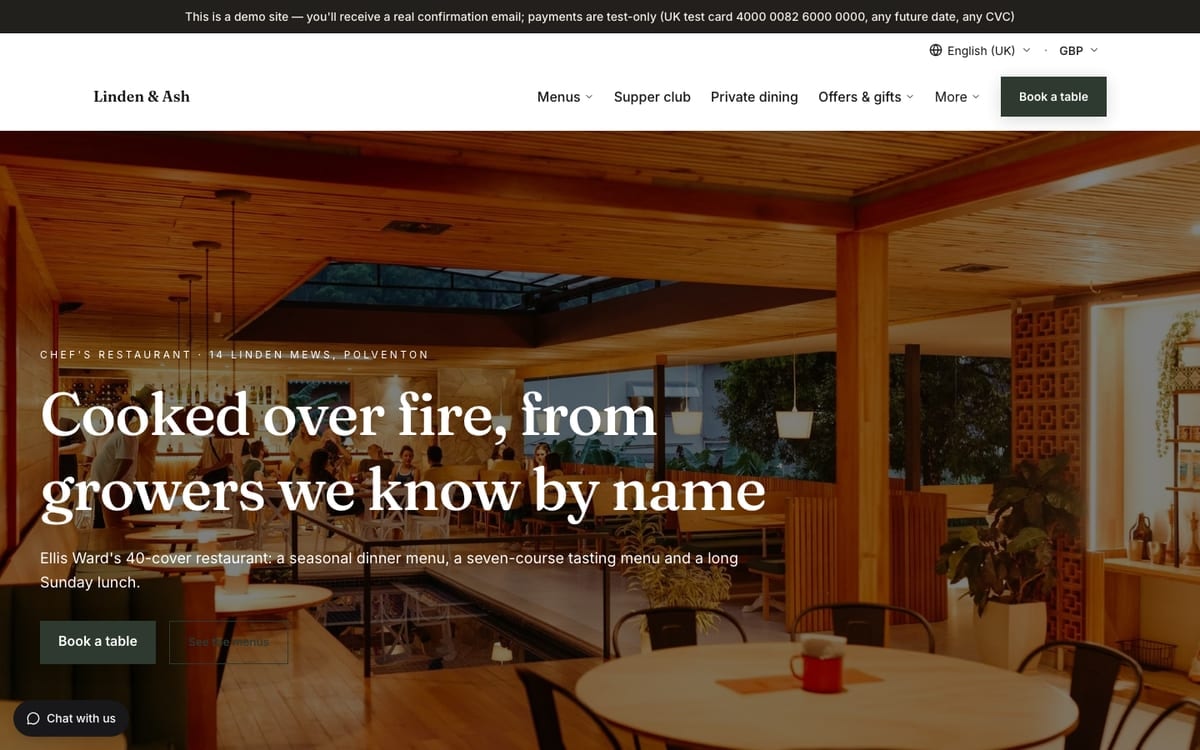
  • The home page of Linden & Ash, a demo hospitality website built on mDOS
    Hospitality

    Linden & Ash

    A 40-cover chef’s restaurant cooking over a wood grill, with produce from named growers.

    What you can try

    • Book a table up to three years ahead
    • Book for six or more and pay the deposit with the test card
    • Add an extra such as a celebration cake
    View demo site: Linden & Ash (opens in a new tab)
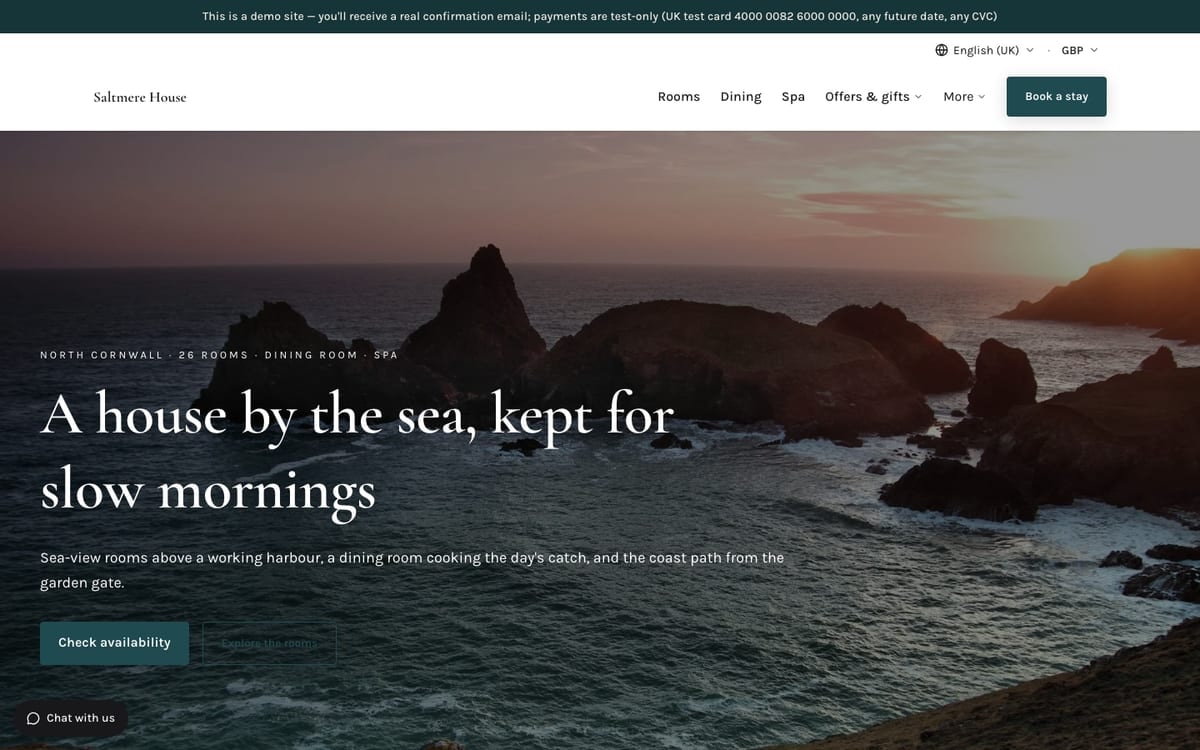
  • The home page of Saltmere House, a demo hospitality website built on mDOS
    Hospitality

    Saltmere House

    A 26-room boutique hotel on the north Cornish coast, with a seafood dining room and a three-room spa.

    What you can try

    • Search dates and book a room
    • Choose a flexible, non-refundable or B&B rate
    View demo site: Saltmere House (opens in a new tab)
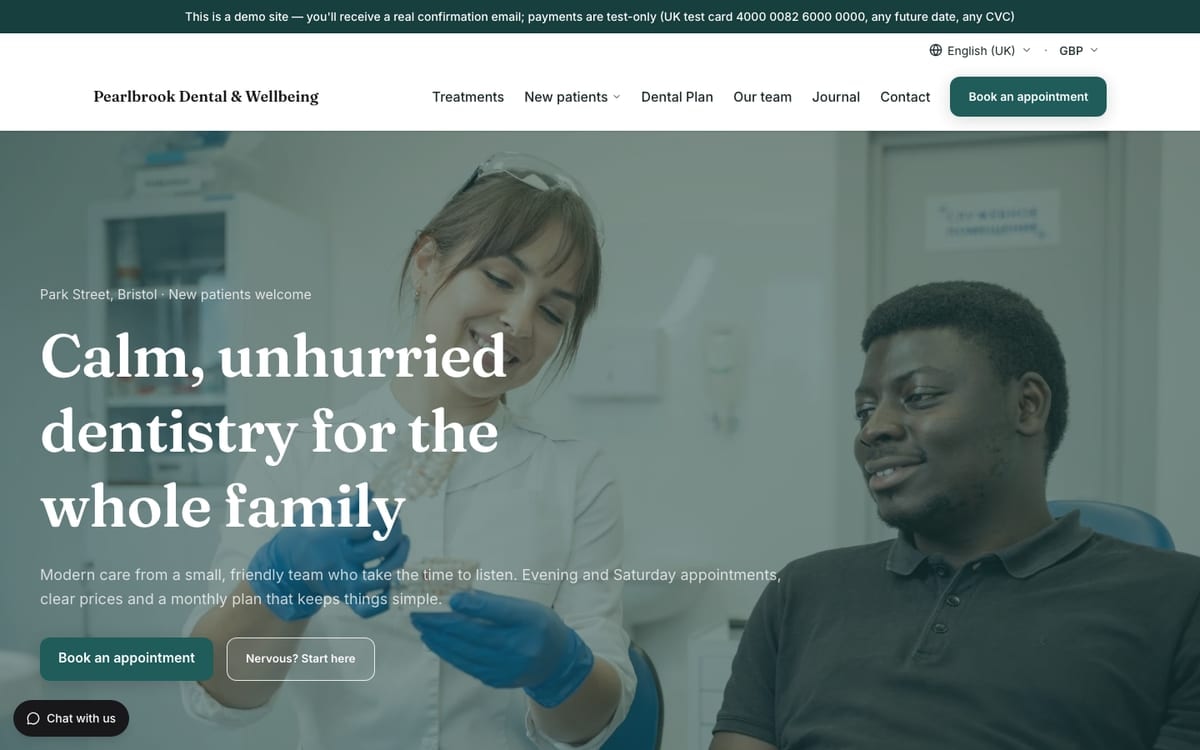
  • The home page of Pearlbrook Dental & Wellbeing, a demo dental & health clinics website built on mDOS
    Dental & health clinics

    Pearlbrook Dental & Wellbeing

    A private dental practice: calm family dentistry with clear prices, a monthly plan and care for nervous patients.

    What you can try

    • Choose a treatment, a clinician and a time
    • Pay the £25 new-patient deposit with the test card
    View demo site: Pearlbrook Dental & Wellbeing (opens in a new tab)

Demo sites are invented businesses. Payments are test-only: use the UK test card 4000 0082 6000 0000 with any future date and any CVC. Book or buy with your own email address and you’ll receive a real confirmation email.

WORKS WITH YOUR TOOLS

Keep the tools that work for you. Replace the ones that don't.

Already using a till, a payment provider or booking sites you like? mDOS works alongside them, or takes over when you’re ready.

Keep it. We connect to the systems you already rely on, so data flows into one place.
Or replace it. Switch over when you're ready, one system at a time. It's all included in mDOS.
See all integrations
BOOKING SITES
ChannexLive
PAYMENTS
StripeLive
MARKETING
Google AdsLive
Meta AdsLive
Search ConsoleLive

Support from a real marketing team

mDOS is built and operated by MDOS AI LTD. When you message or phone us, real Marketing Experts answer, on every plan, led by our Founding Partner Agency, Mr Digital. Here are five ways we help you get results.

Chat with our marketing experts

Message us from any screen in mDOS. The people who answer are marketers from our partner agencies, not a call centre.

  • Live chat on every plan, from the Chat button on every page, and you can phone us when you need to
  • Answered by marketing experts from our partner agencies, the same people who run marketing for clients
  • Ask about the software or your marketing: setup, campaigns and results
  • AI support for quick answers whenever you need one

Included in every plan

Book a call

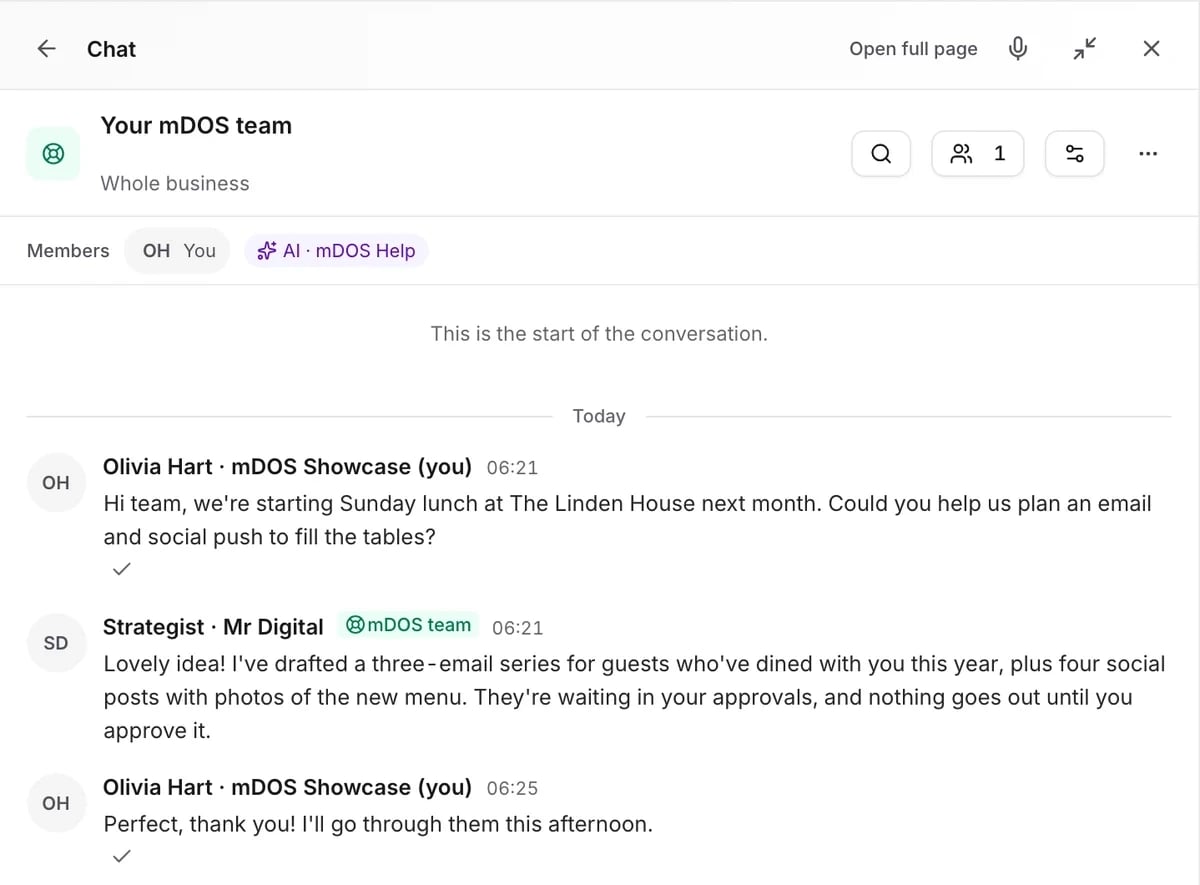
The mDOS Chat panel on the Your mDOS team room: a hotel asks for help planning an email and social push for Sunday lunch, and a strategist from the mDOS team replies

Questions about booking systems

No. Bookings are included in your plan, however many you take.
Yes. We bring across your future bookings and customer history, and you can run both systems side by side while you switch.
Yes. Add a booking button to any website, or use the mDOS website builder, which has it built in.
Yes. Set deposit rules by date, group size or service, and take payment when people book.
No. It spots things and drafts suggestions. Nothing changes or goes out without your approval.

Included in every plan

The booking system comes with everything else in mDOS, at one price per site. No per-booking or per-user fees.