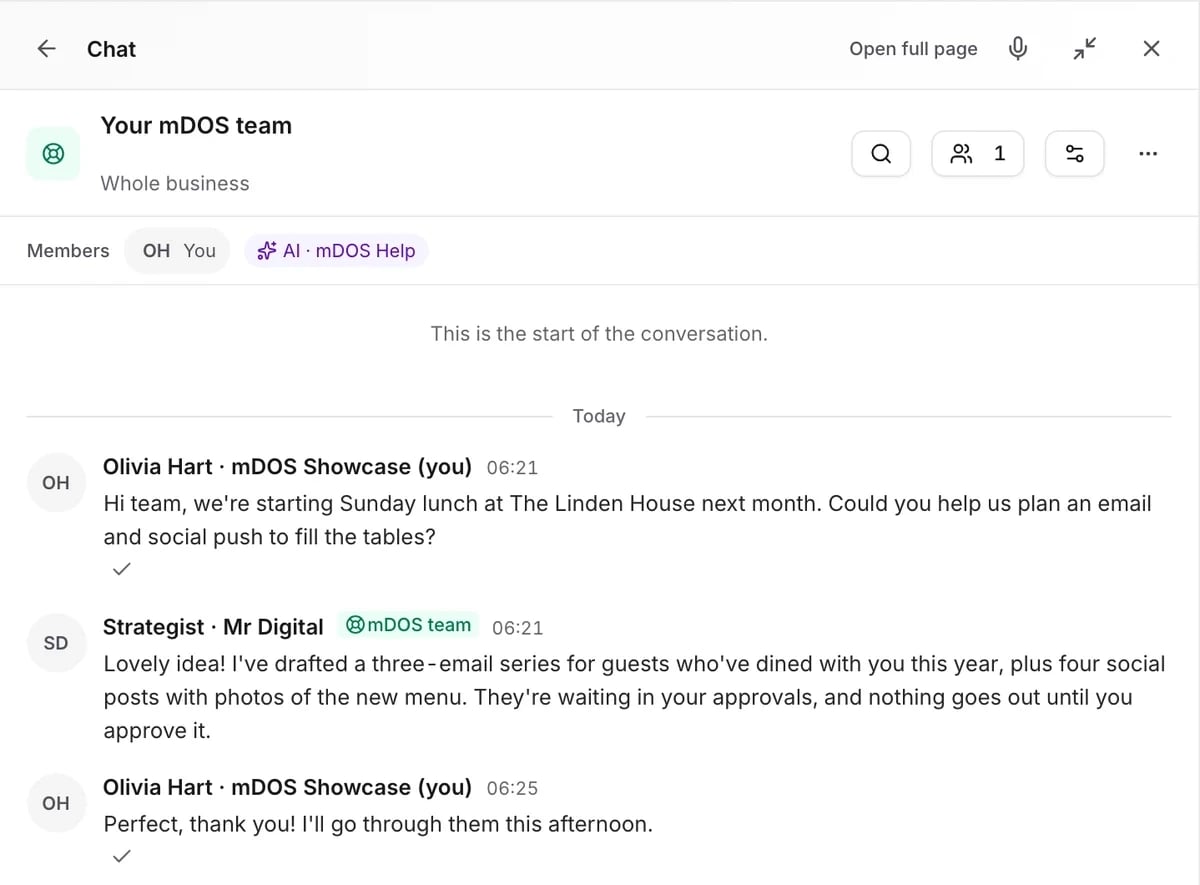
One inbox, three ways to use it
For owners, for head office and for each site.
Review and approve
See it, change it, then say yes.
- Live previews of emails, posts and pages
- Edit before you approve
- Approve part and send the rest back
- Goes out the moment you approve
- Swipe to approve on your phone in the mDOS Manager appAwaiting App Store Approval
Compare us with: Filestage · Ziflow
Included with approvals
One inbox for every sign-off.
Live previews
See the email, post or page exactly as it will appear before you approve it, on desktop or phone.
Approve part of it
Approve the items you're happy with and send the rest back with a note, instead of rejecting a whole campaign for one line.
Site sign-off
Each site manager signs off what affects their site, while head office still sees the whole picture across every site.
Rules for risky work
Set who must approve what, by type of work and level of risk, and require two people for anything high risk.
A daily digest
A summary of what's waiting for you and for how long, so nothing sits unread while a deadline passes.
Goes out when you say
Once approved, it’s sent or published straight away, with no copying and pasting between systems.
Every feature, in detail
Everything below comes with every plan, at one price per site, with no add-ons or per-user fees. Open each area underneath for the rest.
More features, by area
2 features
| Feature | Every plan |
|---|---|
| Preview as a site, and site-by-site sign-off | ✓ Included |
| One click sends the email or posts the social | ✓ Included |
4 features
| Feature | Every plan |
|---|---|
| AI teammates debate a big decision and vote before proposing it | ✓ Included Beta |
| Low-risk routine actions can run without approval, inside hard limits | ✓ Included Beta |
| Did it work? Results measured against a control group | ✓ Included Beta |
| Lessons the AI team mustn’t repeat, retired when they’re wrong | ✓ Included Beta |
1 feature
| Feature | Every plan |
|---|---|
| Set how much each AI teammate may do without asking | ✓ Included Beta |
8 features
| Feature | Every plan |
|---|---|
| Who owns each approval and how long it’s been waiting | ✓ Included |
| Written minutes of every AI debate | ✓ Included Beta |
| AI teammates re-checked against a standard before working unsupervised | ✓ Included Beta |
| An automatic stop if an unsupervised action misbehaves | ✓ Included Beta |
| High-risk actions only run unsupervised if an admin opts in | ✓ Included Beta |
| Every AI action can be undone in one click | ✓ Included Beta |
| Every AI proposal checked before it becomes a card | ✓ Included Beta |
| Every AI teammate works within a cost budget | ✓ Included Beta |
1 feature
| Feature | Every plan |
|---|---|
| A nightly brand check of the AI team’s drafts | ✓ Included Beta |
Make it yours. Let it do the legwork.
Shape it to how you work, and let it handle the routine for you.
Your checks, your limits
Ask for two-person sign-off on high-risk work and set the spend and audience sizes that need extra checks.
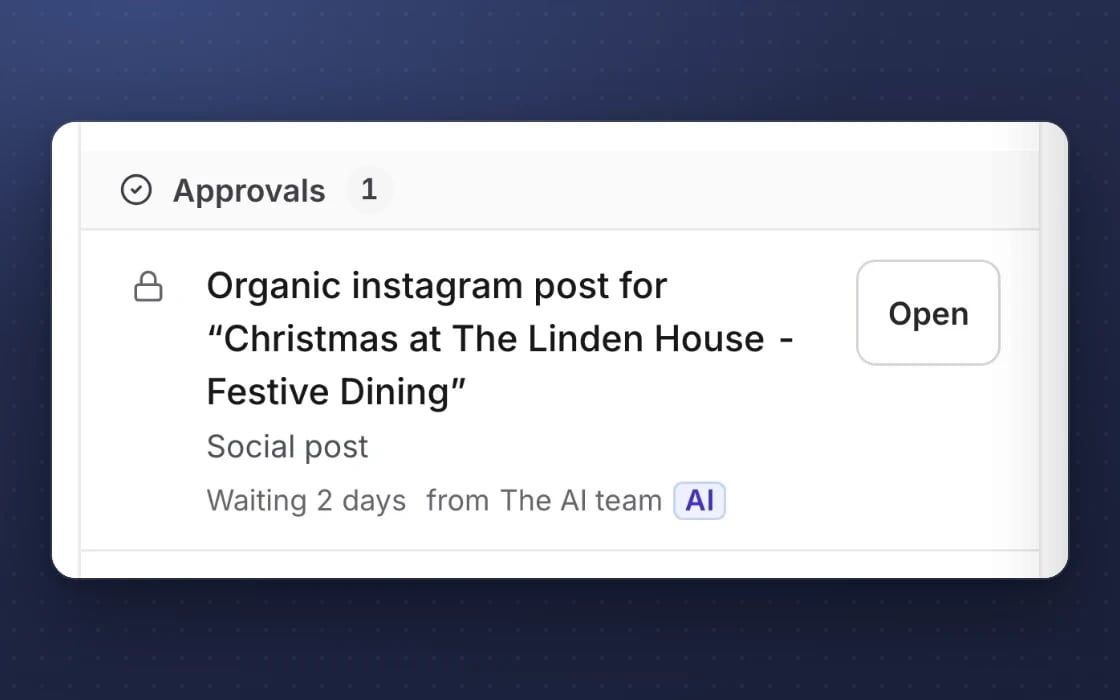
One click sends it
Approve and the email sends or the post goes out, and a rejection always carries a reason.
See what changed
Preview pages exactly as they’ll appear and see what changed between versions.
Built for trust
The protections behind every plan, in plain words.
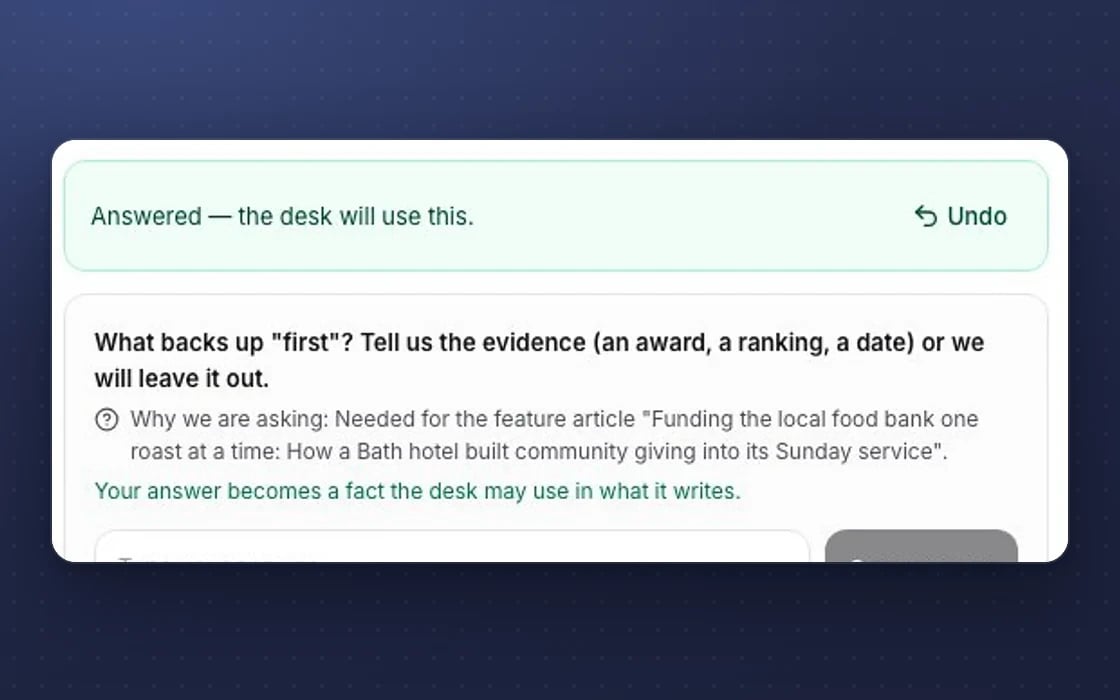
Undo
Destructive actions show an Undo button with a countdown, so a slip is easy to put right.
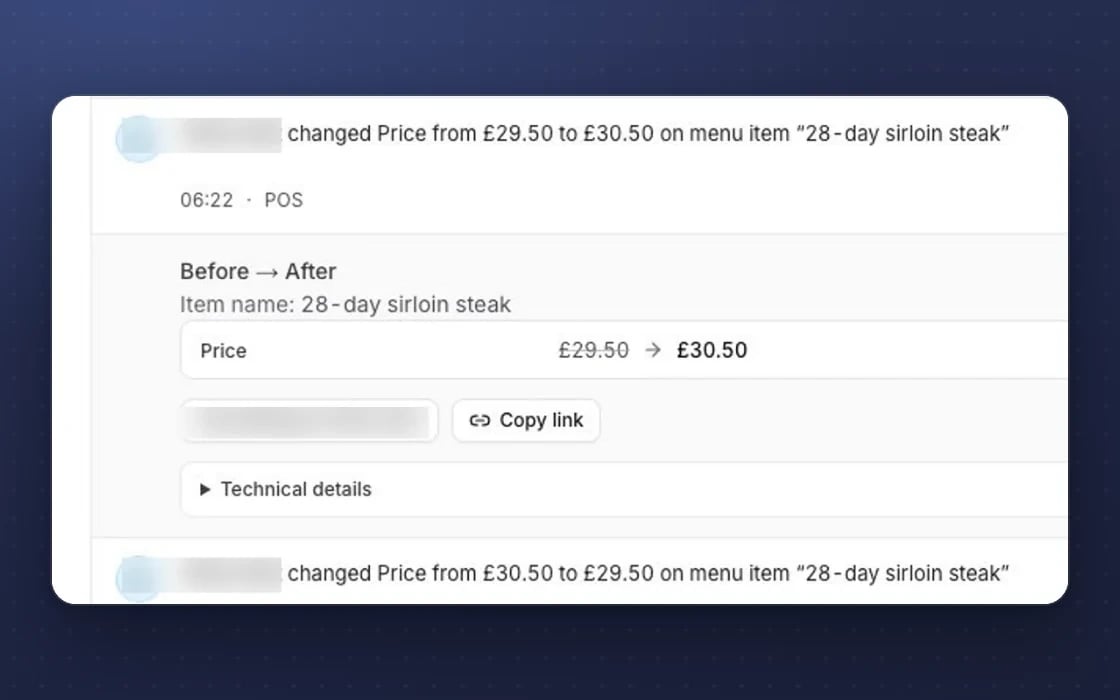
A tamper-evident log
The access log is append-only and checked every day, so a change can’t be quietly rewritten.
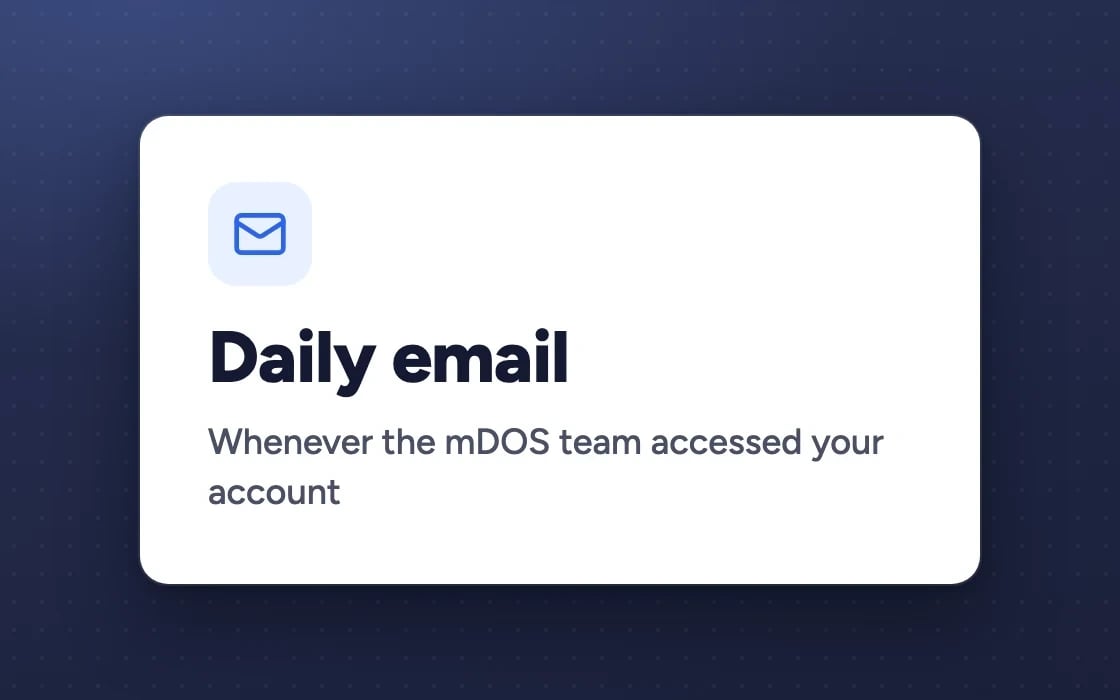
Our access, reported
Your admins get an email on any day the mDOS team accessed your account.
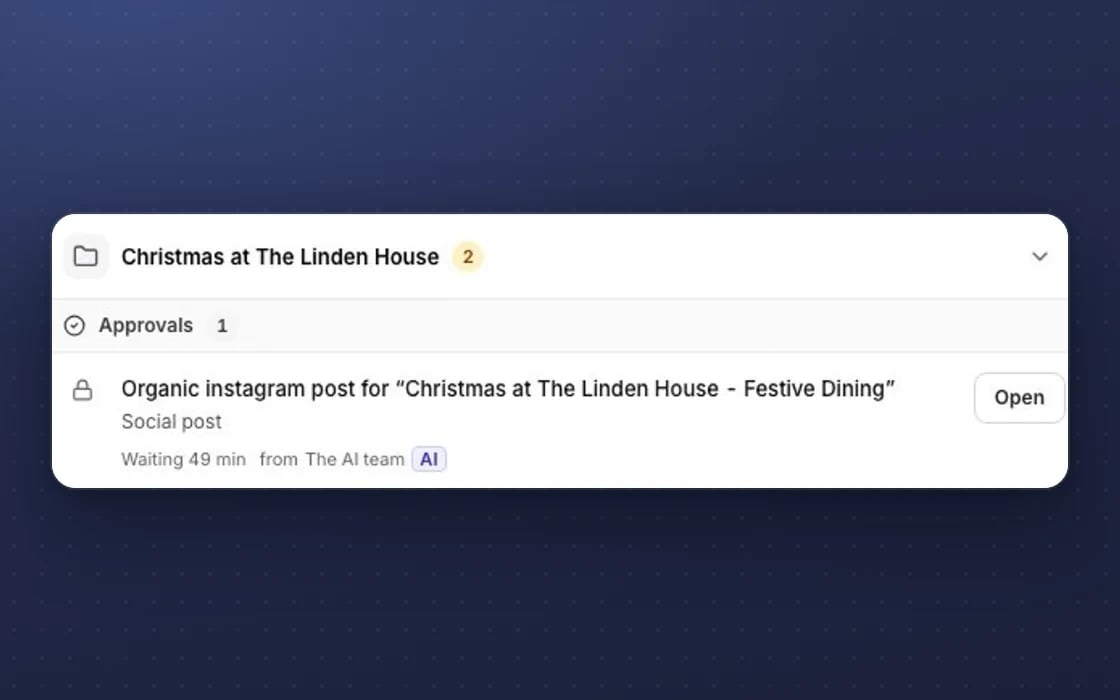
Approval first
Anything with money or brand risk waits in Approvals for a person to say yes.
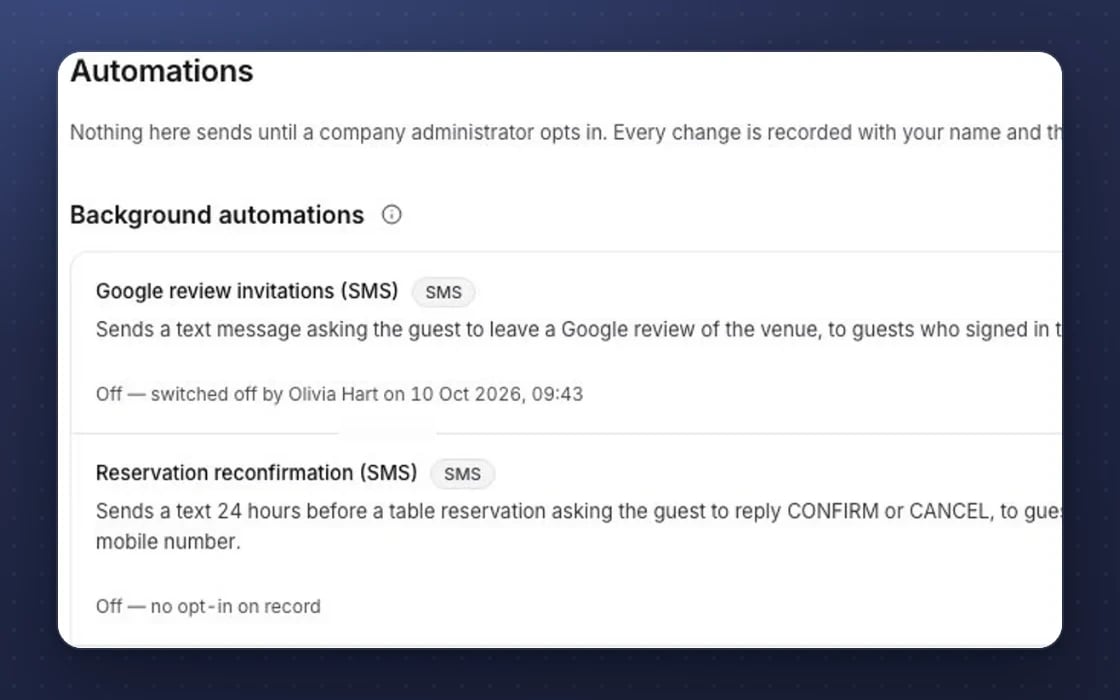
Zero default automations
No email, reminder or automation runs until a company administrator switches it on.
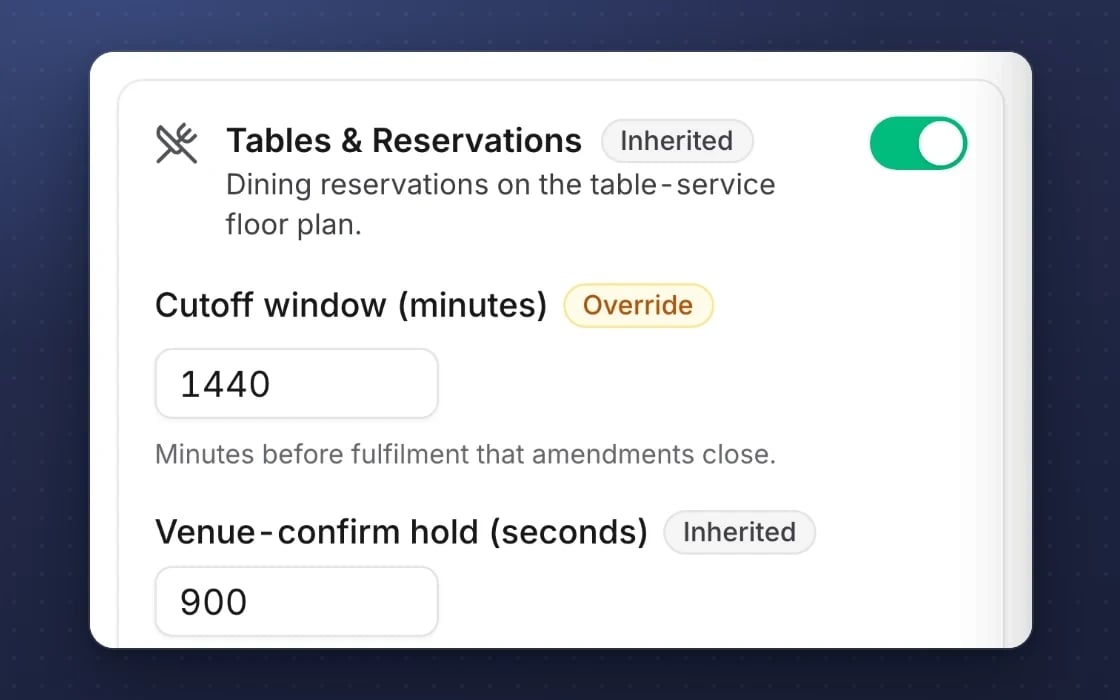
Inheritance
Settings flow from company to brand to site, with groups of sites, so every site follows your rules.
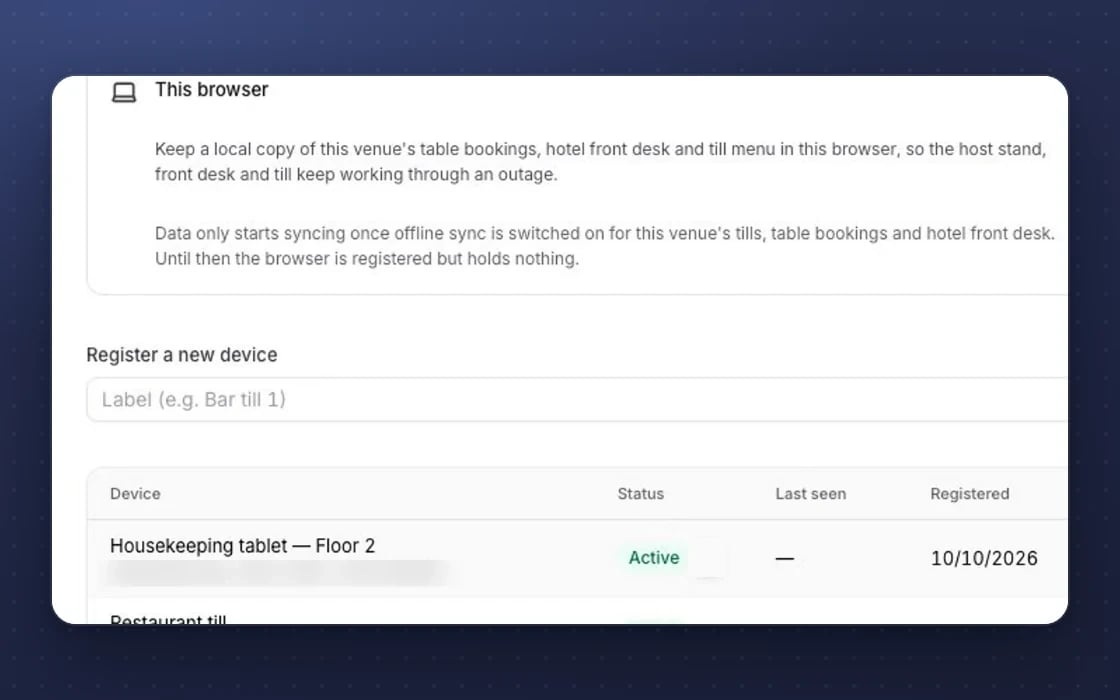
Works offline
The till, staff app, forms and ticket scanner keep working when the signal drops.
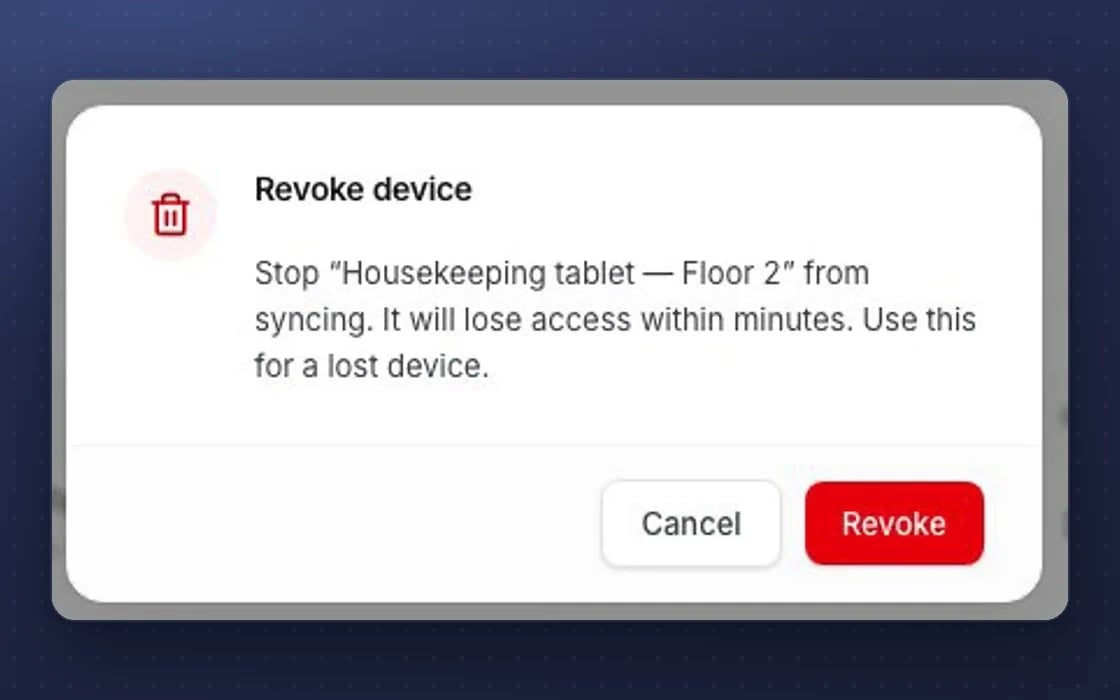
Device kill switch
A lost staff device can be revoked or wiped, so it stops syncing.
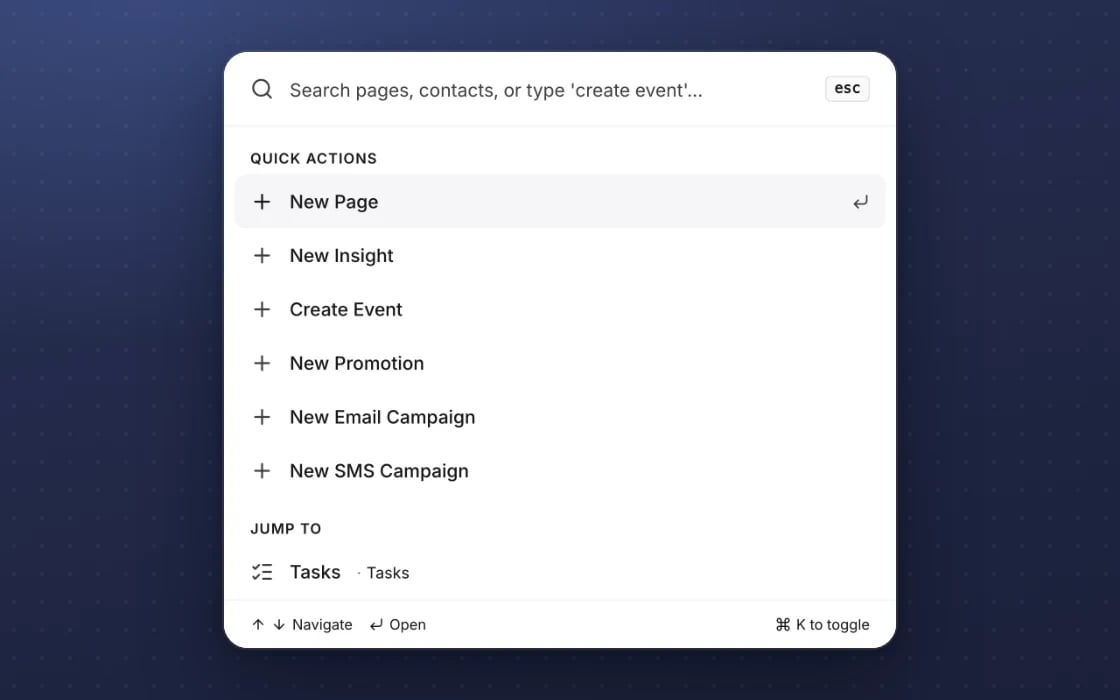
Keyboard-first
A command palette and keyboard shortcuts, with focus handled properly in every dialog.
What approvals replaces
No more hunting for the final version.
Approval email chains
Drafts lost in email and chat threads, with nobody sure which version was final or who said yes to it.
Proofing tools
Filestage or Ziflow for reviewing marketing work. Here the review sits right next to the work itself, at no extra cost.
Worrying what AI will send
Everything the AI team drafts comes through this inbox, and every decision is on record. Automatic mode for low-risk tasks stays off until you choose it.
YOUR AI TEAM, ON APPROVALS
It checks the work before you do
It works around the clock once you switch it on. Nothing goes out without your approval, unless you choose to switch on automatic mode for low-risk tasks.
Fact-checks drafts
Checks prices, dates and offers against your records before a draft reaches you, and flags anything it can’t back up.
Quality and brand checks
Grades each draft and flags anything off-brand or unclear, so you see the best version first.
Redrafts on request
Ask for a change on one item and get a new version back to approve, without touching the rest.
Set up by real people, supported by AI. An mDOS Expert Partner sets up your approval rules and who signs off what, and the AI team checks every draft before it reaches you.
Switch at your own pace
Start by routing one kind of work through approvals, and keep your current tools while their contracts run out. We bring your existing content and history across, and agree a tailored switching plan with you.
Three things no one else brings together
Approvals is where the software, the AI agents and our team hand you the final say.
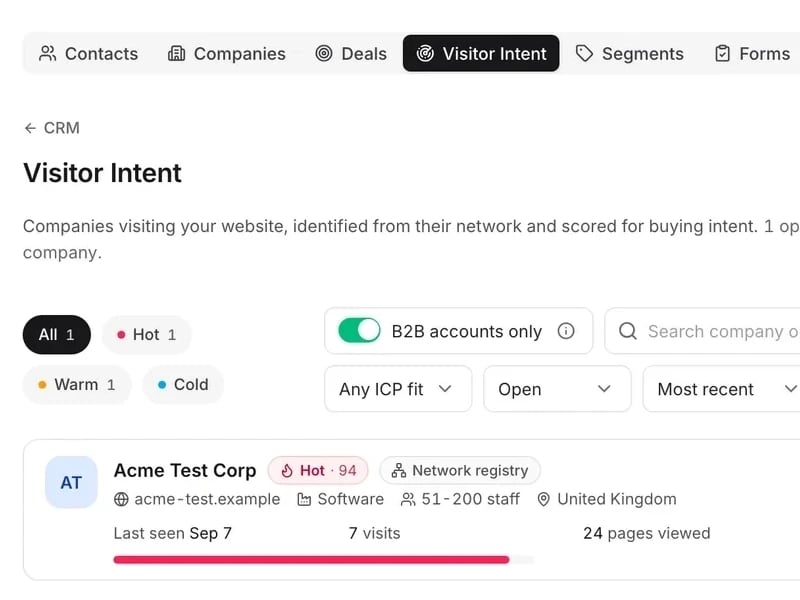
World-leading software
Every email, post, offer and reply waits in one place. Preview it as customers will see it, edit it, then approve it.
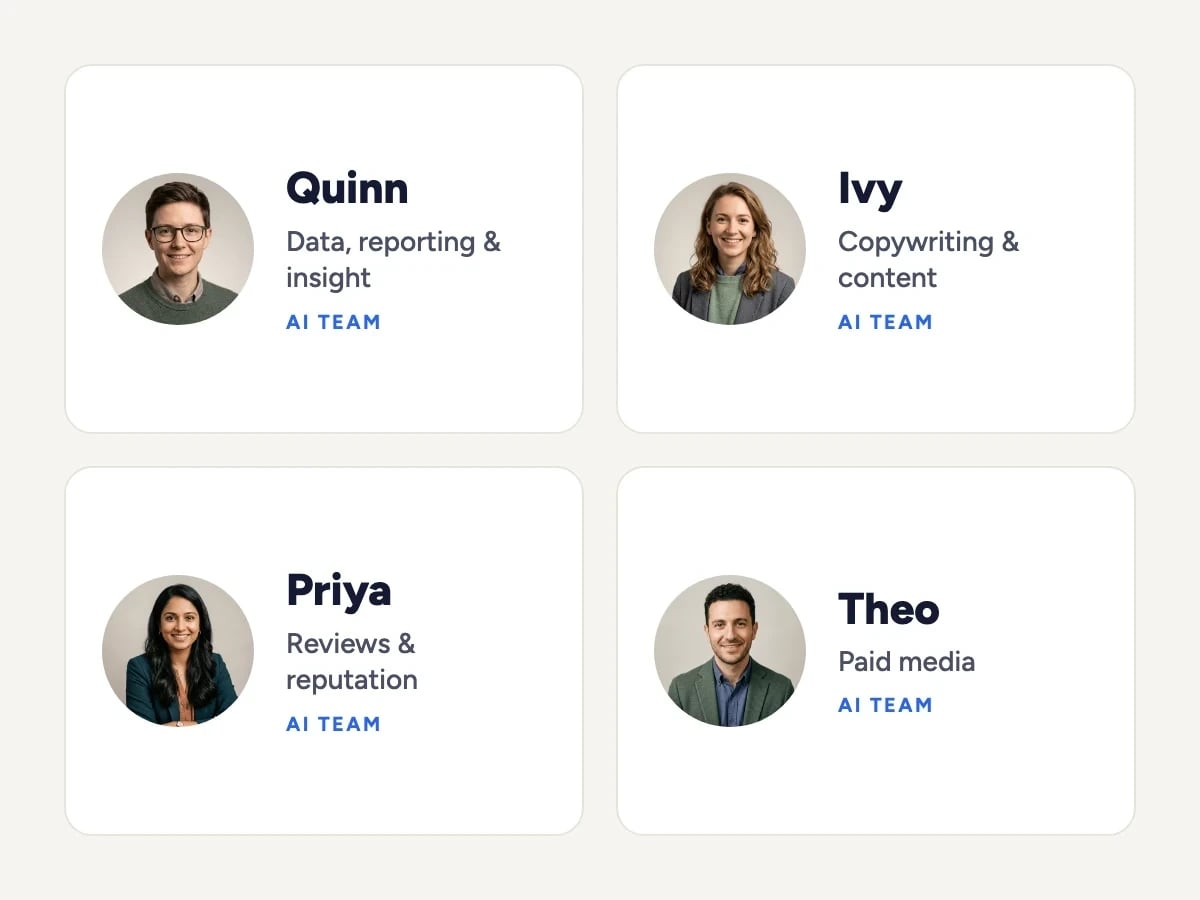
Tireless AI agents
AI agents fact-check prices, dates and offers before a draft reaches you, grade each draft for brand and clarity and redraft on request.

Real experts driving it
An mDOS Expert Partner sets up your approval rules and who signs off what, and anything our marketers prepare for you waits for your approval too.
Support from a real marketing team
mDOS is built and operated by MDOS AI LTD. When you message or phone us, real Marketing Experts answer, on every plan, led by our Founding Partner Agency, Mr Digital. Here are five ways we help you get results.
Chat with our marketing experts
Message us from any screen in mDOS. The people who answer are marketers from our partner agencies, not a call centre.
- Live chat on every plan, from the Chat button on every page, and you can phone us when you need to
- Answered by marketing experts from our partner agencies, the same people who run marketing for clients
- Ask about the software or your marketing: setup, campaigns and results
- AI support for quick answers whenever you need one
Included in every plan