
Skip to content
Log in
mDOS home

Products › Cookie compliance

Cookie consent that your tracking actually follows.

A consent banner on your sites, tracking held until visitors say yes, and a cookie policy written from a scan of what your sites really set.

Every feature, in detail

Everything below comes with every plan, at one price per site, with no add-ons or per-user fees. Open each area underneath for the rest.

Every plan
The consent banner
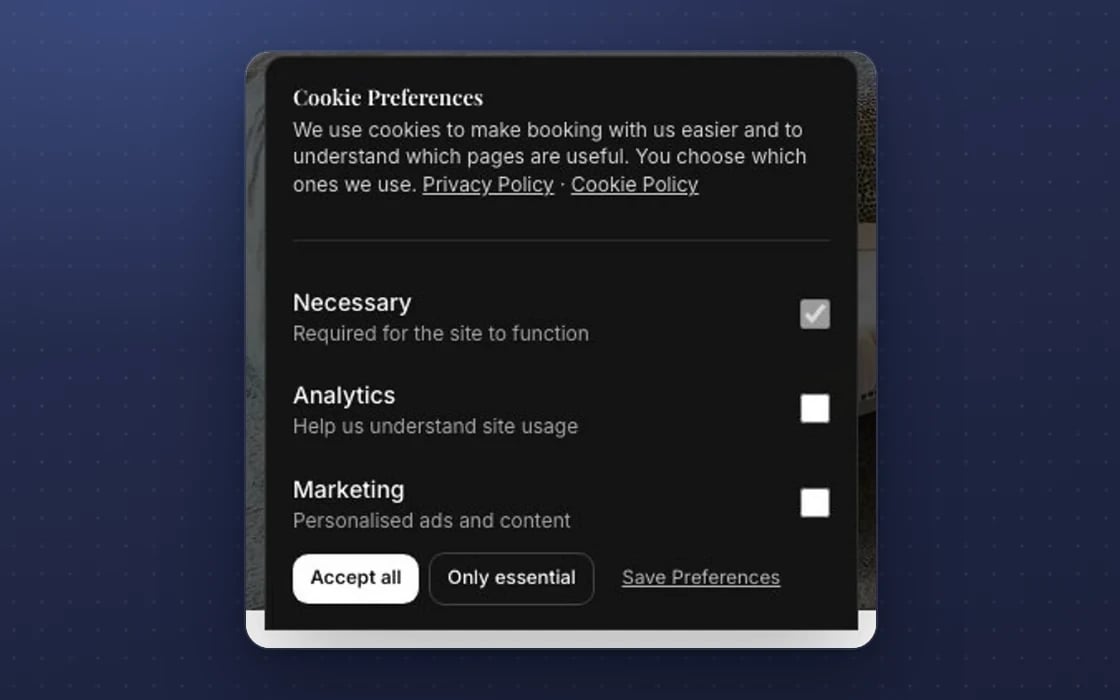
A consent banner on your sites, with necessary, analytics and marketing choices✓ Included in every plan
Analytics and marketing start switched off until the visitor says yes✓ Included in every plan
Use the mDOS banner or Google Consent Mode✓ Included in every plan
Or keep the consent manager you already use✓ Included in every plan
Works on your other websites too, through one script✓ Included in every plan
Consent remembered separately on each of your domains✓ Included in every plan

More features, by area

6 features

FeatureEvery plan
Meta and LinkedIn tags held until marketing consent✓ Included
Google Analytics and Tag Manager held until analytics consent✓ Included
Withdrawing consent tells the Meta and OpenAI pixels to stop✓ Included
Referral and partner links only tracked after marketing consent✓ Included
No decision, or a broken set-up, means no tracking✓ Included
Tracking IDs checked before they’re added to your pages✓ Included

5 features

FeatureEvery plan
A scan of the cookies your site sets✓ Included
A cookie policy page published for you from the scan✓ Included
Add your own cookies to the policy✓ Included
A new scan shows on the public policy straight away✓ Included
Every cookie listed with its type, purpose and how long it lasts✓ Included

1 feature

FeatureEvery plan
A choice in one open tab closes the banner in the others✓ Included

1 feature

FeatureEvery plan
The right banner on mDOS sites and on WordPress, Shopify or Framer sites✓ Included

8 features

FeatureEvery plan
A separate privacy notice on checkouts and lead forms✓ Included
A scan flags cookies your site sets that you haven’t declared✓ Included
Google tags follow Google Consent Mode signals✓ Included
Product analytics never load until the visitor agrees✓ Included
A log of every consent recorded✓ Included
Double opt-in for email marketing consent✓ Included
Form signatures stored without raw IP addresses✓ Included
A failed scan never blanks your saved policy✓ Included

Make it yours. Let it do the legwork.

Shape it to how you work, and let it handle the routine for you.

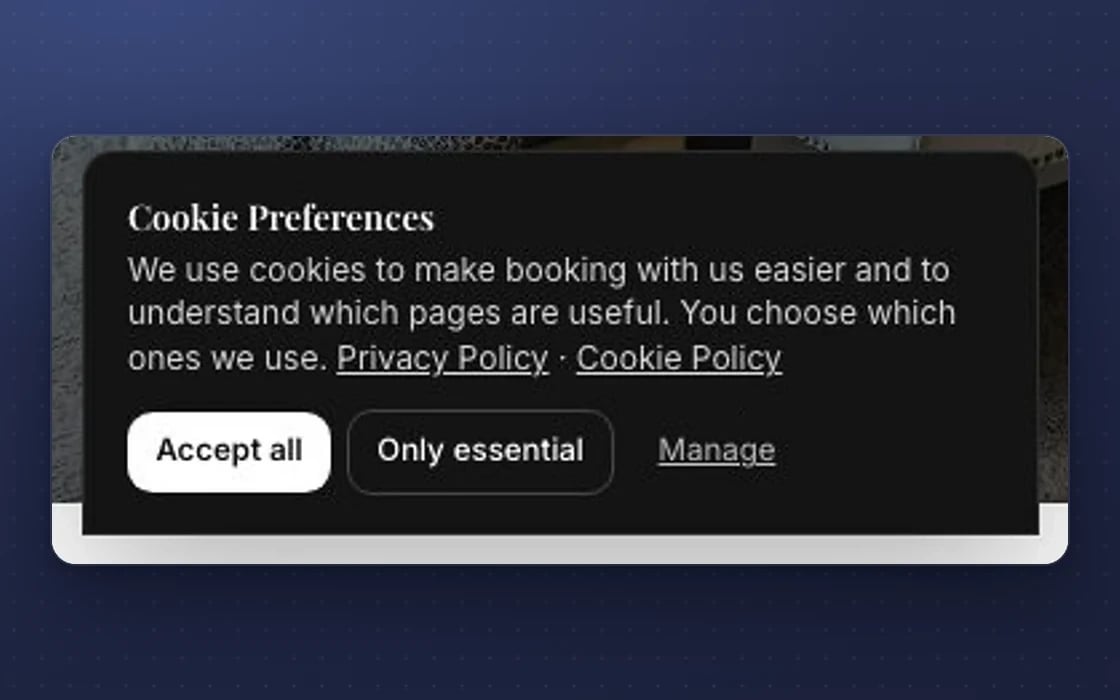
The mDOS cookie banner on a phone: necessary, analytics and marketing, with accept all or only essential
1
MAKE IT YOURS

Your consent set-up

Use the mDOS banner or Google Consent Mode, and add your own cookies to the policy.

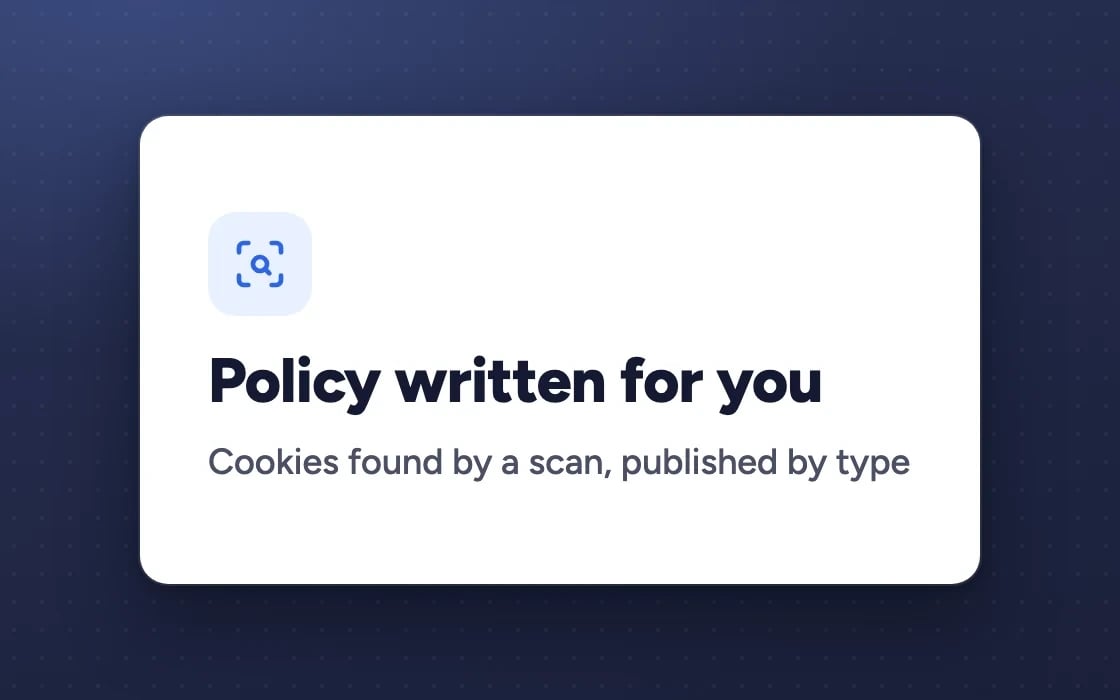
Policy written for you: cookies found by a scan, published by type
2
IT DOES THE LEGWORK

A policy that writes itself

A scan finds the cookies your sites set and publishes them as a public cookie policy, grouped by type.

The mDOS cookie banner before a visitor decides: nothing is tracked until they choose
3
BUILT IN

Fails safe

No decision, or a broken set-up, means no tracking.

Built for trust

The protections behind every plan, in plain words.

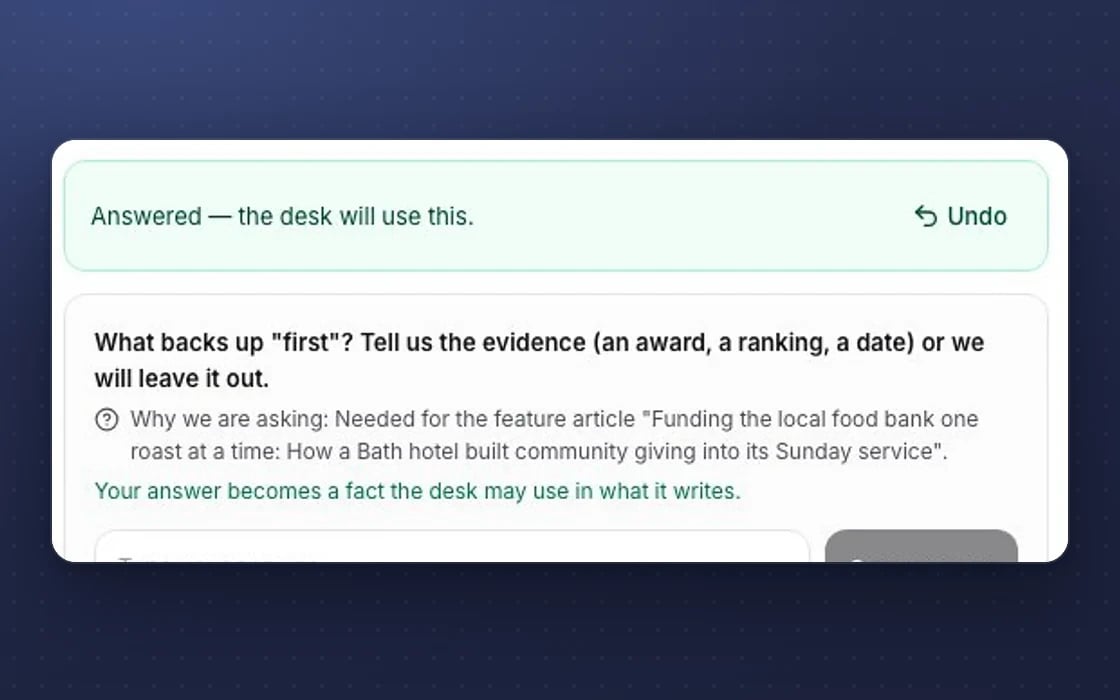
An undo strip in mDOS after saving an answer, so a slip is easy to put right

Undo

Destructive actions show an Undo button with a countdown, so a slip is easy to put right.

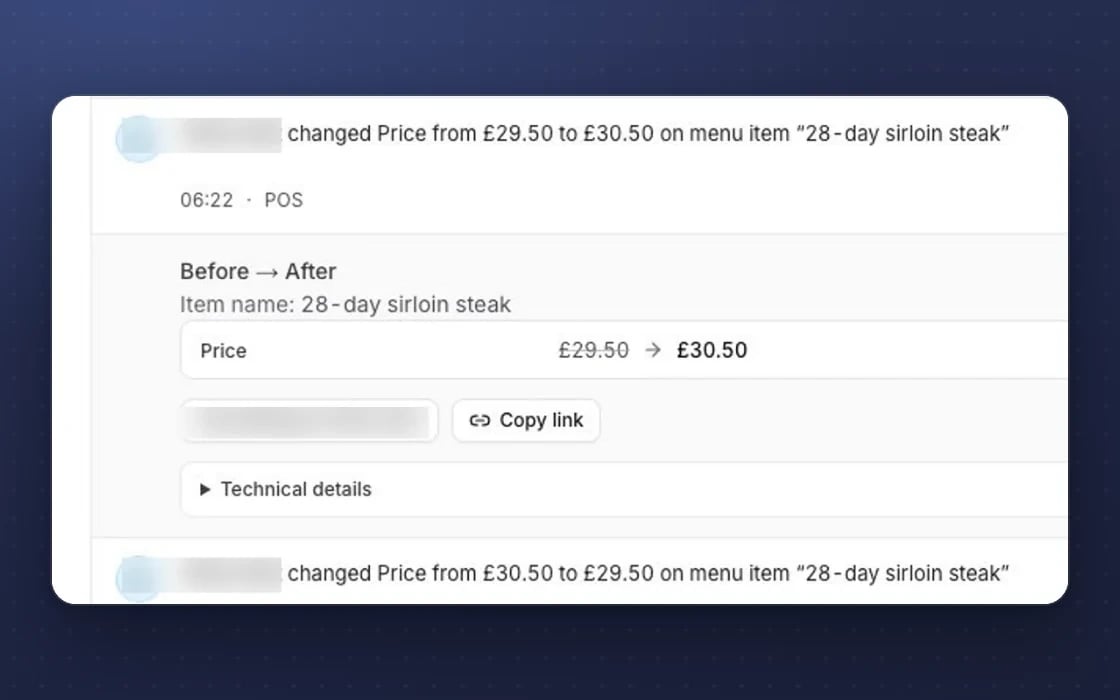
The mDOS audit log: a price change with its before and after, and who made it

A tamper-evident log

The access log is append-only and checked every day, so a change can’t be quietly rewritten.

Daily email: whenever the mDOS team accessed your account

Our access, reported

Your admins get an email on any day the mDOS team accessed your account.

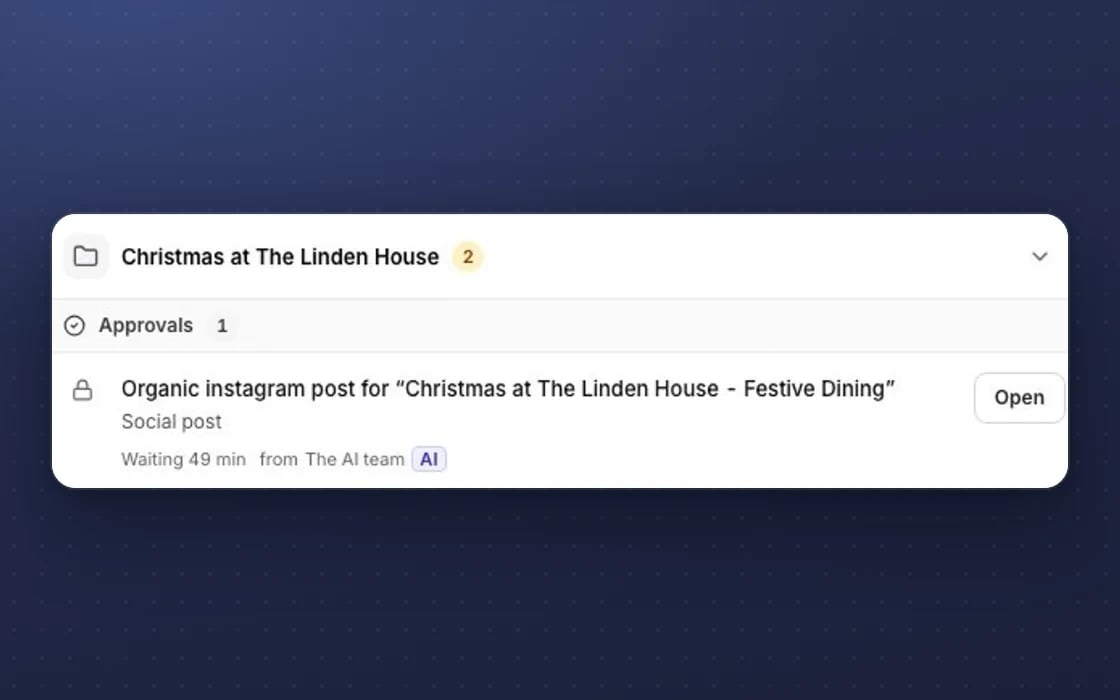
Approvals waiting in mDOS: a social post drafted by the AI team, held until a person opens and approves it

Approval first

Anything with money or brand risk waits in Approvals for a person to say yes.

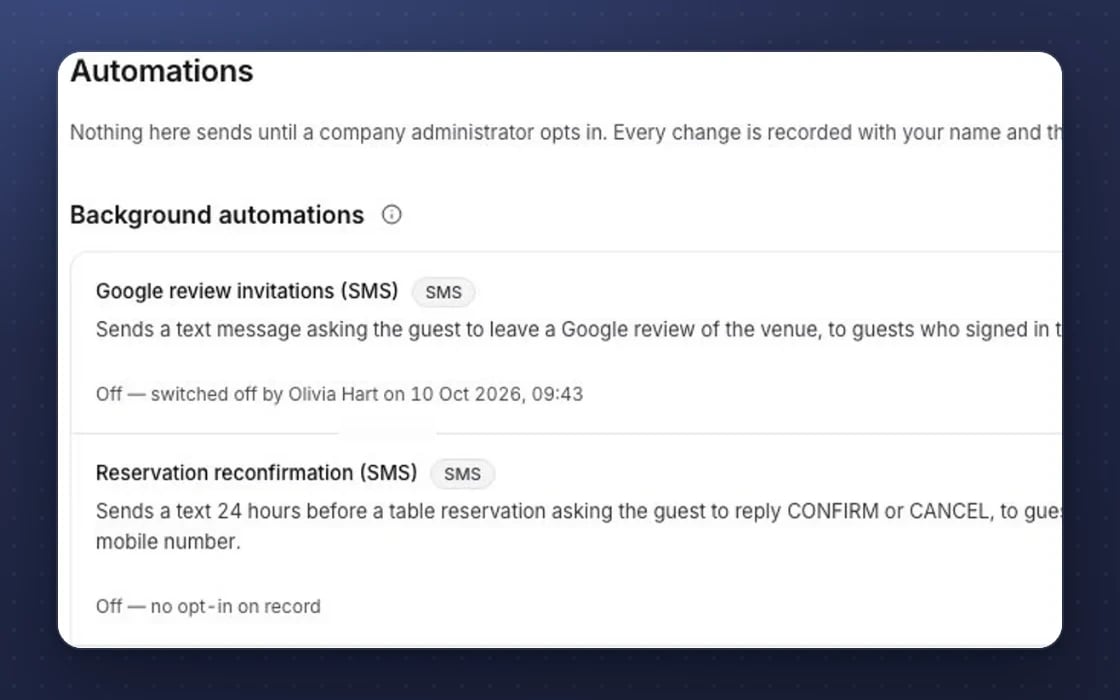
Automations in mDOS: nothing sends until a company administrator opts in, and every change is recorded

Zero default automations

No email, reminder or automation runs until a company administrator switches it on.

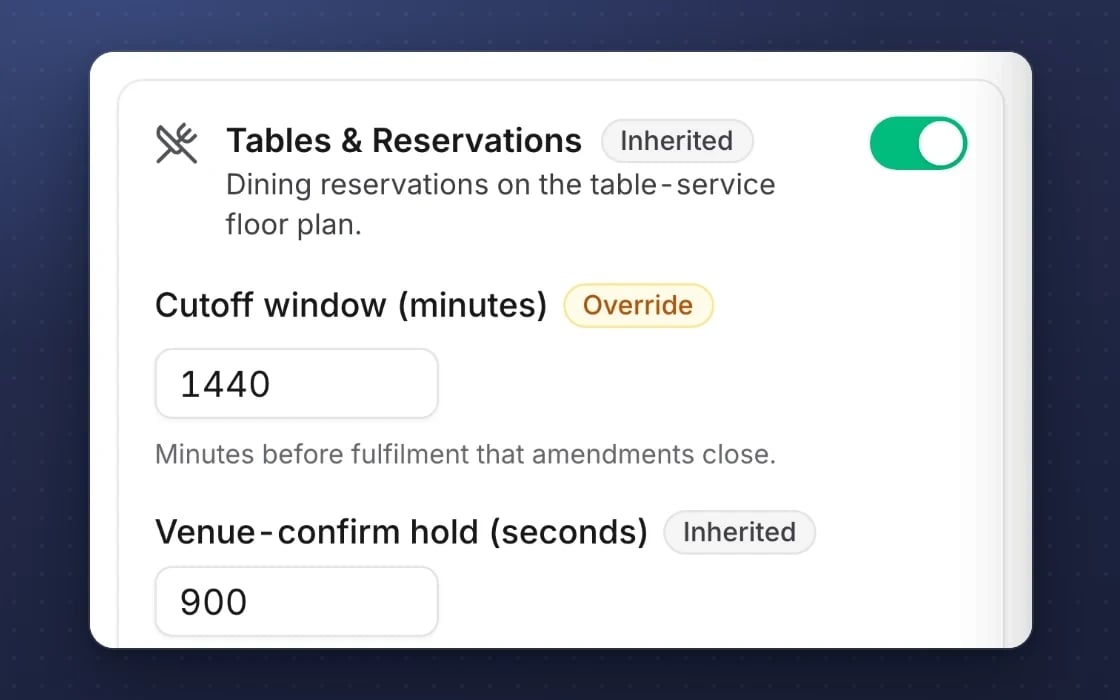
Inherited settings in mDOS: table-reservation rules follow the company, with the cut-off overridden for this venue

Inheritance

Settings flow from company to brand to site, with groups of sites, so every site follows your rules.

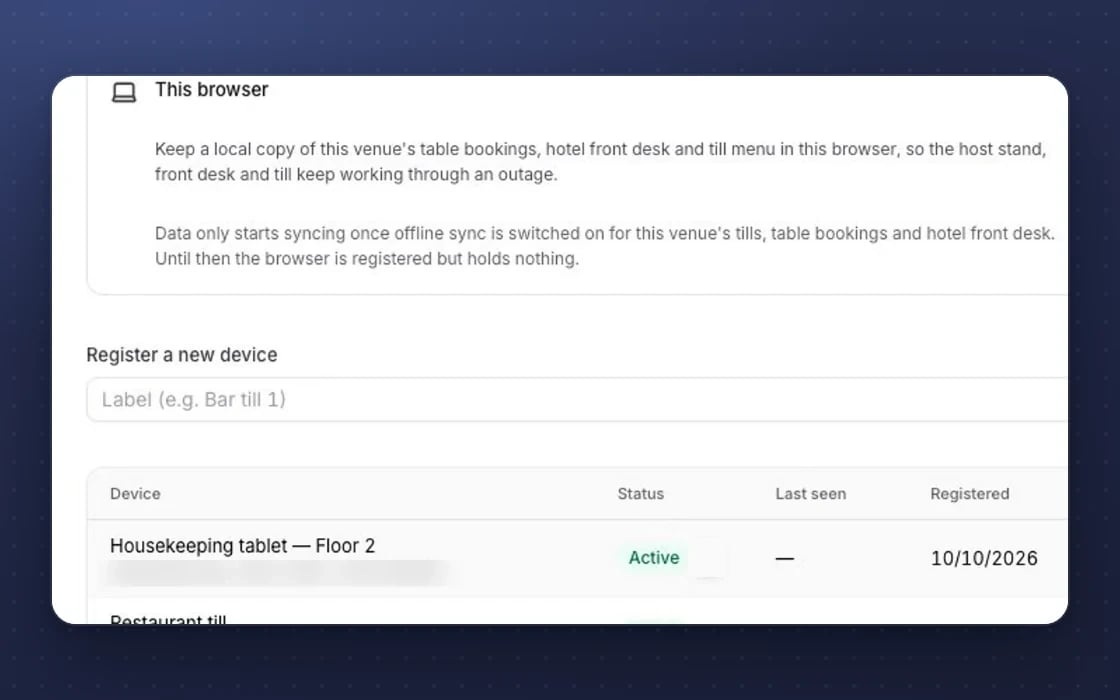
Offline mode in mDOS: a local copy keeps the till, host stand and front desk working through an outage

Works offline

The till, staff app, forms and ticket scanner keep working when the signal drops.

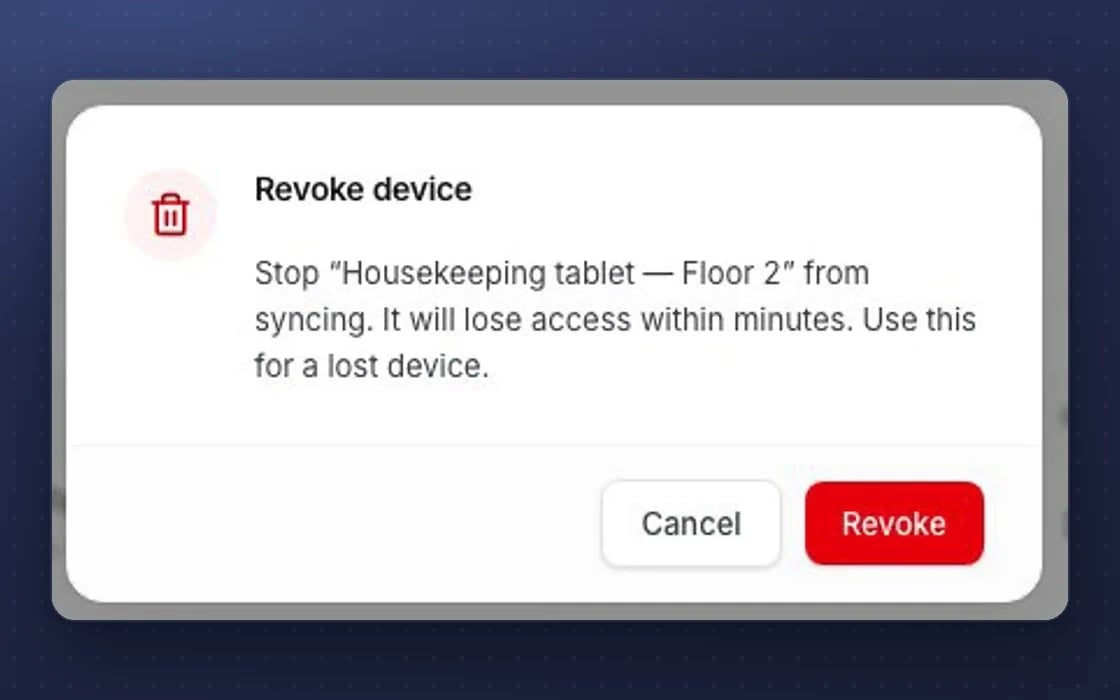
Revoking a lost device in mDOS: it stops syncing and loses access within minutes

Device kill switch

A lost staff device can be revoked or wiped, so it stops syncing.

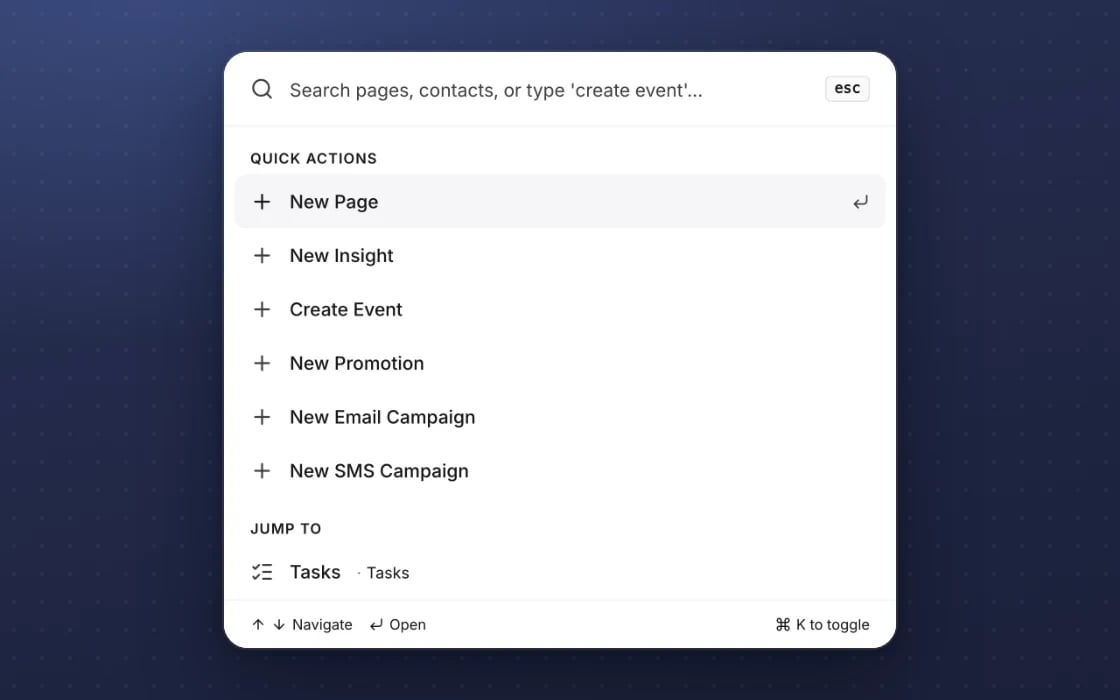
The mDOS command palette, opened from the keyboard: jump to any page or action without the mouse

Keyboard-first

A command palette and keyboard shortcuts, with focus handled properly in every dialog.

Switch at your own pace

Move one website at a time to the mDOS banner and keep your current tool on the rest until you’re ready. We check your tags with you and agree a tailored switching plan.

How switching works

Three things no one else brings together

Consent is the foundation of good marketing. mDOS gives you the banner, AI agents that check your tracking still works, and a team that sets it up.

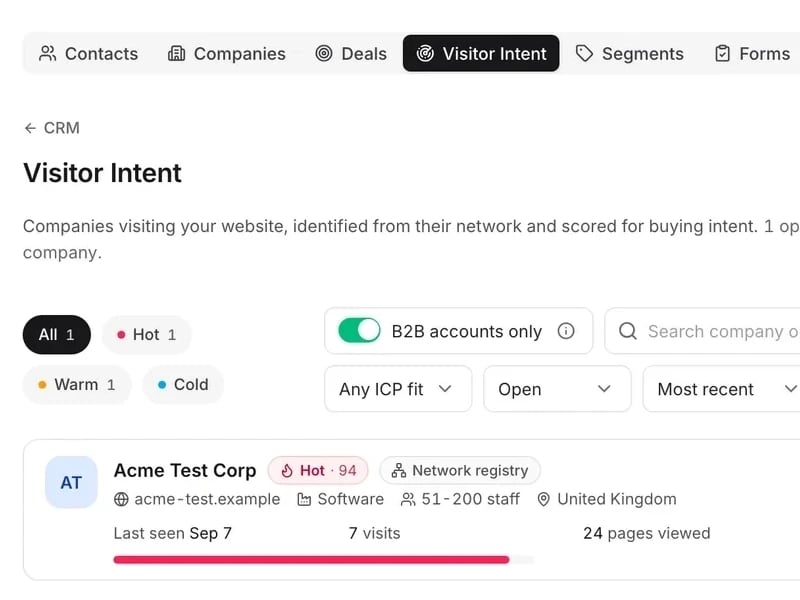
mDOS Visitor Intent: a company visiting the website scored Hot 94, with its visits and pages viewed, under the intent filters

World-leading software

A consent banner on your sites, tracking held until visitors say yes and a cookie policy written from a scan of what your sites set.

See the software →
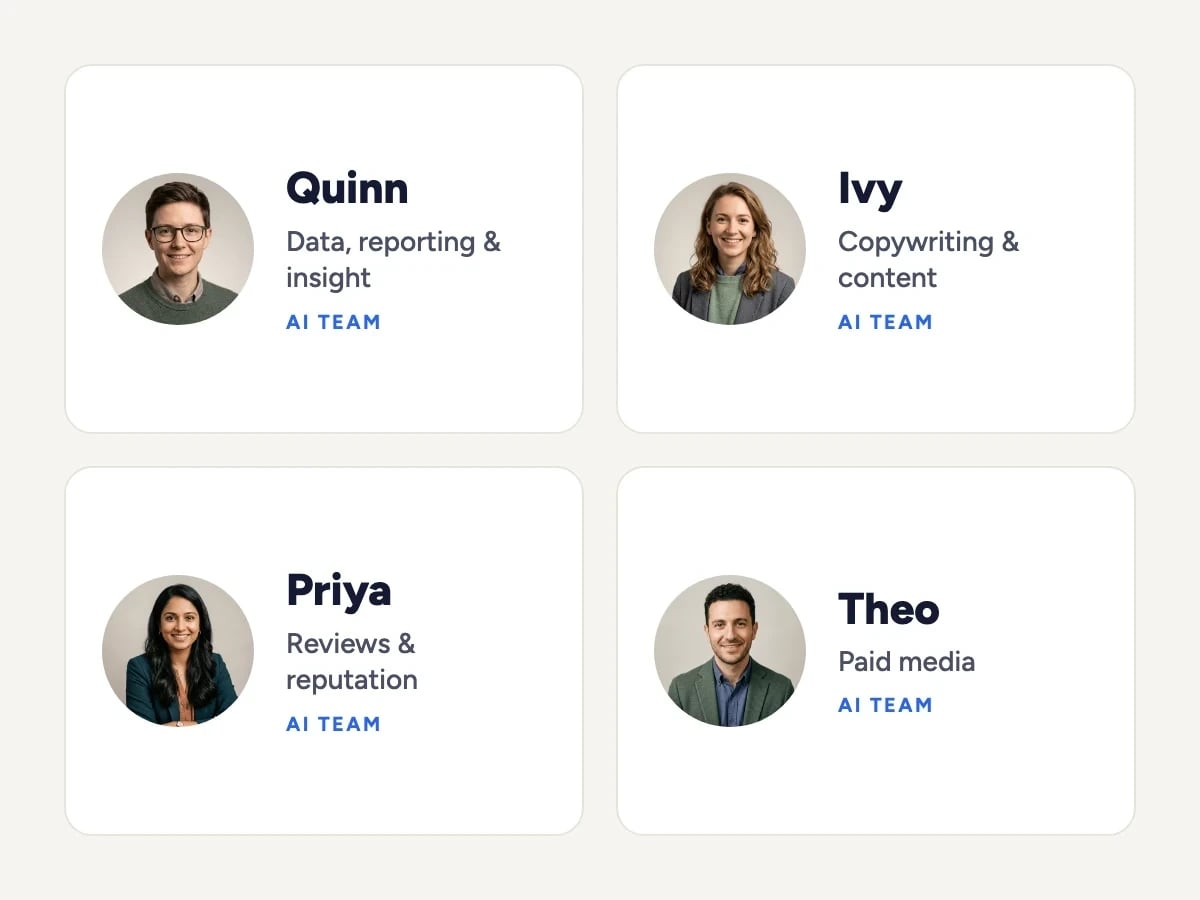
Four members of the mDOS AI team: Quinn (data, reporting and insight), Ivy (copywriting and content), Priya (reviews and reputation) and Theo (paid media)

Tireless AI agents

AI agents check your analytics and tracking are still recording properly, so the reports your marketing relies on can be trusted.

Meet the AI agents →
The Mr Digital team walking together across a footbridge

Real experts driving it

Our team checks your tracking IDs and consent set-up with you, and is a call away if your tags change.

Meet the people →
TRY IT YOURSELF

Try it on a demo site.

Working websites built on mDOS for invented businesses. Open one and try it the way your customers would.

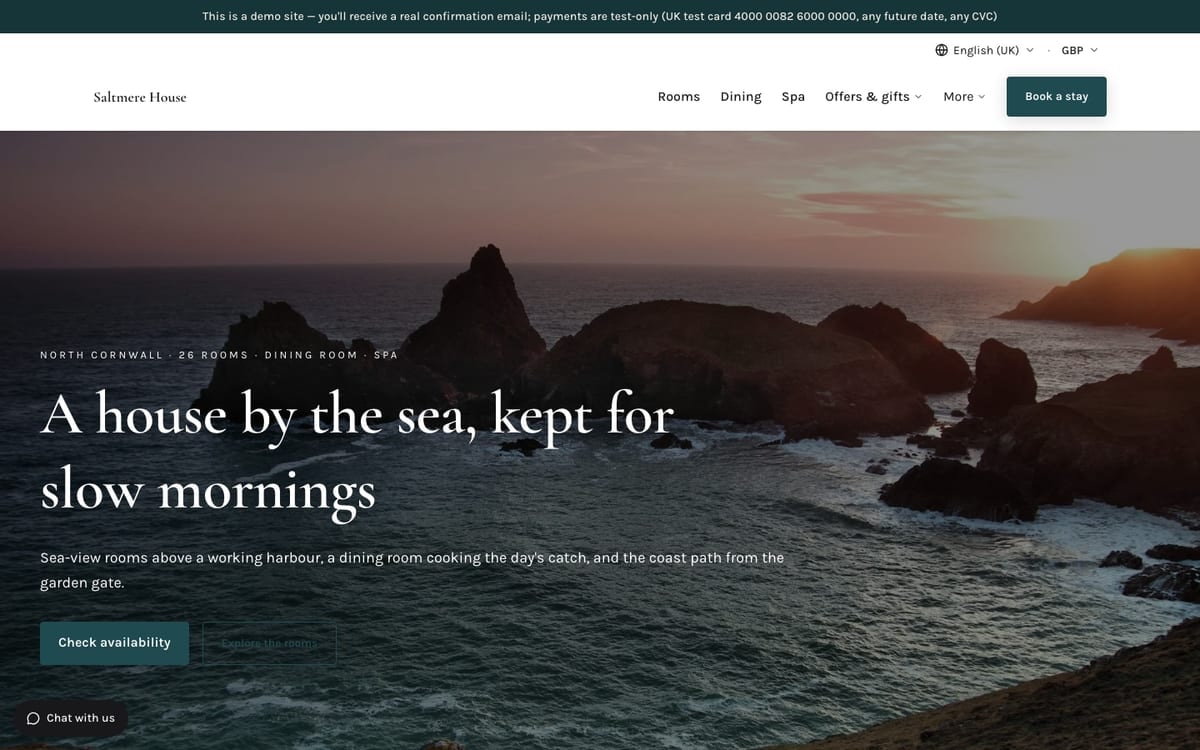
  • The home page of Saltmere House, a demo hospitality website built on mDOS
    Hospitality

    Saltmere House

    A 26-room boutique hotel on the north Cornish coast, with a seafood dining room and a three-room spa.

    What you can try

    • See the cookie banner on your first visit, with equal Accept all and Reject all buttons
    • Reopen it from Cookie settings in the footer
    • Read the cookie policy
    View demo site: Saltmere House (opens in a new tab)
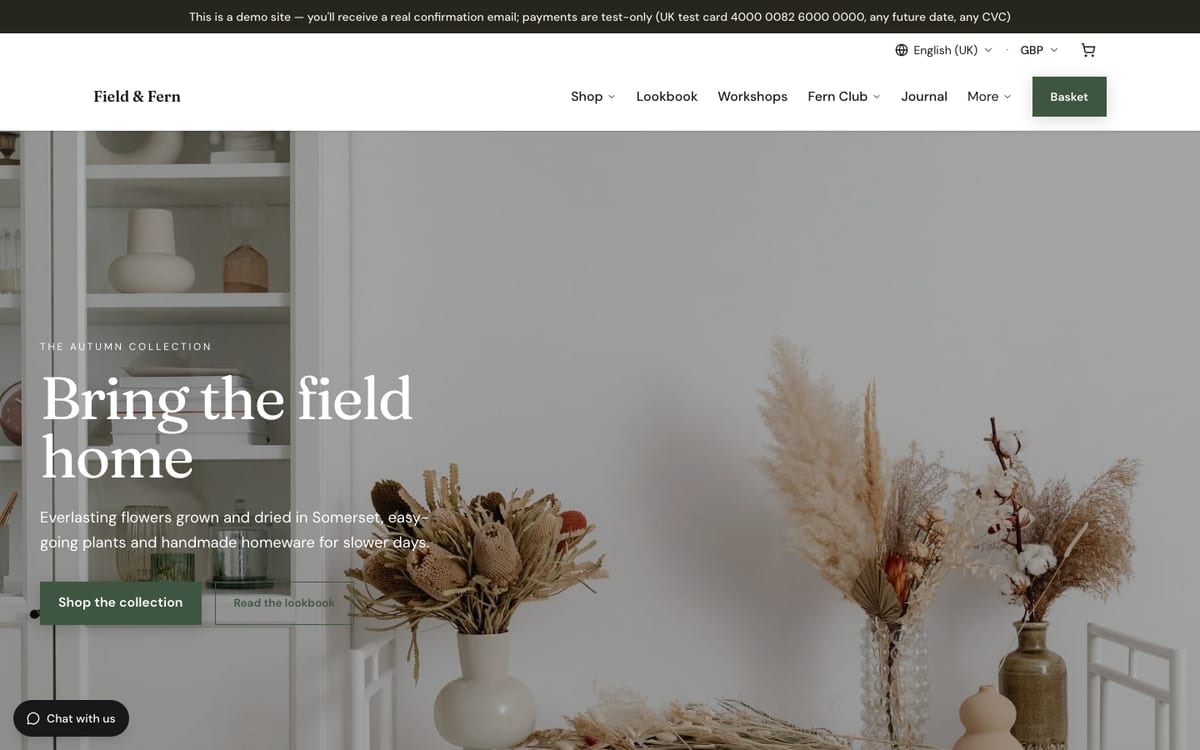
  • The home page of Field & Fern, a demo e-commerce & retail website built on mDOS
    E-commerce & retail

    Field & Fern

    An online homeware and botanicals brand: dried flowers, houseplants, candles and stoneware.

    What you can try

    • See a banner styled to a different brand
    • Choose what to allow under Manage preferences
    View demo site: Field & Fern (opens in a new tab)

Demo sites are invented businesses. Payments are test-only: use the UK test card 4000 0082 6000 0000 with any future date and any CVC. Book or buy with your own email address and you’ll receive a real confirmation email.

Support from a real marketing team

mDOS is built and operated by MDOS AI LTD. When you message or phone us, real Marketing Experts answer, on every plan, led by our Founding Partner Agency, Mr Digital. Here are five ways we help you get results.

Chat with our marketing experts

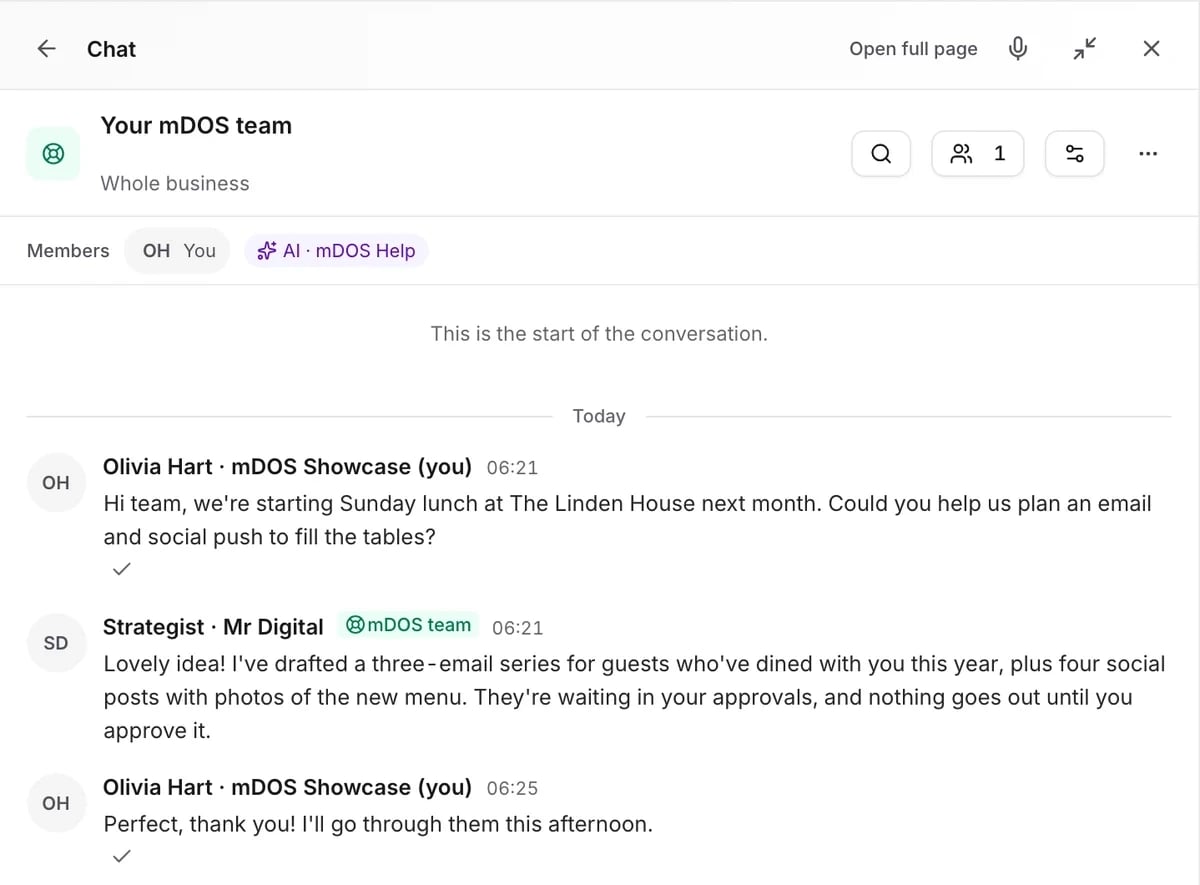
Message us from any screen in mDOS. The people who answer are marketers from our partner agencies, not a call centre.

  • Live chat on every plan, from the Chat button on every page, and you can phone us when you need to
  • Answered by marketing experts from our partner agencies, the same people who run marketing for clients
  • Ask about the software or your marketing: setup, campaigns and results
  • AI support for quick answers whenever you need one

Included in every plan

Book a call

The mDOS Chat panel on the Your mDOS team room: a hotel asks for help planning an email and social push for Sunday lunch, and a strategist from the mDOS team replies

Questions about cookie compliance

No. Analytics and marketing start switched off and only turn on when the visitor says yes.
Yes. Choose Google Consent Mode and the visitor’s real choice is sent to Google tags.
A public cookie policy page is published for you from the scan, and you can add your own cookies to it.
Yes. Add one script to your other websites and the same consent rules apply there.
Yes. It works today, and an mDOS Expert Partner sets it up with you.