Three ways to bring data in
Pick the one that fits where your numbers live today.
Google Sheets and Analytics
The Google tools you already use.
- Send rows from a Google Sheet into mDOS
- Chart sheet data like any other figure
- Google Analytics 4 website data
- Website visits next to bookings and sales
Compare us with: Supermetrics · Zapier
Included with data connections
Your numbers, wherever they live today.
Accounting and email tools
Connect Xero and Mailchimp today, with more tools set up with our team. Each connection belongs to your company only.
Dashboards you build
Mix connected data with your mDOS figures on dashboards you design, then share or schedule them like any other report.
No developer for the basics
Google Sheets and spreadsheet imports need no technical help. Sending data from other systems needs a simple web request.
Checked before it lands
Every file import is mapped, previewed and checked before anything is saved, so a bad row never spoils a report.
Website data, side by side
Google Analytics visits sit next to the bookings and sales they led to, so you see the whole journey in one place.
Shared like any report
Charts built from connected data can be scheduled by email or shared with a read-only link, just like any other mDOS report.
Every feature, in detail
Everything below comes with every plan, at one price per site, with no add-ons or per-user fees.
Make it yours. Let it do the legwork.
Shape it to how you work, and let it handle the routine for you.
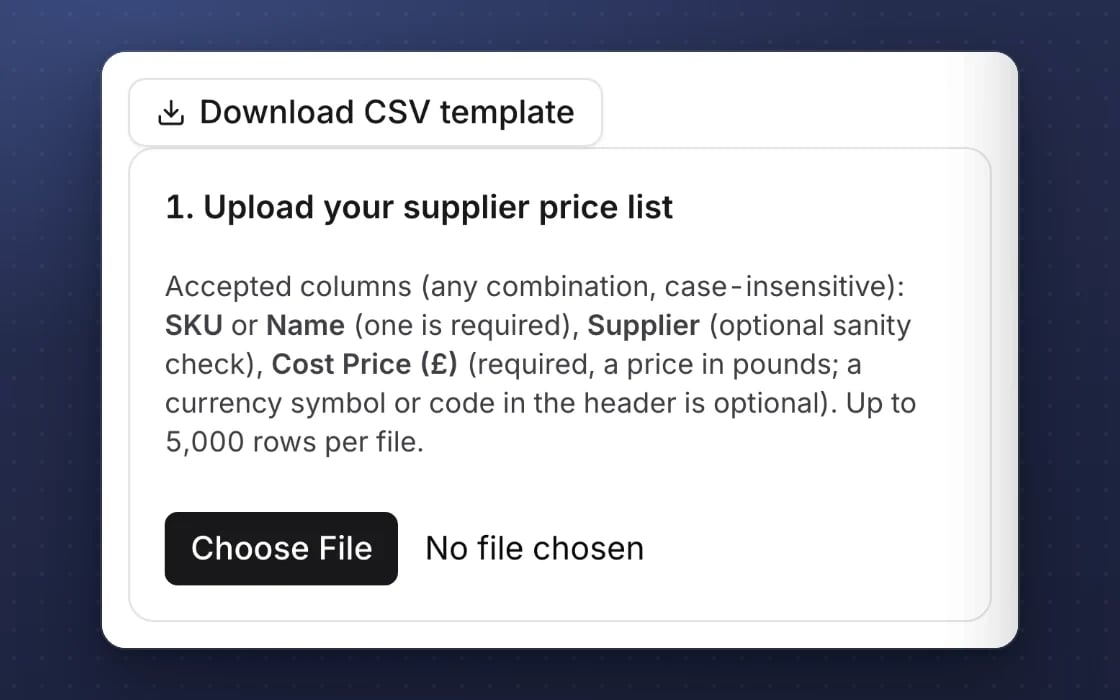
Your columns, matched
Upload a CSV and match its columns, with suggestions, and preview before anything is saved.
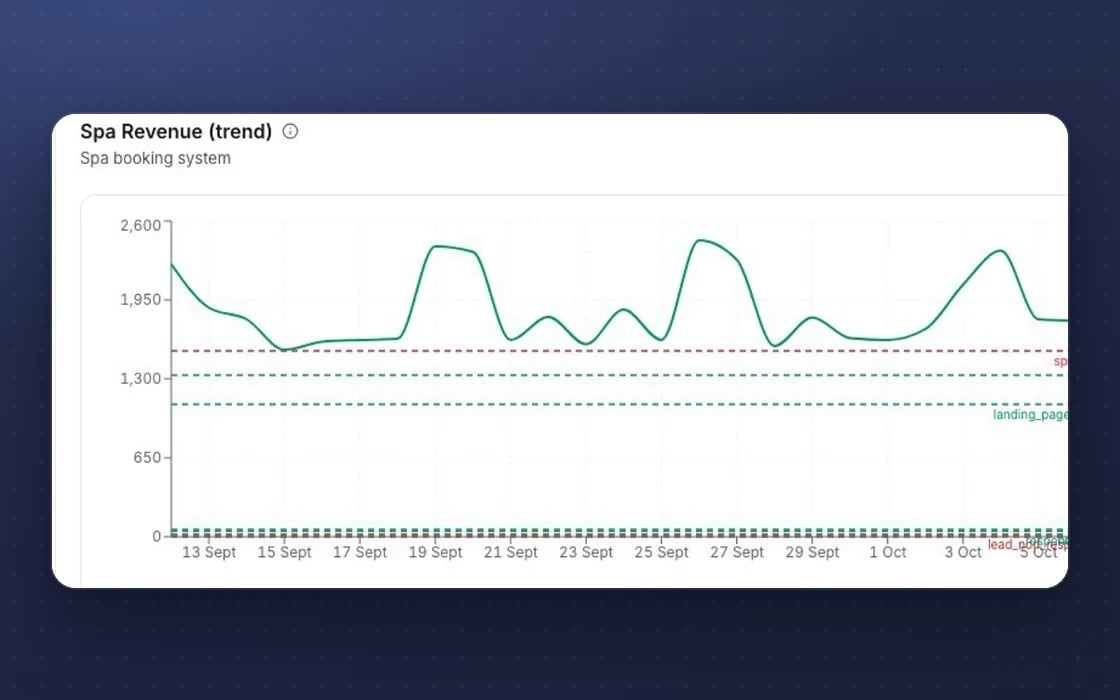
Brought in every day
Rows from a Google Sheet are brought in every day and new data appears as charts.
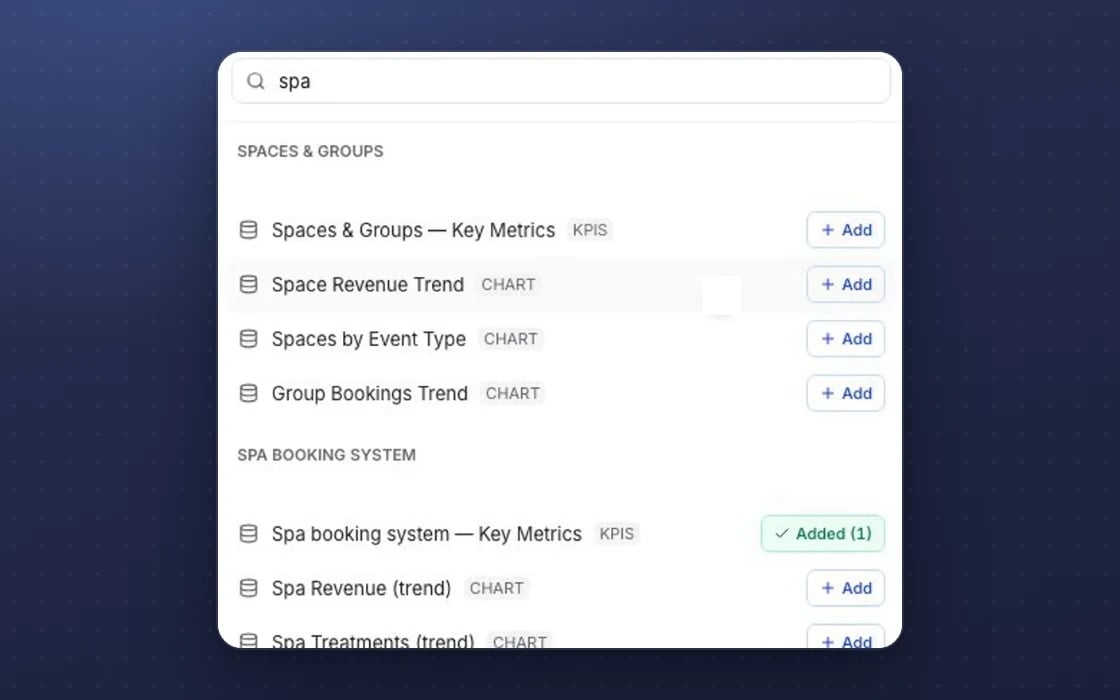
Mixed with your figures
Connected data sits beside your mDOS figures on your dashboards.
What data connections replaces
Fewer tools in the middle.
Zapier and Make
Monthly fees for glue between your tools and a spreadsheet, just to get one chart in front of the right people. Here the connection is part of your plan.
Data-pulling tools
Paying for Supermetrics or similar tools to pull marketing data into Looker Studio, then keeping all of it working. Here marketing data sits next to your bookings and sales already.
Monday spreadsheets
Someone copying numbers from five systems into one spreadsheet every week, and hoping nothing was missed. Here the numbers arrive on their own.
Set up by real people, supported by AI. An mDOS Expert Partner connects your first sources and checks the numbers match, so your dashboards are right from day one.
Switch at your own pace
Keep your current reporting tools while their contracts run out, and connect one source at a time. We bring your past figures across from spreadsheets and exports, check they match what you had before, and agree a tailored switching plan with you.
Three things no one else brings together
Getting your numbers in one place is the start. mDOS adds AI agents that explain them, and a team that connects your sources.
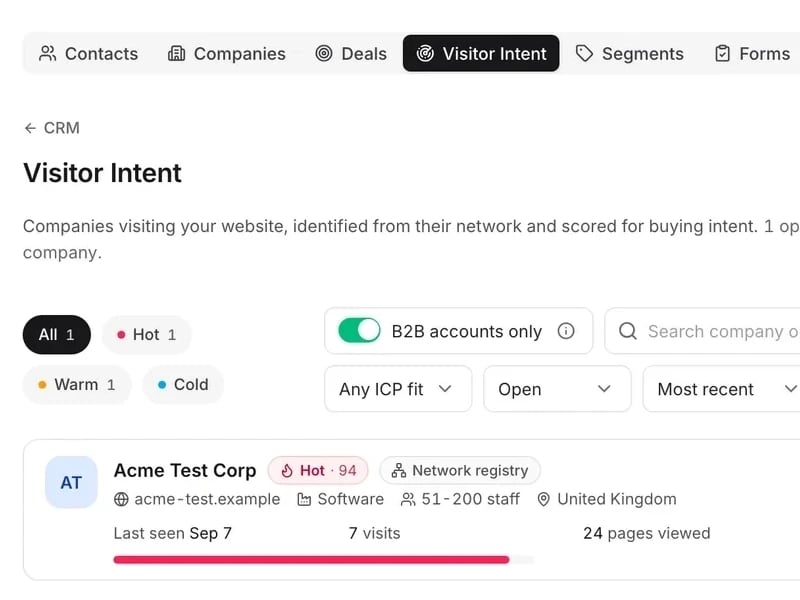
World-leading software
Spreadsheets, Google Analytics and your other tools brought in next to your bookings, sales and marketing.
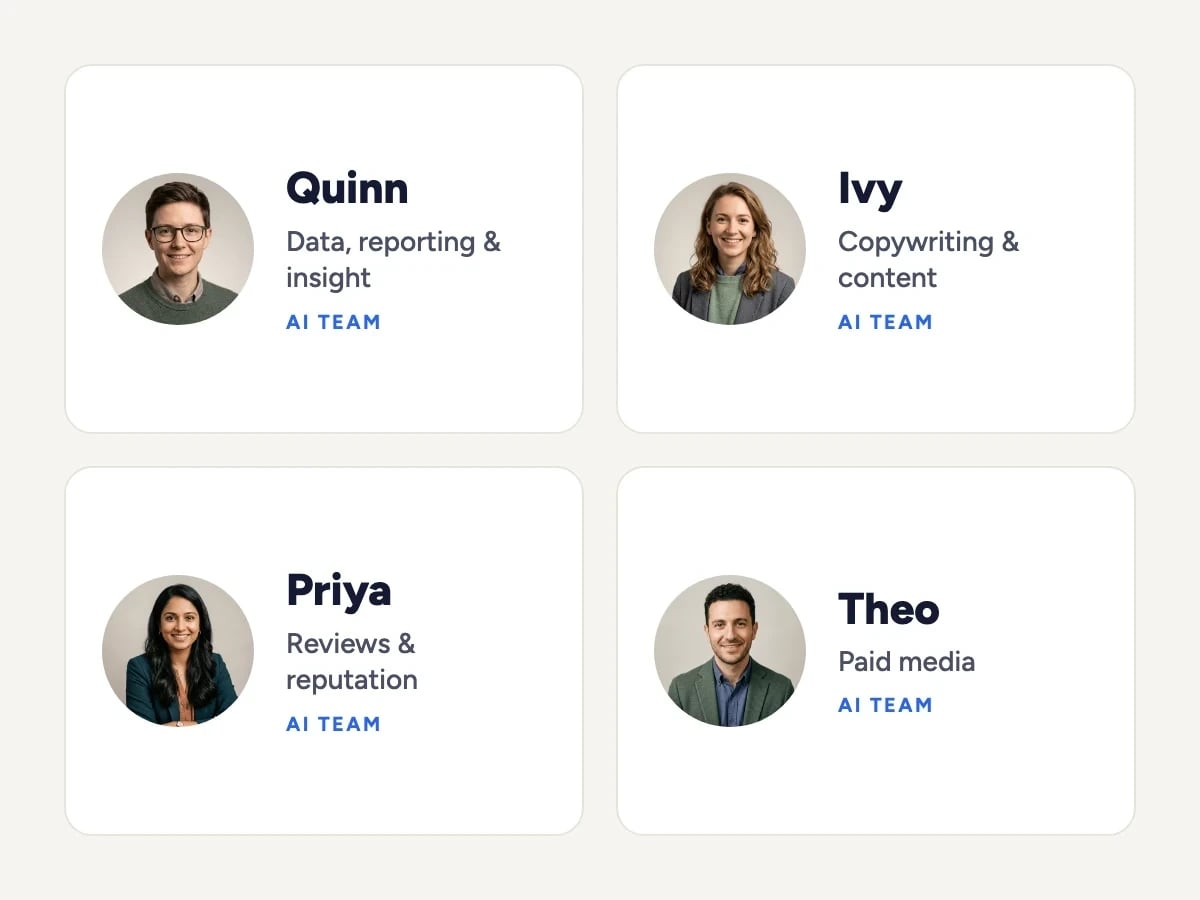
Tireless AI agents
Once your data is in, AI agents explain what’s changed on your dashboards in plain words and build new dashboards when you ask.

Real experts driving it
An mDOS Expert Partner connects your first sources and checks the numbers match, so your dashboards are right from day one.
Keep the tools that work for you. Replace the ones that don't.
Sell online already? Keep your shop and email tools, and bring the customer data, campaigns and reporting into one place.
Support from a real marketing team
mDOS is built and operated by MDOS AI LTD. When you message or phone us, real Marketing Experts answer, on every plan, led by our Founding Partner Agency, Mr Digital. Here are five ways we help you get results.
Chat with our marketing experts
Message us from any screen in mDOS. The people who answer are marketers from our partner agencies, not a call centre.
- Live chat on every plan, from the Chat button on every page, and you can phone us when you need to
- Answered by marketing experts from our partner agencies, the same people who run marketing for clients
- Ask about the software or your marketing: setup, campaigns and results
- AI support for quick answers whenever you need one
Included in every plan