
Skip to content
Log in
mDOS home

Products › Meeting booking

Share a link and let people book time.

Booking links for one person or a whole team, kept in step with your Google or Microsoft calendar. Every booking lands in your customer records.

Booking links that fit your team

One person, a team that takes turns, or everyone together.

Your own link

A link people use to book time with you.

  • Your working hours and your calendar
  • Minimum notice and how far ahead
  • Your own questions before the meeting
  • A Google Meet or Teams link, if you want one

Compare us with: Calendly

Included with meeting booking

Everything a booking link should do, with no per-user fees.

Calendar sync

Two-way sync with Google and Microsoft calendars, so busy times block the slot and every booking goes back on the calendar.

Video links

Choose Google Meet or Microsoft Teams on a booking link and the join link is added to every booking.

Your rules

Set minimum notice, how far ahead people can book and time blocked out, and no block-out can land on a booked meeting.

Questions first

Ask your own questions before the meeting, and keep the answers with the booking for the host.

Easy changes

Guests reschedule from a link in one step, and times can show in their own time zone.

Straight into your CRM

Every booking is saved to the customer record, and outreach campaigns can use a booking link for each service.

Every feature, in detail

Everything below comes with every plan, at one price per site, with no add-ons or per-user fees. Open each area underneath for the rest.

Every plan
Booking links
Booking links for one person or a whole team✓ Included in every plan
Team links that take turns, or book everyone at once✓ Included in every plan
Fair turn-taking, with weighting if you want some people booked more✓ Included in every plan
Each person’s own working hours respected✓ Included in every plan
A booking page in your branding, with changes for each person✓ Included in every plan
Your own questions before the meeting✓ Included in every plan
Calendars and video
Two-way sync with Google and Microsoft calendars✓ Included in every plan
Busy times in your calendar block the slot✓ Included in every plan
A Google Meet or Microsoft Teams link on every booking, if you choose✓ Included in every plan
A disconnected calendar is flagged, and missed bookings put back on it✓ Included in every plan

More features, by area

7 features

FeatureEvery plan
Minimum notice, and how far ahead people can book✓ Included
Times shown in the guest’s own time zone, if you choose✓ Included
Block out time, and no block-out over a booked meeting✓ Included
Guests reschedule from a link, in one step✓ Included
Answers saved for the host, and a returning guest’s past answers kept✓ Included
A booking link for each service in your outreach campaigns✓ Included
New enquiries qualified in your inbox and offered a time from your calendar✓ Included

6 features

FeatureEvery plan
A public page where people pick a slot from your real availability✓ Included
The join link on the confirmation, reschedule page and calendar file✓ Included
A proper calendar invite file for every booking✓ Included
Paid meetings: payment confirms the slot✓ Included
See which shared link brought in each booking✓ Included
A broken booking link says exactly what’s wrong✓ Included

2 features

FeatureEvery plan
Reschedules and cancellations kept in step both ways✓ Included
Reminder emails before each meeting✓ Included

1 feature

FeatureEvery plan
A meeting booking can count as a funnel conversion✓ Included

2 features

FeatureEvery plan
A host can’t be double-booked across meeting types✓ Included
A warning when a personal Microsoft account can’t create Teams links✓ Included

Make it yours. Let it do the legwork.

Shape it to how you work, and let it handle the routine for you.

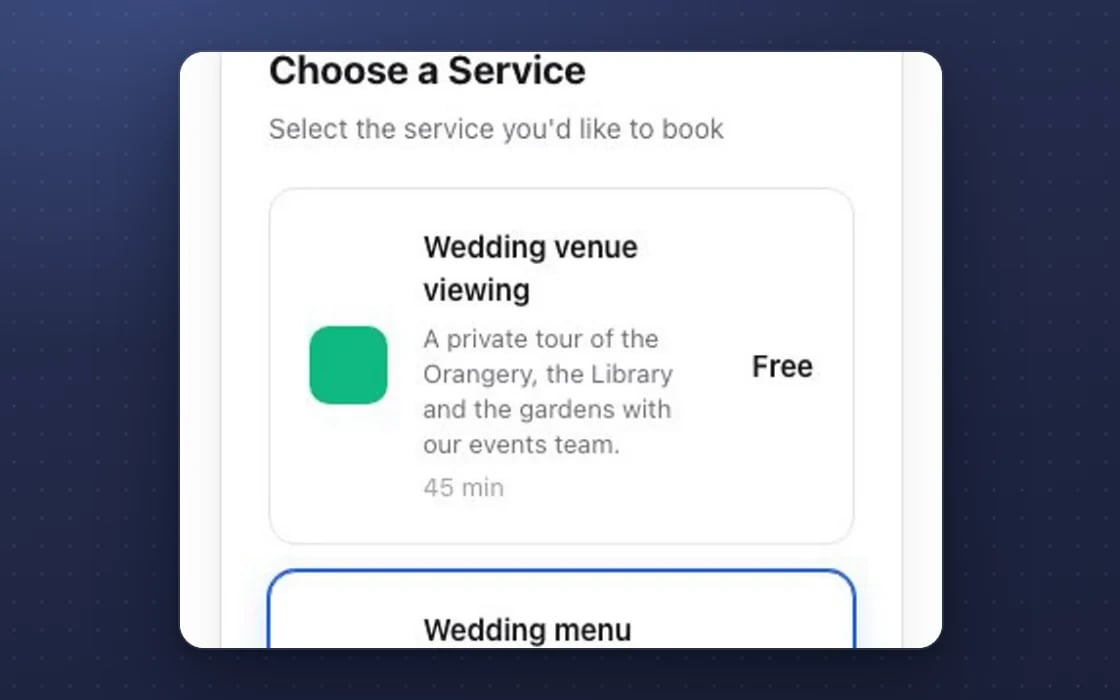
A meeting booking link in mDOS: the guest chooses which kind of meeting to book, each with its own length
1
MAKE IT YOURS

Links for each person or team

A booking link for one person, a team that takes turns, or everyone together, with your own questions and notice period.

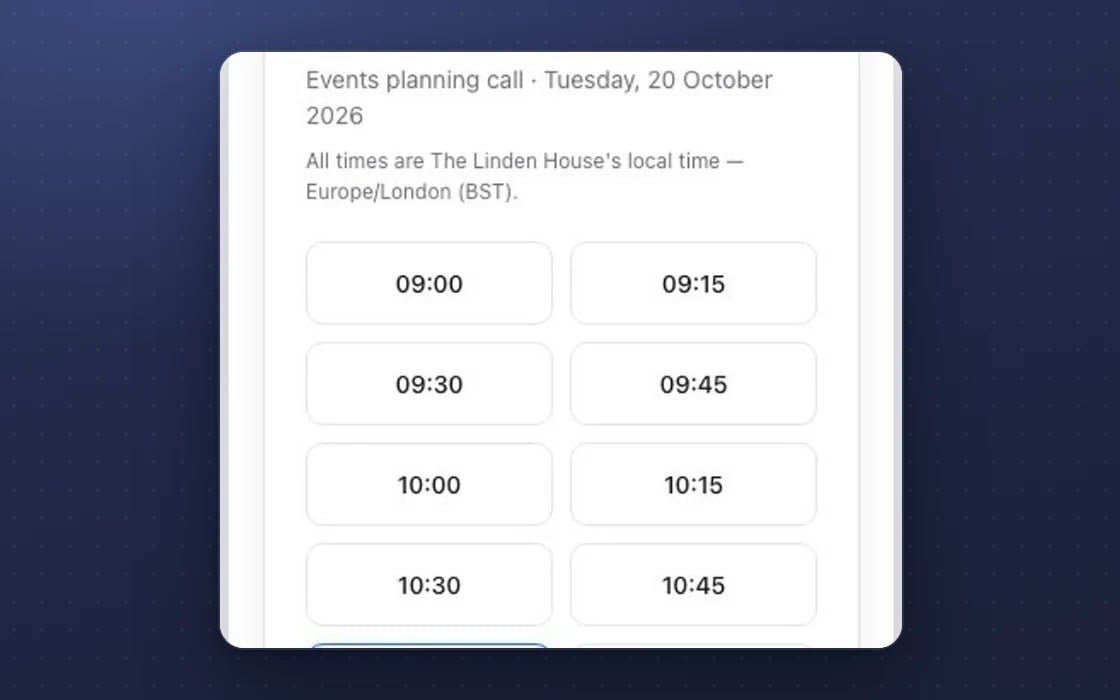
Free times on an mDOS booking link, shown in the venue’s own time zone
2
IT DOES THE LEGWORK

Calendars kept in step

Busy times come from Google or Microsoft calendars, and each booking goes back on the calendar with a video link if you want one.

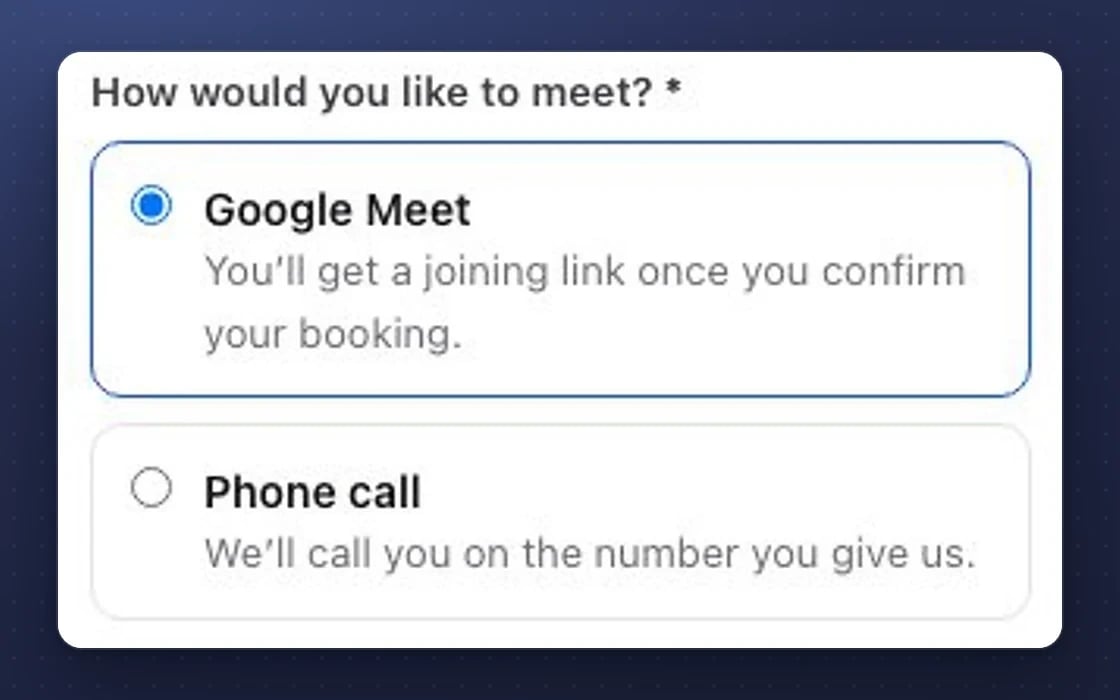
Booking a call in mDOS: the guest picks Google Meet, with a joining link sent on confirmation, or a phone call
3
BUILT IN

Video links included

Add a Google Meet or Microsoft Teams link to every booking, if you choose.

What meeting booking replaces

Booking links that already know your customers.

Scheduling apps

Calendly or similar tools paid for by the seat, with bookings that never reach your customer records on their own.

Email ping-pong

Back-and-forth emails to find a time that suits everyone. Share one link instead.

Shared calendars by hand

Someone checking each person’s diary to share out new enquiries. Team links take turns for you.

Set up by real people, supported by AI. An mDOS Expert Partner connects your calendars and sets up your first booking links with you, and is a call away after that.

Switch at your own pace

Keep your current scheduling tool while its contract runs out and move one booking link at a time. Your calendars stay where they are, and we agree a tailored switching plan with you.

How switching works

Three things no one else brings together

A booking link fills your calendar. mDOS also gives you AI agents that follow up and a team that helps you put the link in front of the right people.

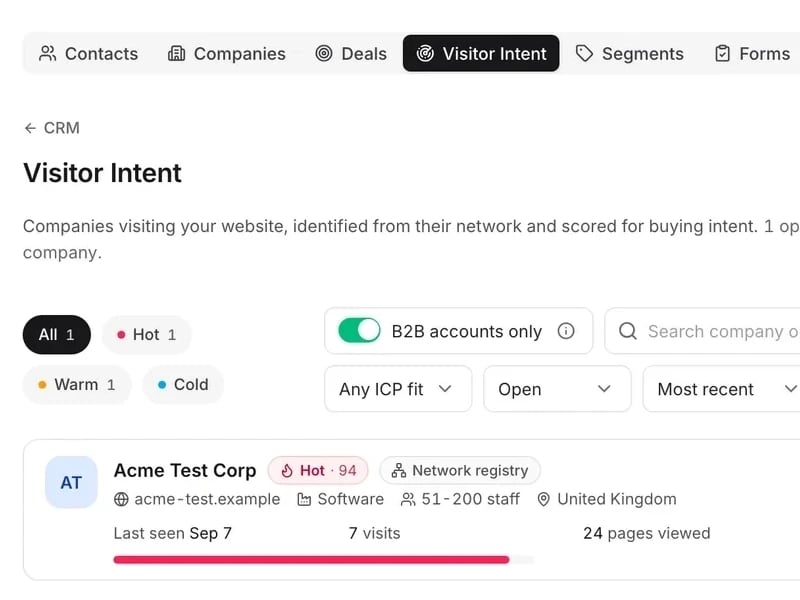
mDOS Visitor Intent: a company visiting the website scored Hot 94, with its visits and pages viewed, under the intent filters

World-leading software

Booking links for one person or a whole team, kept in step with your Google or Microsoft calendar, with every booking in your customer records.

See the software →
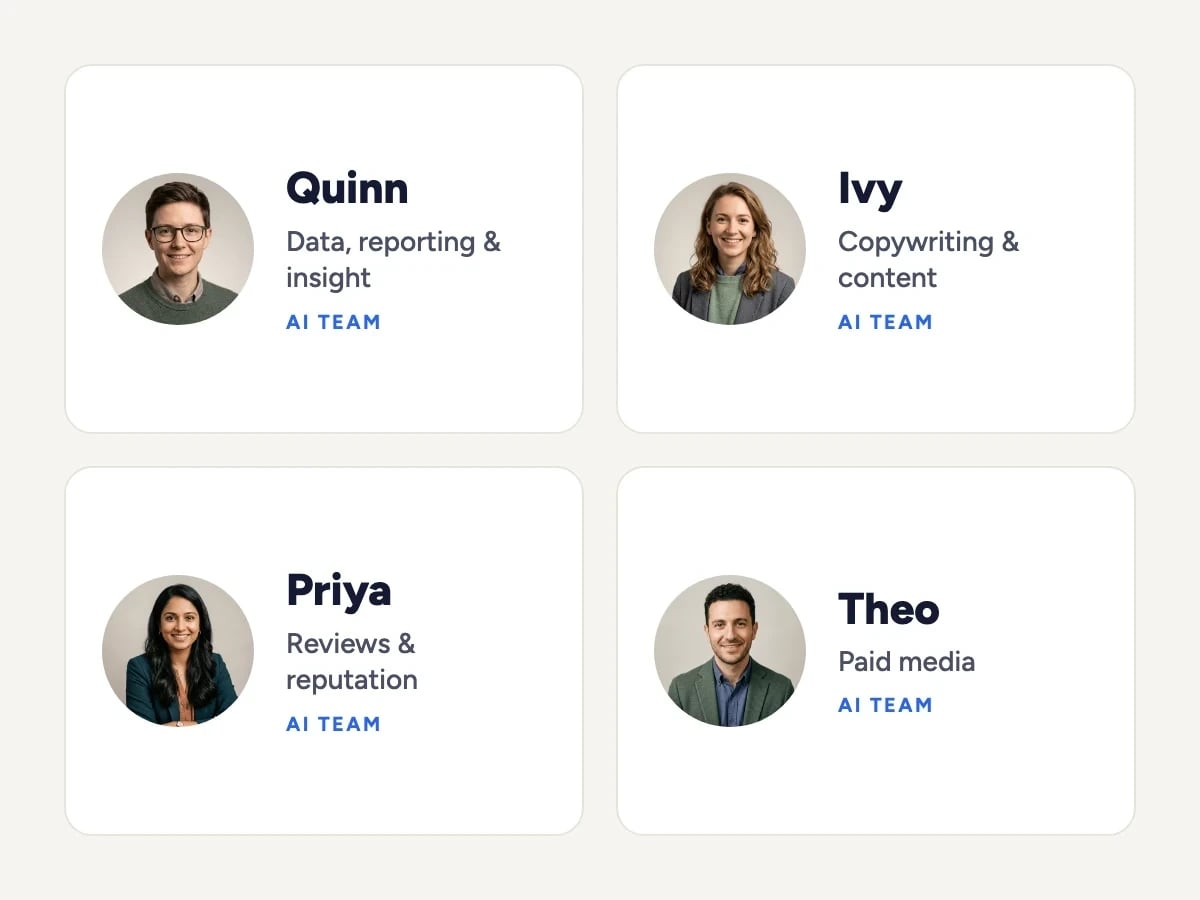
Four members of the mDOS AI team: Quinn (data, reporting and insight), Ivy (copywriting and content), Priya (reviews and reputation) and Theo (paid media)

Tireless AI agents

AI agents spot new leads nobody has followed up, suggest the next step for each and draft the message for you to approve.

Meet the AI agents →
The Mr Digital team walking together across a footbridge

Real experts driving it

An mDOS Expert Partner connects your calendars and sets up your first booking links with you, and is a call away after that.

Meet the people →
TRY IT YOURSELF

Try it on a demo site.

Working websites built on mDOS for invented businesses. Open one and try it the way your customers would.

Demo sites are invented businesses. Payments are test-only: use the UK test card 4000 0082 6000 0000 with any future date and any CVC. Book or buy with your own email address and you’ll receive a real confirmation email.

Support from a real marketing team

mDOS is built and operated by MDOS AI LTD. When you message or phone us, real Marketing Experts answer, on every plan, led by our Founding Partner Agency, Mr Digital. Here are five ways we help you get results.

Chat with our marketing experts

Message us from any screen in mDOS. The people who answer are marketers from our partner agencies, not a call centre.

  • Live chat on every plan, from the Chat button on every page, and you can phone us when you need to
  • Answered by marketing experts from our partner agencies, the same people who run marketing for clients
  • Ask about the software or your marketing: setup, campaigns and results
  • AI support for quick answers whenever you need one

Included in every plan

Book a call

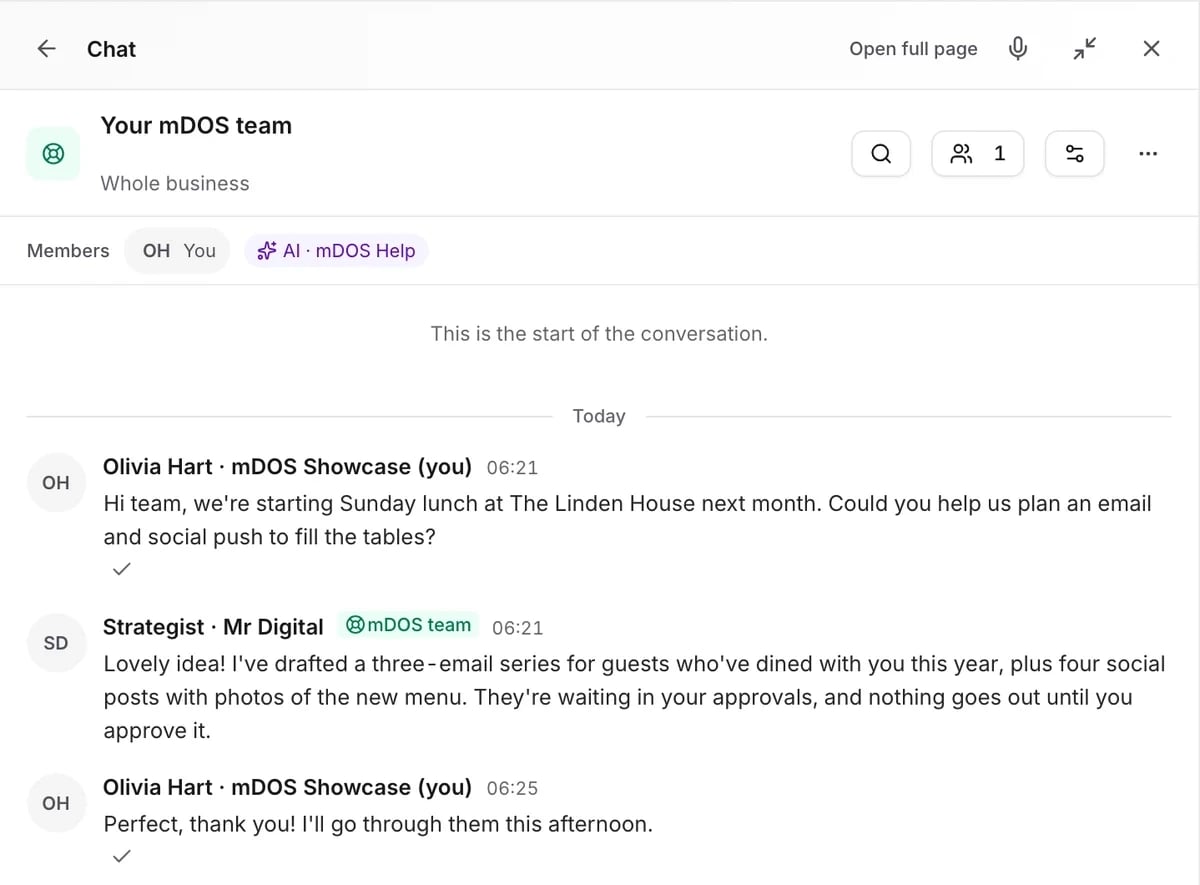
The mDOS Chat panel on the Your mDOS team room: a hotel asks for help planning an email and social push for Sunday lunch, and a strategist from the mDOS team replies

Questions about meeting booking

Google and Microsoft calendars, synced both ways. Busy times block the slot and each booking goes back on the calendar.
Yes. A team link can take turns, fairly or weighted, or only offer times when everyone is free.
If you choose Google Meet or Microsoft Teams on the link, the join link is added to every booking.
No. Meeting booking is included in every plan at one price per site.
Yes. It works today, and an mDOS Expert Partner sets it up with you.

Stop the email ping-pong

Meeting booking comes with everything else in mDOS, at one price per site. No per-user fees.