One inbox, every channel
Answer faster, hand over cleanly and know who you’re talking to.
Every channel together
Email, text, social messages, web chat and forms arrive in one list.
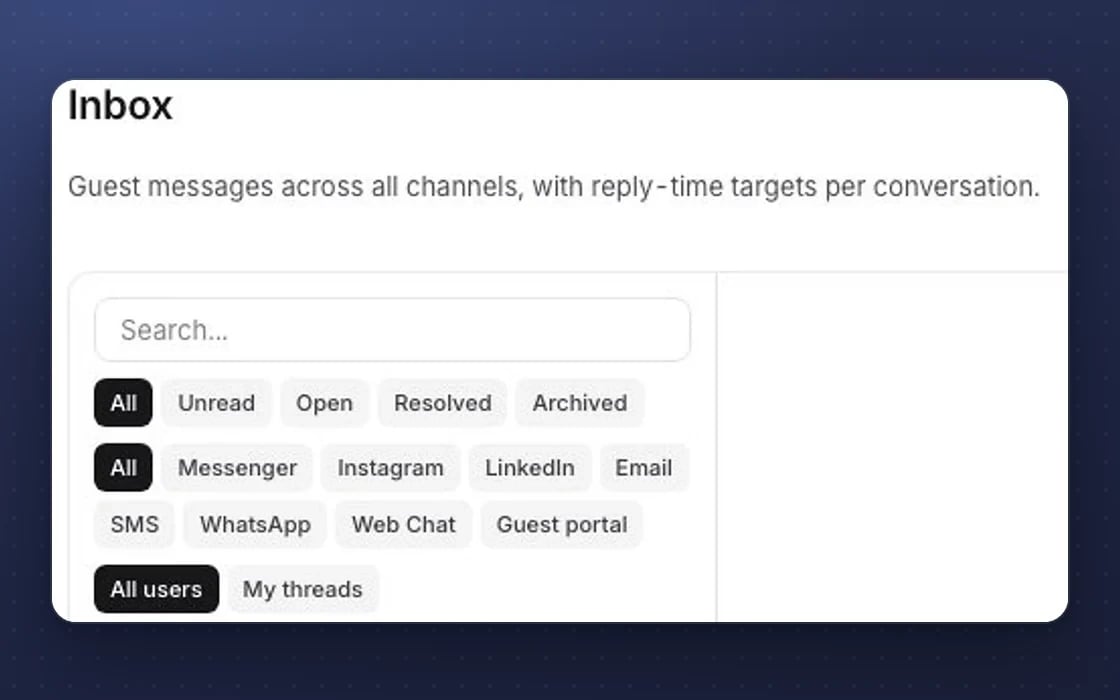
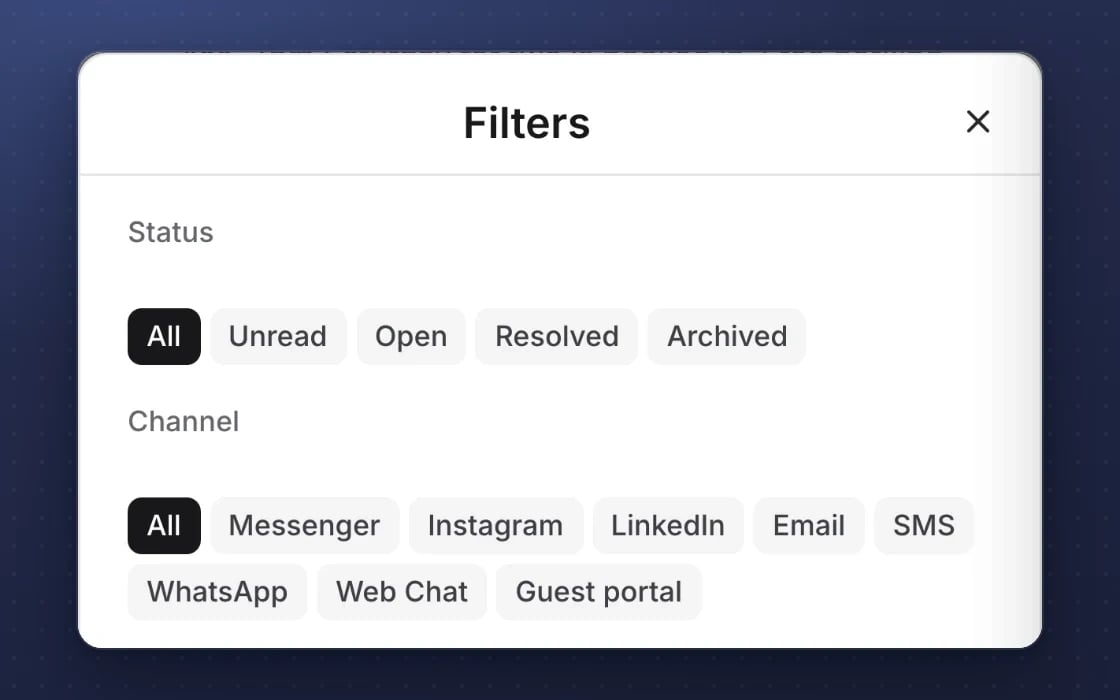
- Filter by channel, status or owner
- Search by name, email or subject
- The customer’s spend and bookings beside the chat
What your team gets in the inbox
Everything you need to reply well, without switching apps.
Every channel together
Email, text, Facebook Messenger, Instagram messages, web chat and website forms arrive in one list. Filter by channel, status or who it’s assigned to, and search by name, email or subject.
The customer beside the chat
See their tags, lifetime spend, last visit, loyalty tier and recent bookings while you type. Nobody has to repeat themselves, and your team can spot a regular straight away.
Assign and hand over
Give a conversation to the right person, mark it resolved or reopen it. Everyone can see who owns what, so nothing is answered twice and nothing is missed.
Notes only your team sees
Leave an internal note on any conversation that customers never see. Handovers between shifts stop relying on memory or a scrap of paper.
Reply-time targets
Set how quickly each channel should be answered and who hears about it when a message waits too long. Busy Saturday nights stop swallowing messages.
New customers in one click
Turn an unknown sender into a customer record from the conversation. Their next booking, order or visit then lands on the right record.
Every feature, in detail
Everything below comes with every plan, at one price per site, with no add-ons or per-user fees. Open each area underneath for the rest.
More features, by area
4 features
| Feature | Every plan |
|---|---|
| A reply drafted from the conversation, for your team to send | ✓ Included Beta |
| What each customer wants, read from their message | ✓ Included Beta |
| New enquiries qualified, with a time offered from your calendar | ✓ Included Beta |
| Press enquiries saved to your media list | ✓ Included Beta |
3 features
| Feature | Every plan |
|---|---|
| First-response times measured for every conversation | ✓ Included |
| A library of saved replies | ✓ Included |
| A self-test for each channel connection | ✓ Included |
2 features
| Feature | Every plan |
|---|---|
| Reconnect a LinkedIn inbox without signing in again | ✓ Included |
| WhatsApp’s 24-hour reply window respected | ✓ Included |
Make it yours. Let it do the legwork.
Work three ways: do it yourself, ask your AI teammate, or let them draft it and take over. A draft lands as a normal item you can edit, not a block of text to copy and paste.
Targets and modes per chat
Set reply-time targets for each channel, and choose for each conversation whether the AI is off, drafts only or replies itself.
Every channel in one list
Email, text, WhatsApp, social messages, web chat and forms arrive in one list, with the customer’s history beside them.

Sam drafts it, you take over
Do it yourself: reply from the thread.
Ask Sam: Sam reads what the customer wants and qualifies new enquiries.
Or take over the draft: it lands as a reply drafted in the normal reply box for your team to edit and send.
FREE · NO ACCOUNT · NO CARD
Try the AI agents free (Beta)
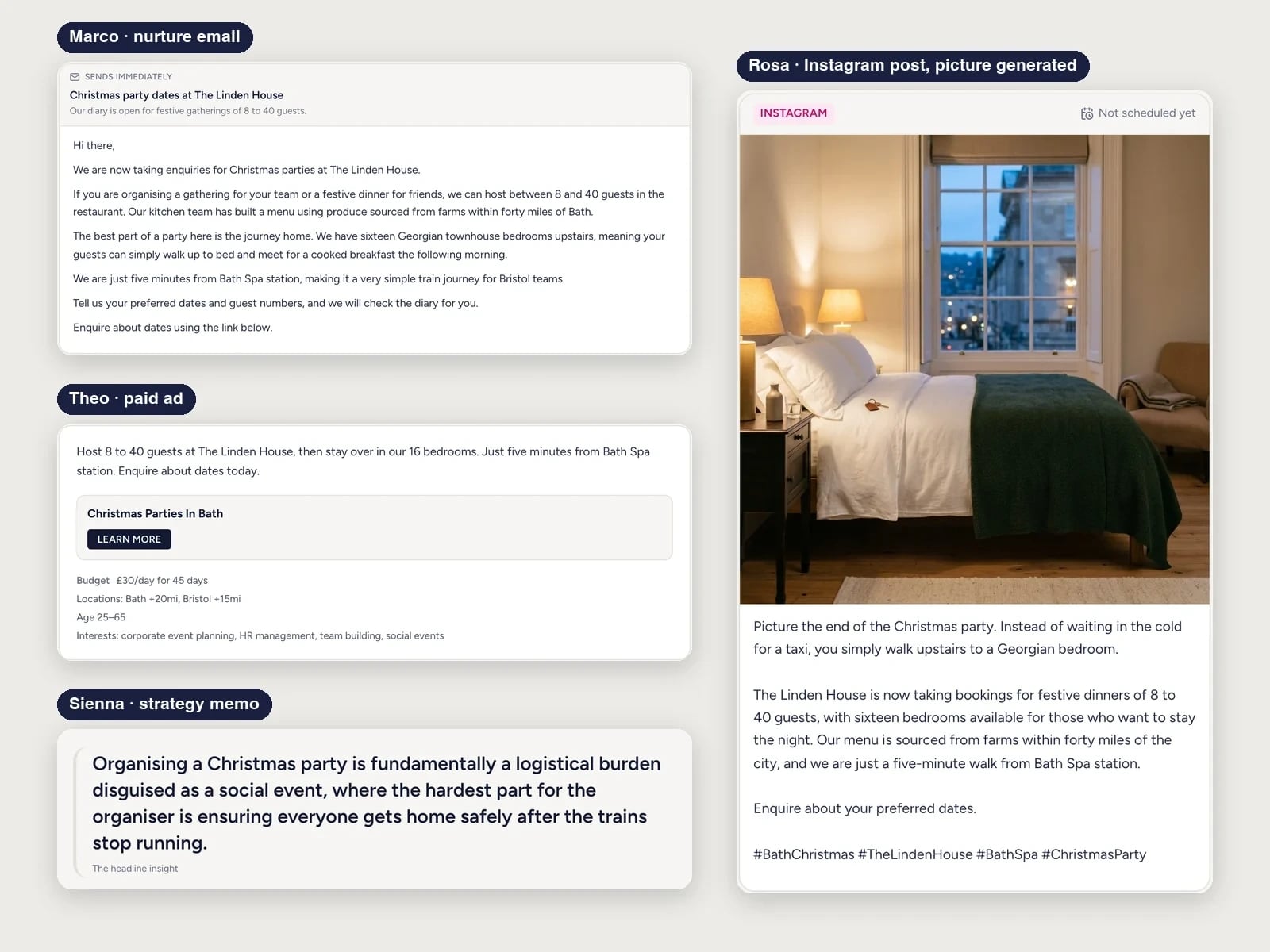
Give it a simple brief and the AI team builds a campaign, emailed to you with a read-only link. The picture shows what came back for a demo hotel’s brief.
- Sienna, Marco, Rosa and 6 more desks
Strategy, emails, social posts, a landing page and ads, checked for brand and compliance
One inbox instead of five logins
What it replaces, and what you save.
Front or Twilio Flex
A separate shared inbox tool with its own seats, setup and customer list. In mDOS the inbox comes with every plan, with no per-user fees.
Phones passed around
The phone behind the counter and the Instagram app on someone’s own phone. Replies now come from your business accounts, with a record of who said what.
Messages stuck in one system
Messaging locked inside a booking tool such as SevenRooms. Here every message sits on the same customer record as their bookings, orders and spend.
YOUR AI TEAM, IN THE INBOX
A first draft waiting for every message
It works around the clock once you switch it on. Nothing goes out without your approval, unless you choose to switch on automatic mode for low-risk tasks.
Replies drafted for you
Each new message gets a suggested reply that uses the customer’s history and your real details, such as opening times and menus. Edit it, send it or bin it.
Spots what people want
It reads each message for what the customer is asking, such as a booking, a complaint or a question, so the right person picks it up.
Scores new enquiries
Enquiries are scored against how you qualify leads, so your team calls the best ones first.
Set up by real people, supported by AI. An mDOS Expert Partner connects your channels and gets the inbox live, and the AI team drafts replies that your team checks before anything is sent.
Switch at your own pace
Start with one channel and add the rest when you’re ready. Keep your current tools while their contracts run out, we move your customer history across, and we plan the switch with you.
Three things no one else brings together
One inbox is a start. mDOS puts a drafted reply on every message with AI agents, and a real team behind you when it matters.
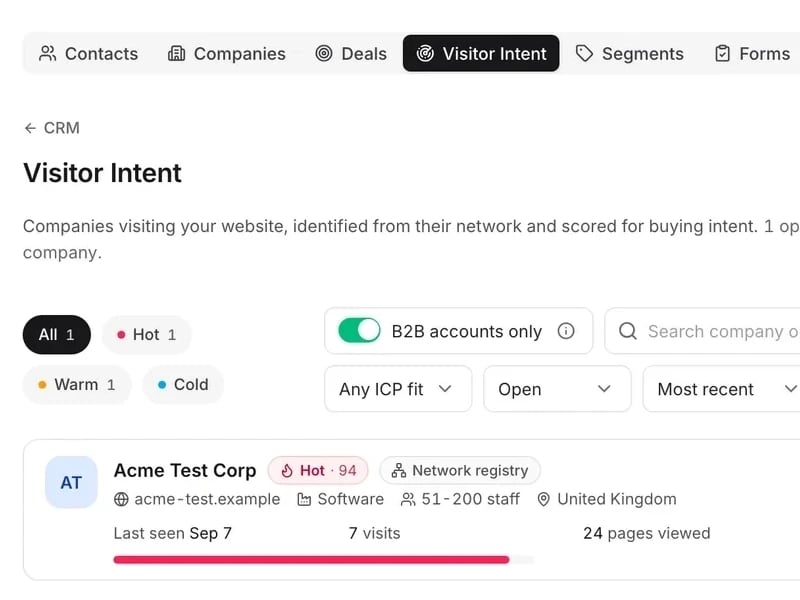
World-leading software
Email, text, Facebook, Instagram and web chat in one shared inbox, showing who’s asking, what they’ve booked and who’s already replying.
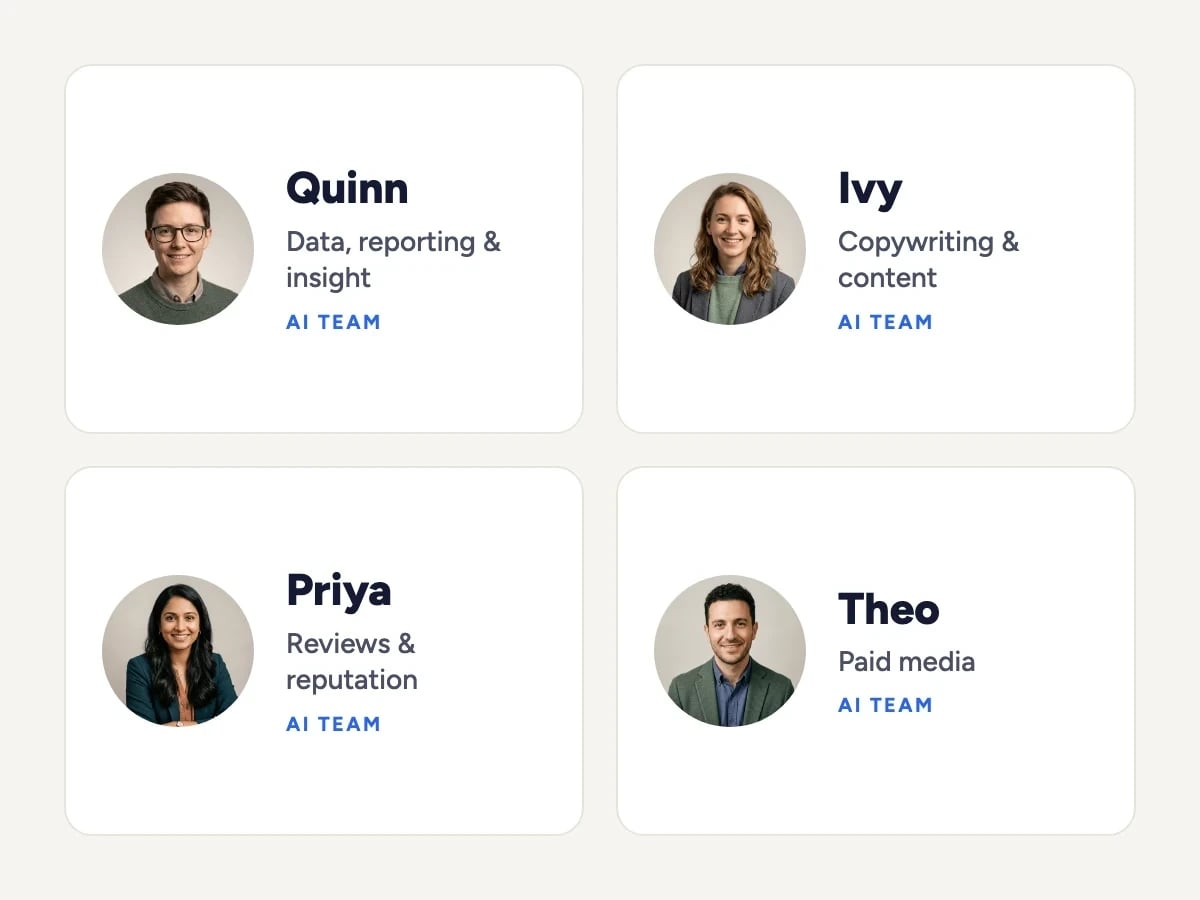
Tireless AI agents
AI agents draft a reply to every message from the customer’s history and your real details, spot what each person wants and score new enquiries.

Real experts driving it
An mDOS Expert Partner connects your channels and gets the inbox live with you, and is a call away after that.
Keep the tools that work for you. Replace the ones that don't.
Keep your CRM and website. mDOS adds the outreach, ads and reporting, and keeps your records in step.
Support from a real marketing team
mDOS is built and operated by MDOS AI LTD. When you message or phone us, real Marketing Experts answer, on every plan, led by our Founding Partner Agency, Mr Digital. Here are five ways we help you get results.
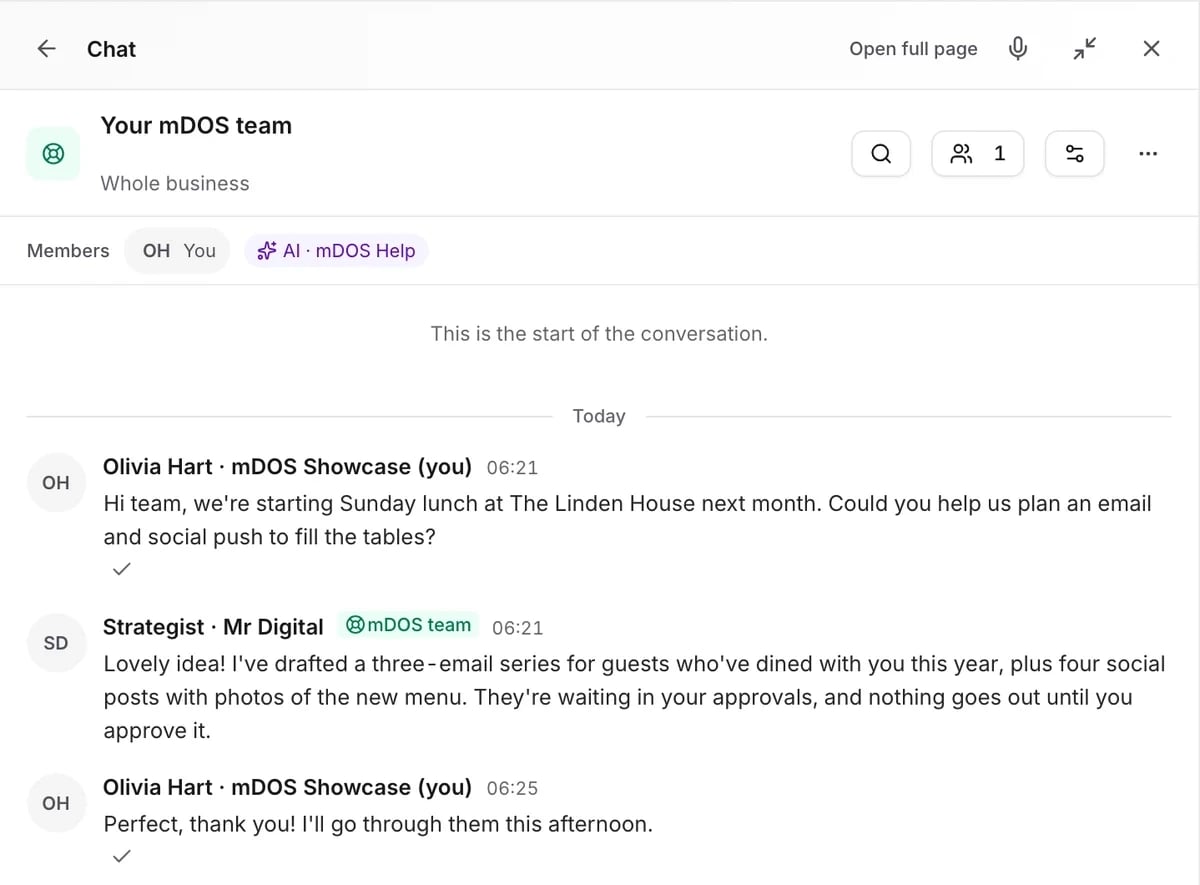
Chat with our marketing experts
Message us from any screen in mDOS. The people who answer are marketers from our partner agencies, not a call centre.
- Live chat on every plan, from the Chat button on every page, and you can phone us when you need to
- Answered by marketing experts from our partner agencies, the same people who run marketing for clients
- Ask about the software or your marketing: setup, campaigns and results
- AI support for quick answers whenever you need one
Included in every plan