Products › Single sign-on
Log in with your company account. One less password.
Your team logs in to mDOS with their Microsoft Entra or Okta account, and leavers lose access when you remove them from your directory.
Three jobs your IT team will care about
Sign-in, joiners and leavers, and how long people stay logged in.
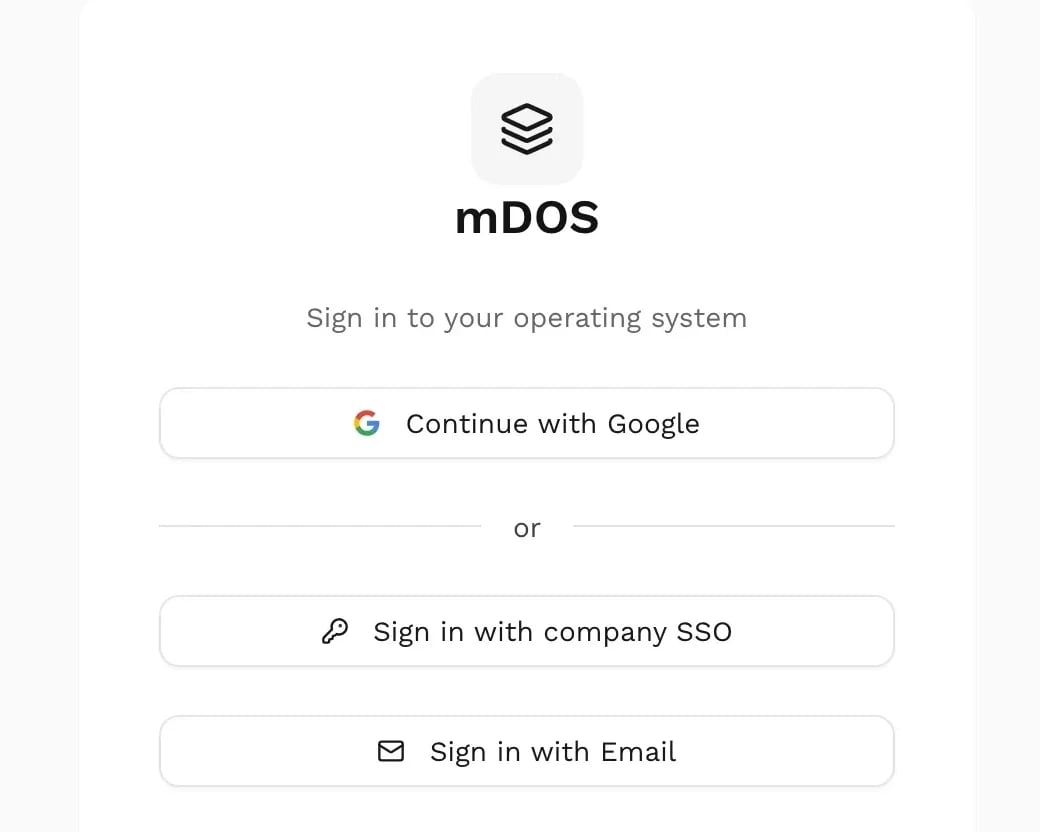
Sign in with your company account
Your team uses the work account they already have, so there’s no separate mDOS password to remember or reset.
- Microsoft Entra and Okta
- Only your verified email domains
- Your own two-step rules apply at sign-in
- Roles in mDOS still control what people see
Compare us with: Separate passwords in every system
Included with single sign-on
Your directory decides who can log in.
Your work account
People sign in with the account they already use for work, through Microsoft Entra or Okta. One less password to forget.
New starters added for you
Accounts can be created automatically from your directory, so nobody waits for a log-in on their first day.
Leavers removed for you
When someone is removed from your directory, their mDOS access goes too.
Session rules
Set how long people can stay idle and when they need to sign in again. The rules apply on every visit, not just at log-in.
Your domains only
Only your verified company email domains can use your single sign-on, so nobody can borrow it.
Works with your roles
Single sign-on decides who can log in. Your mDOS roles still decide what each person can see or change.
Every feature, in detail
Everything below comes with every plan, at one price per site, with no add-ons or per-user fees.
Make it yours. Let it do the legwork.
Shape it to how you work, and let it handle the routine for you.
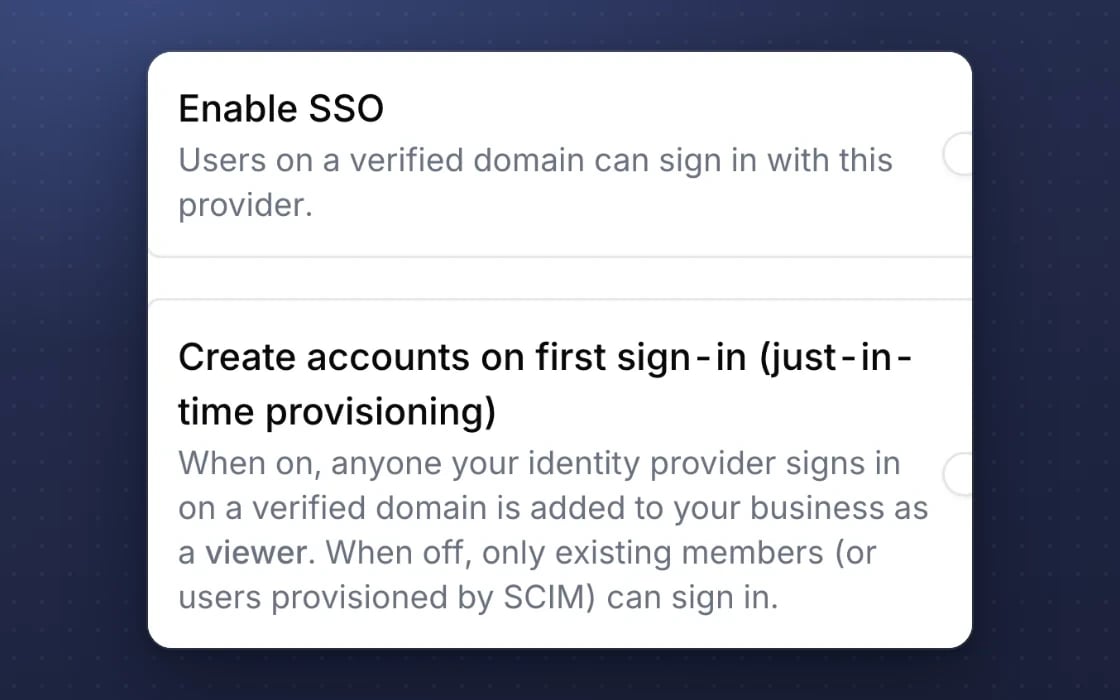
Your directory, your rules
Sign in with Microsoft Entra or Okta, from your verified email domains only, with your mDOS roles still in charge.
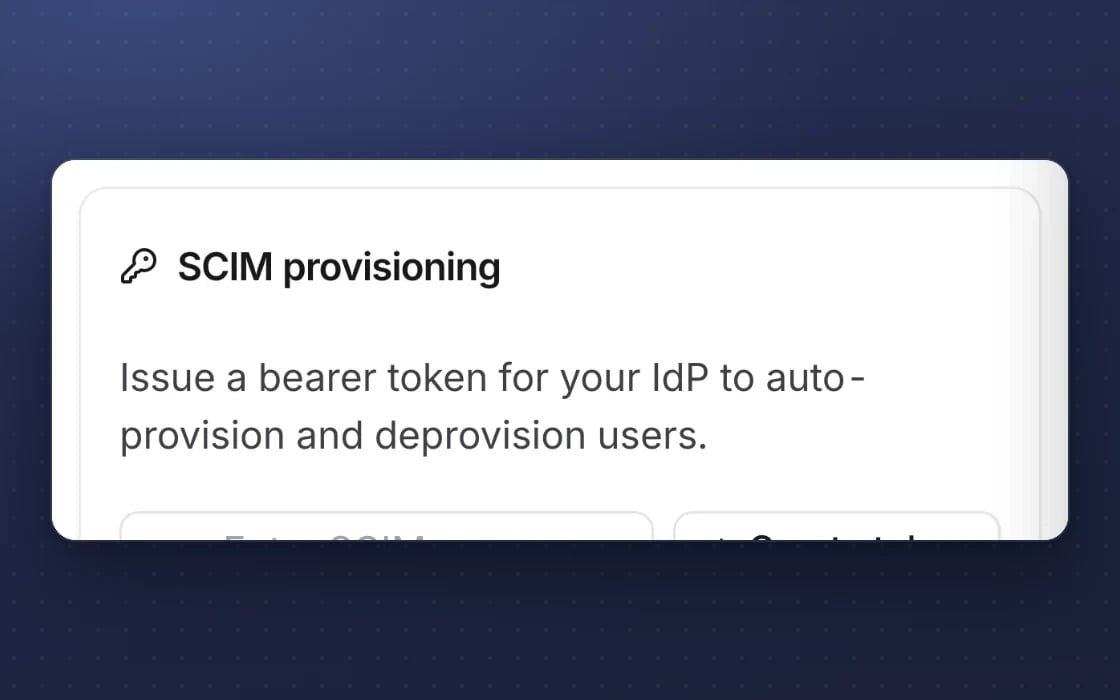
Starters and leavers handled
New starters are created from your directory and leavers are removed when you remove them.
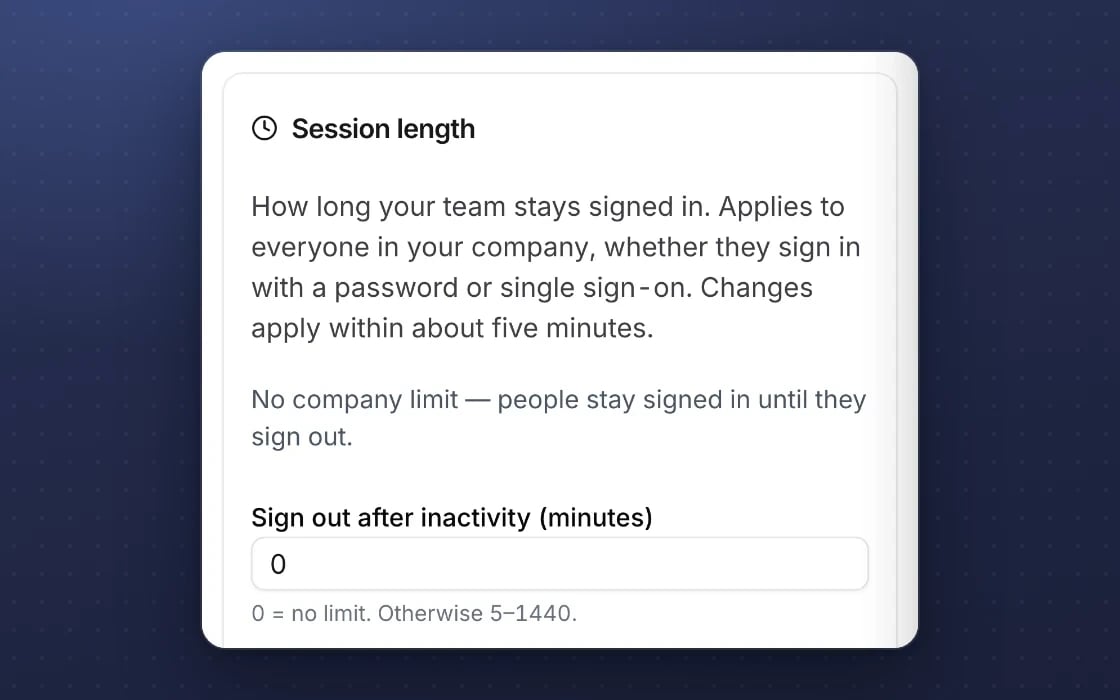
Idle sessions closed
People are logged out after an idle time you set.
Built for trust
The protections behind every plan, in plain words.
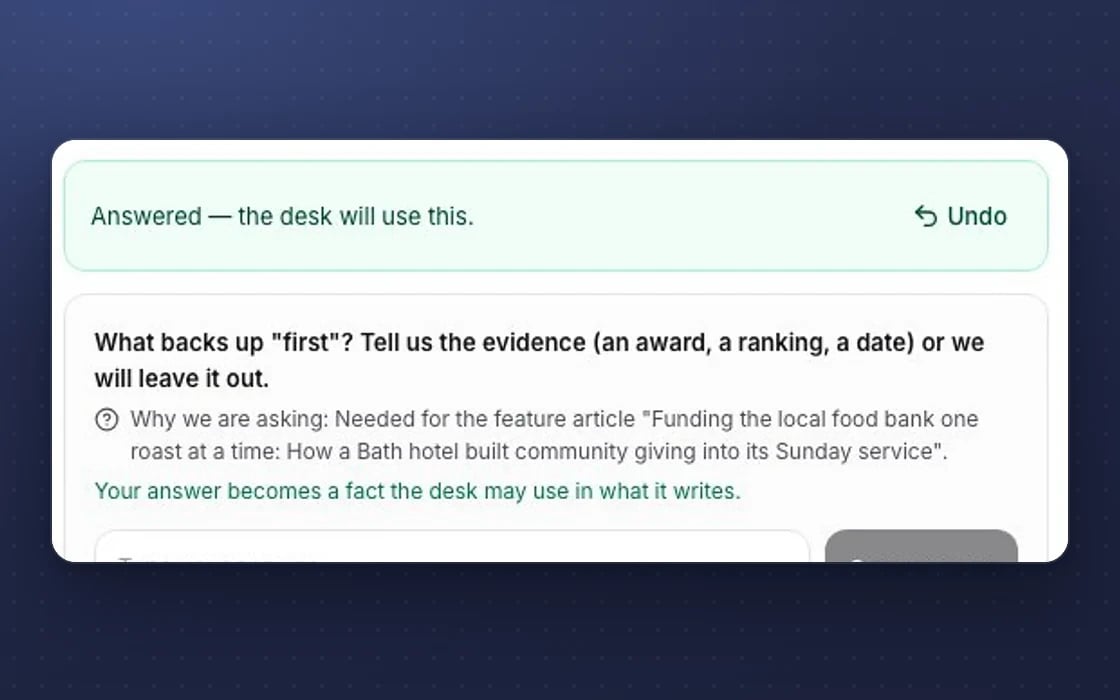
Undo
Destructive actions show an Undo button with a countdown, so a slip is easy to put right.
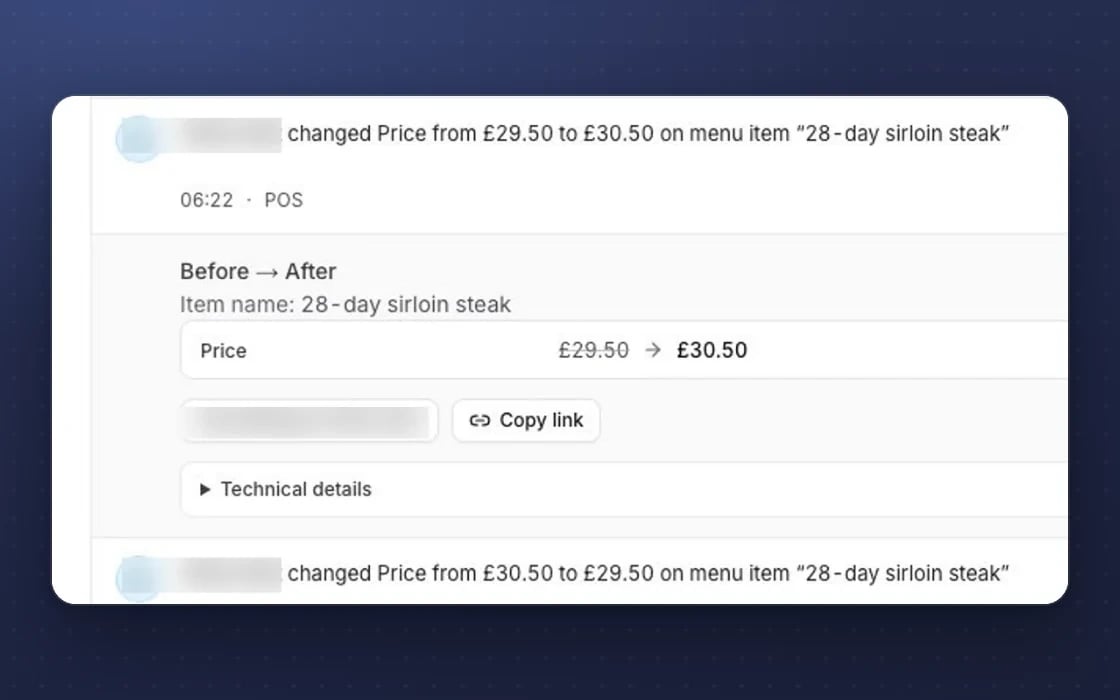
A tamper-evident log
The access log is append-only and checked every day, so a change can’t be quietly rewritten.
Our access, reported
Your admins get an email on any day the mDOS team accessed your account.
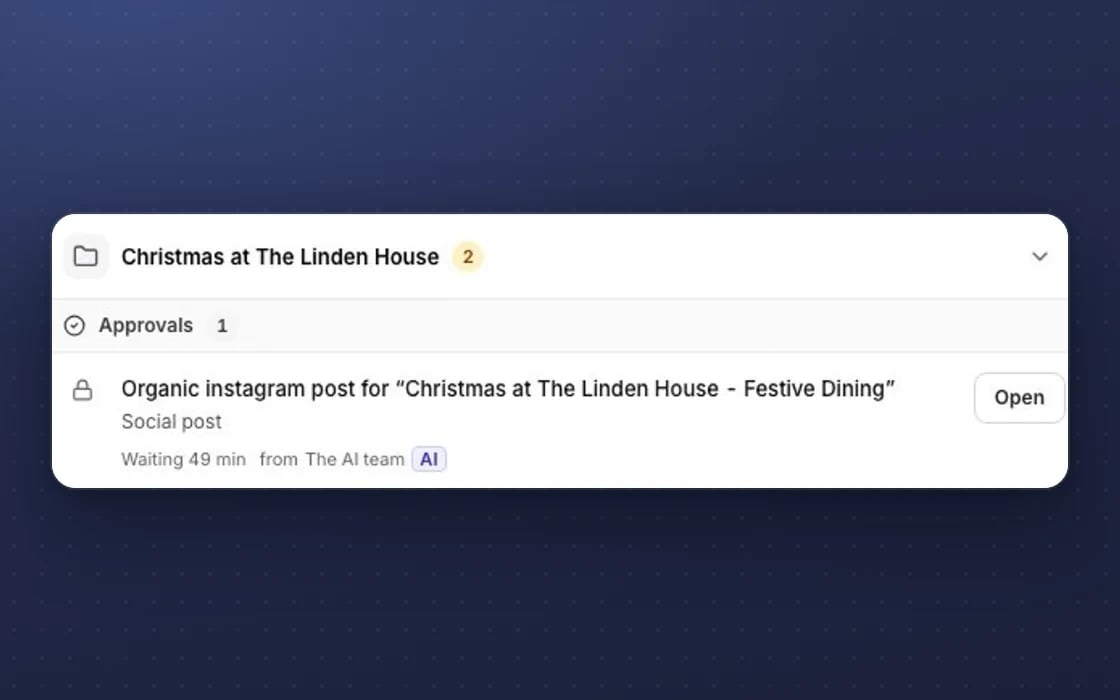
Approval first
Anything with money or brand risk waits in Approvals for a person to say yes.
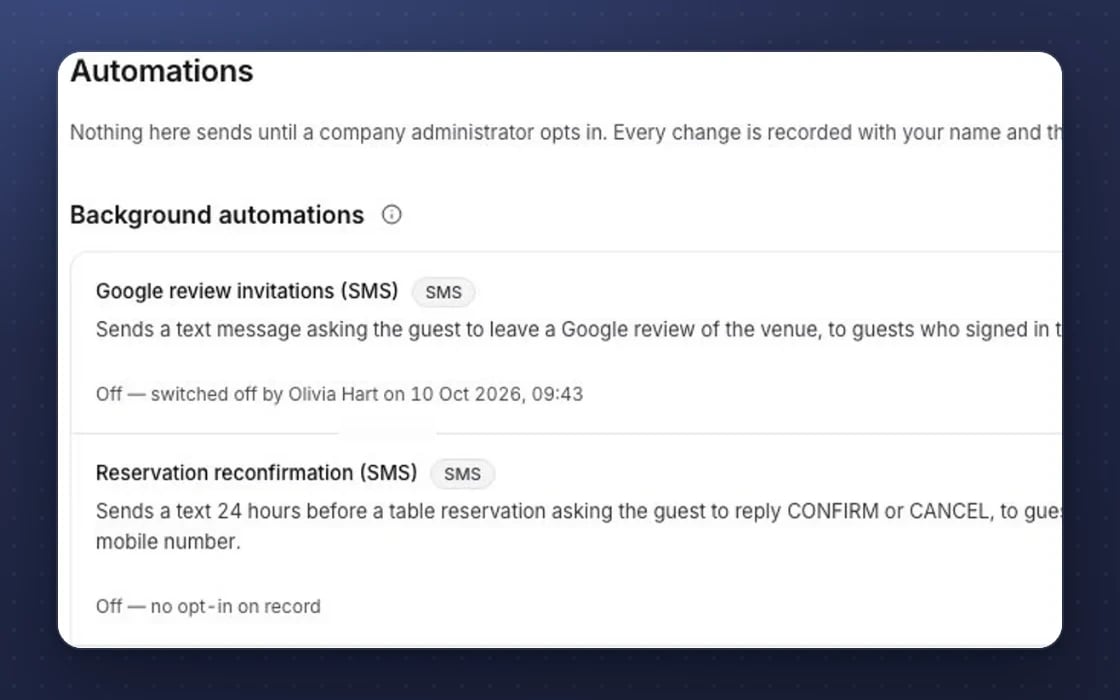
Zero default automations
No email, reminder or automation runs until a company administrator switches it on.
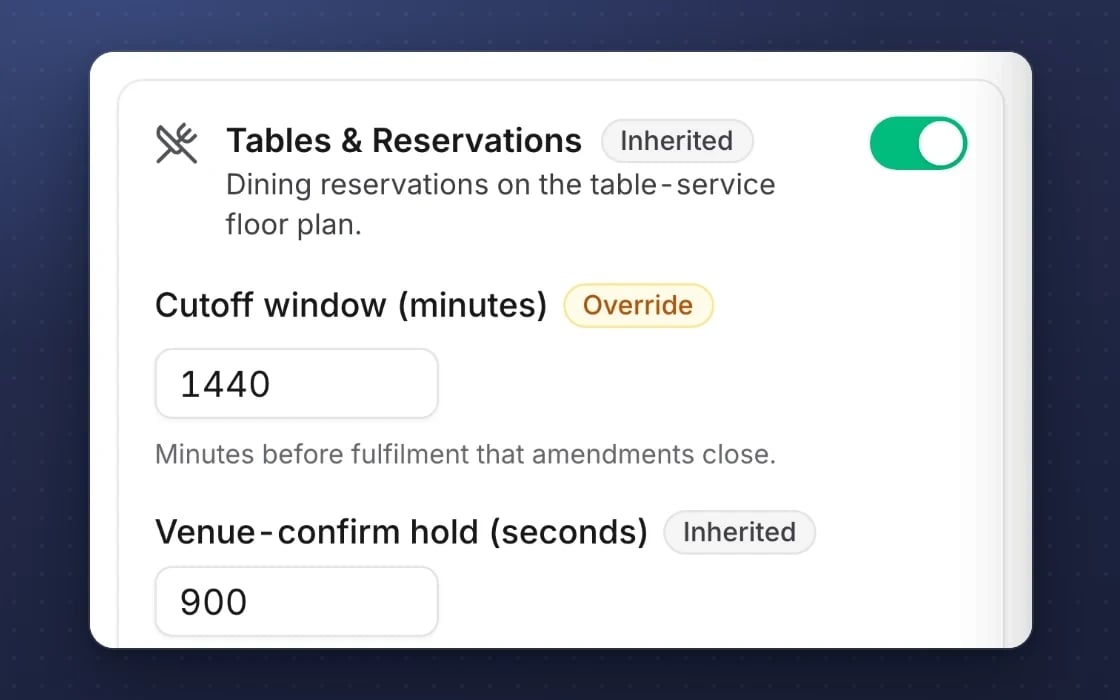
Inheritance
Settings flow from company to brand to site, with groups of sites, so every site follows your rules.
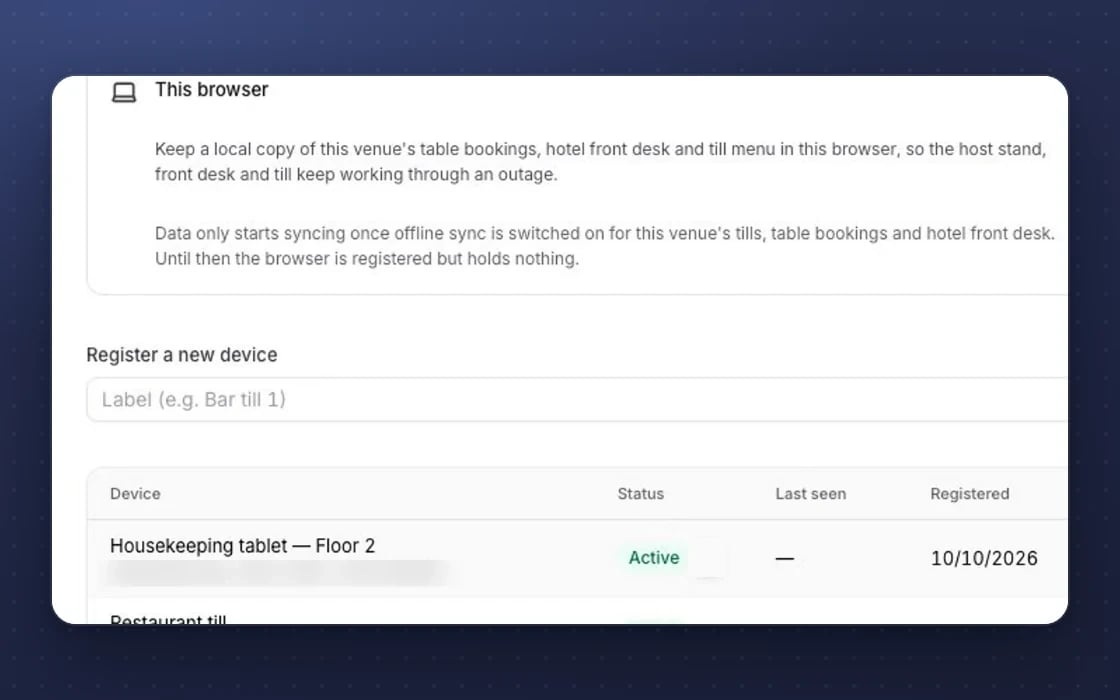
Works offline
The till, staff app, forms and ticket scanner keep working when the signal drops.
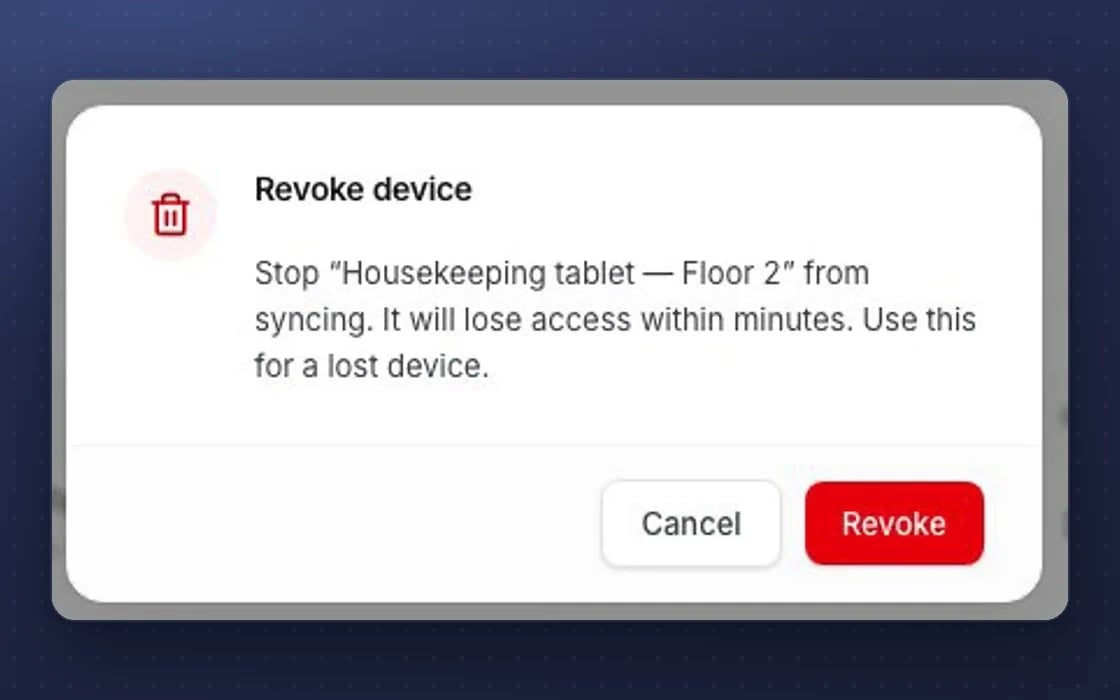
Device kill switch
A lost staff device can be revoked or wiped, so it stops syncing.
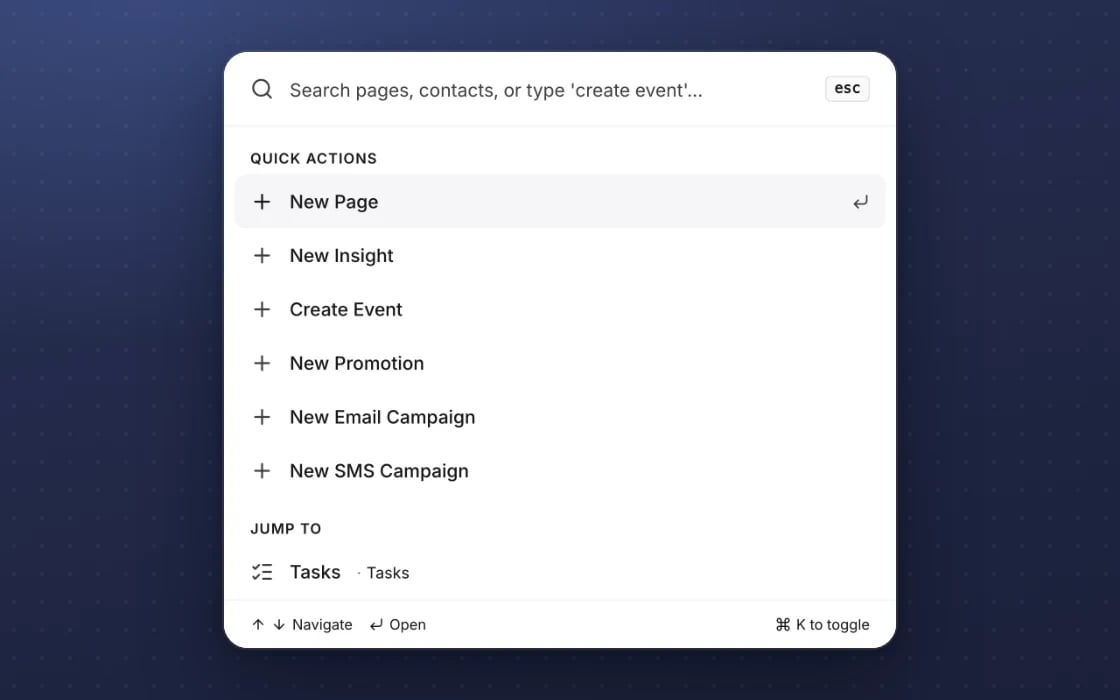
Keyboard-first
A command palette and keyboard shortcuts, with focus handled properly in every dialog.
What it replaces
Fewer passwords and faster leaver checks.
Passwords everywhere
Passwords written down or reused across systems. Your directory controls who can log in, so there’s one less password to manage.
Leaver checklists
Removing someone from every system one by one when they leave. Remove them once in your directory and their access goes.
Paying extra for sign-on
Some systems charge more for single sign-on. In mDOS, every feature is included in every plan.
Set up by real people, supported by AI. Our team configures single sign-on with your IT team, rather than you setting it up from a settings screen.
Switch at your own pace
Start with one team on single sign-on and move everyone else across when you’re ready. Keep your current systems while their contracts run out, we move your history across, and we plan the switch with you.
Three things no one else brings together
Single sign-on keeps logging in simple. Behind it you get the whole of mDOS: the software, AI agents and real experts.
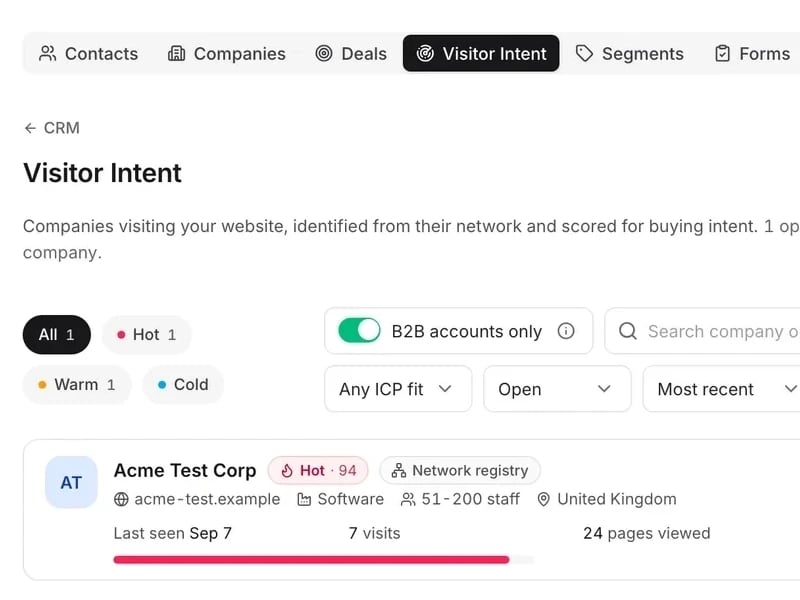
World-leading software
Your team logs in with their Microsoft Entra or Okta account, and leavers lose access when you remove them from your directory.
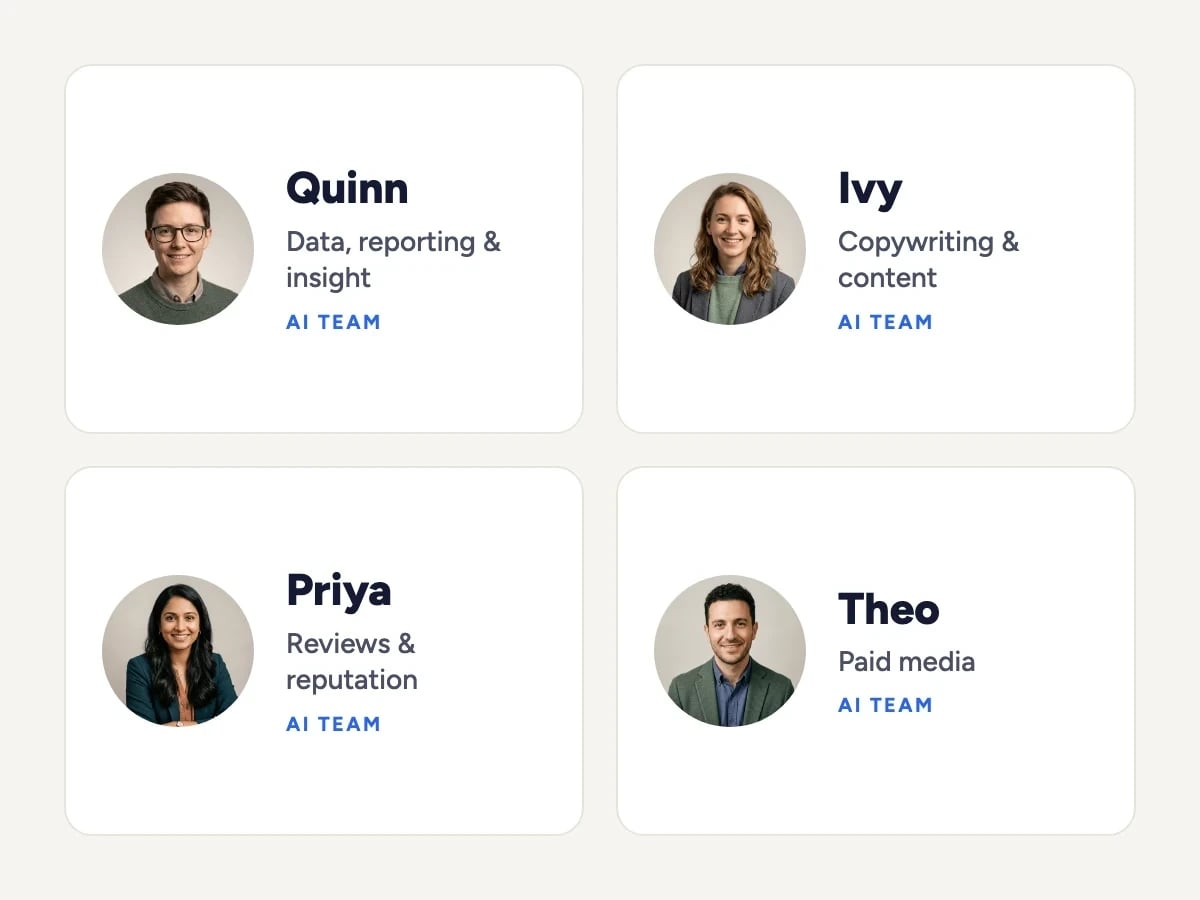
Tireless AI agents
AI agents work within the same roles and limits as the people who log in, and only a company admin can switch them on.

Real experts driving it
Our team configures single sign-on with your IT team, rather than leaving you to set it up from a settings screen.
Support from a real marketing team
mDOS is built and operated by MDOS AI LTD. When you message or phone us, real Marketing Experts answer, on every plan, led by our Founding Partner Agency, Mr Digital. Here are five ways we help you get results.
Chat with our marketing experts
Message us from any screen in mDOS. The people who answer are marketers from our partner agencies, not a call centre.
- Live chat on every plan, from the Chat button on every page, and you can phone us when you need to
- Answered by marketing experts from our partner agencies, the same people who run marketing for clients
- Ask about the software or your marketing: setup, campaigns and results
- AI support for quick answers whenever you need one
Included in every plan