A shift in their pocket
Shifts, tasks and a safe sign-in on any phone.
Today’s shift and tasks
Each person sees their shifts and today’s jobs wherever they are.Awaiting App Store Approval
- Upcoming shifts and the latest rota
- Today’s tasks and checklists
- No photos of the rota in a group chat
What’s in the staff app
The jobs of the day, wherever your team is working.
Shifts and rota
Each person sees their upcoming shifts and the latest rota, wherever they are. No more photos of the rota in a group chat.
Tasks and work orders
Assign jobs, add photos and comments, and see when they’re done. Task templates save typing the same opening and closing jobs every day.
Front desk and housekeeping
Hotel teams see arrivals, room status and cleaning lists without going back to a desk. Rooms are marked clean from the room itself.
Messages and reviews
Pick up customer messages from the shared inbox and keep an eye on new reviews. The right person can answer while the customer is still on site.
Stock, tables and cash
Count stock, check the floor plan and record cash (Beta) on the shop floor, without a trip to the office. Figures land in the same place as everything else.
Quick, safe sign-in
Staff sign in with a PIN and the app locks itself when left alone, so shared devices stay safe. Every action is linked to the person who did it.
Every feature, in detail
Everything below comes with every plan, at one price per site, with no add-ons or per-user fees. Open each area underneath for the rest.
More features, by area
4 features
| Feature | Every plan |
|---|---|
| Customer messages from the shared inbox | ✓ Included |
| New reviews, by source and rating | ✓ Included |
| Staff sign in with their own PIN | ✓ Included |
| Locks itself back to the PIN screen when left | ✓ Included |
5 features
| Feature | Every plan |
|---|---|
| Help built into the staff app | ✓ Included |
| Take contactless card payments on a staff phone, no card terminal | ✓ Included |
| Scan event tickets at the door, even with no signal | ✓ Included |
| Look up and redeem gift vouchers on a phone | ✓ Included |
| Take over a call from the AI receptionist | ✓ Included |
3 features
| Feature | Every plan |
|---|---|
| Task templates for common shift work | ✓ Included |
| Each role sees its own tabs | ✓ Included |
| The staff app in your branding | ✓ Included |
1 feature
| Feature | Every plan |
|---|---|
| Manager-override limits for each action, in any currency | ✓ Included |
Make it yours. Let it do the legwork.
Shape it to how you work, and let it handle the routine for you.
Each person’s own screen
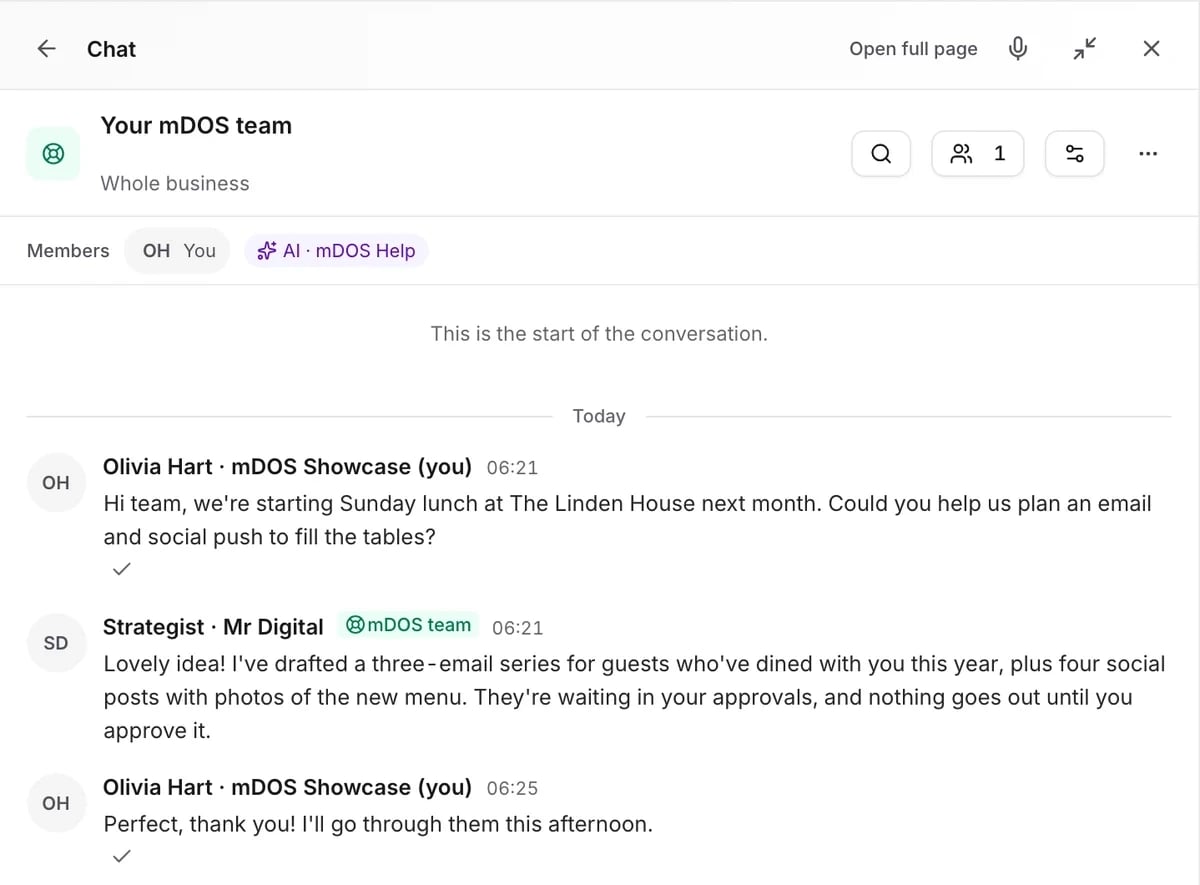
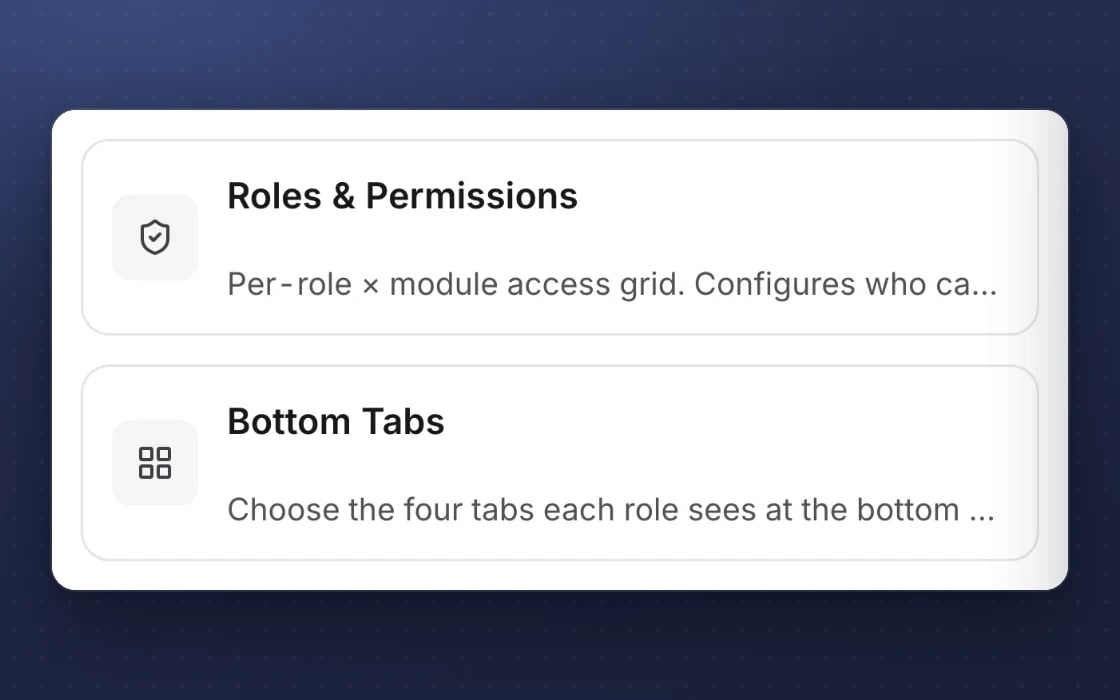
Staff sign in with their own PIN and see their shifts, tasks and the parts of the day that are theirs.
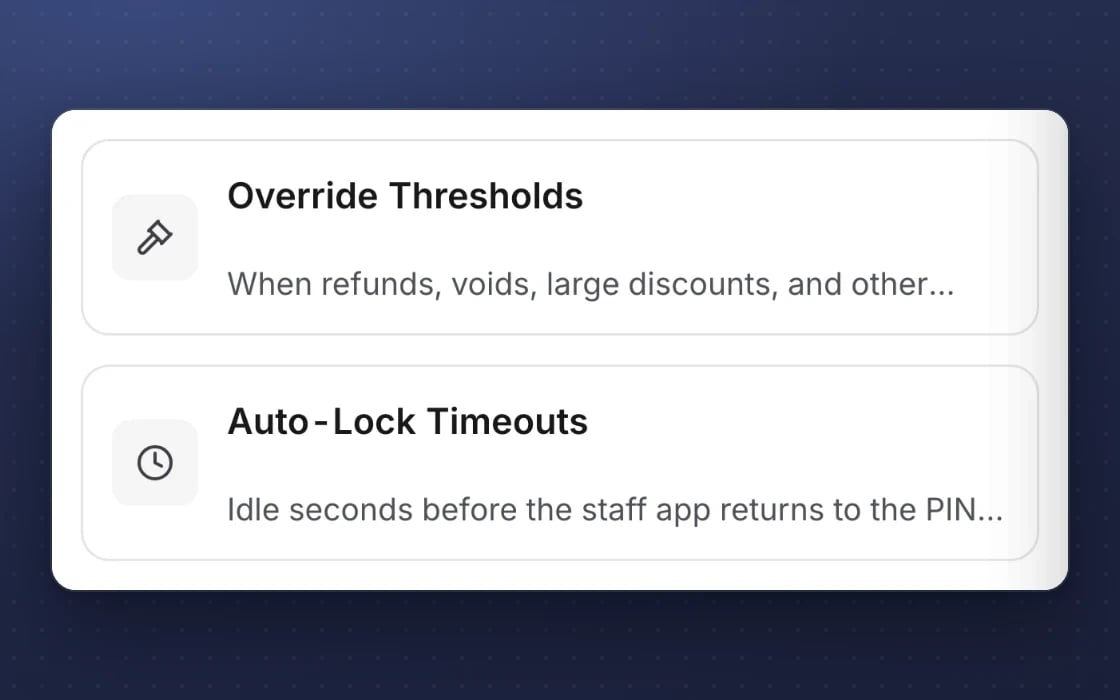
Locks itself
A shared device locks itself back to the PIN screen when it’s left.
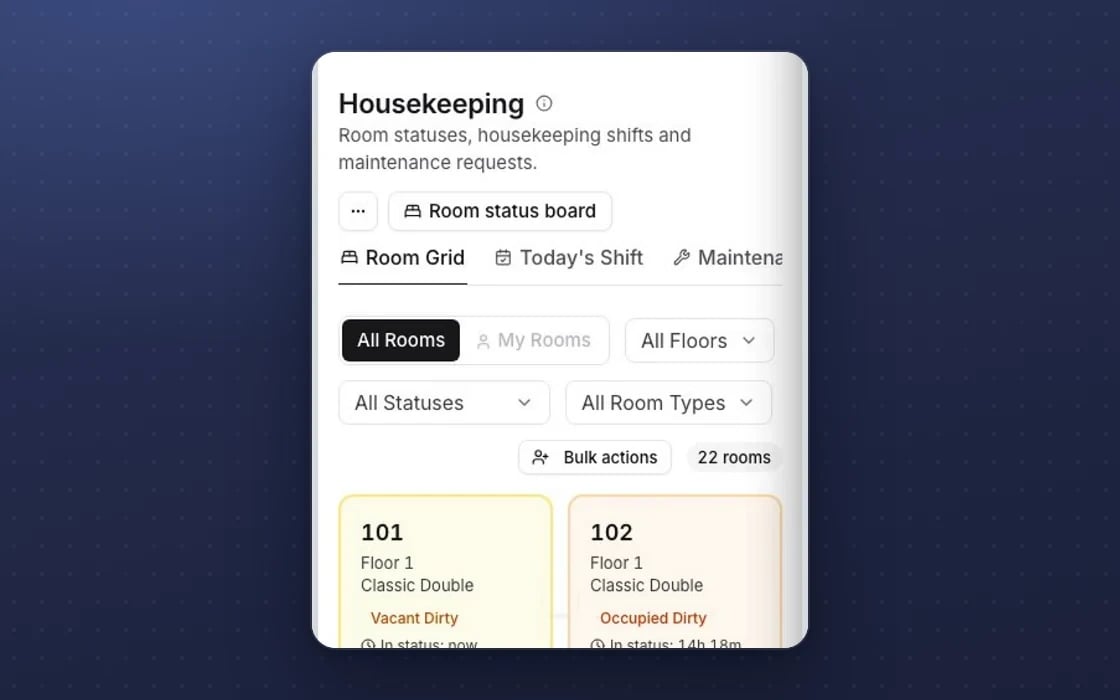
The day in their pocket
Arrivals, rooms, the floor plan and the inbox, each on the phone of the person who needs it.
Built for trust
The protections behind every plan, in plain words.
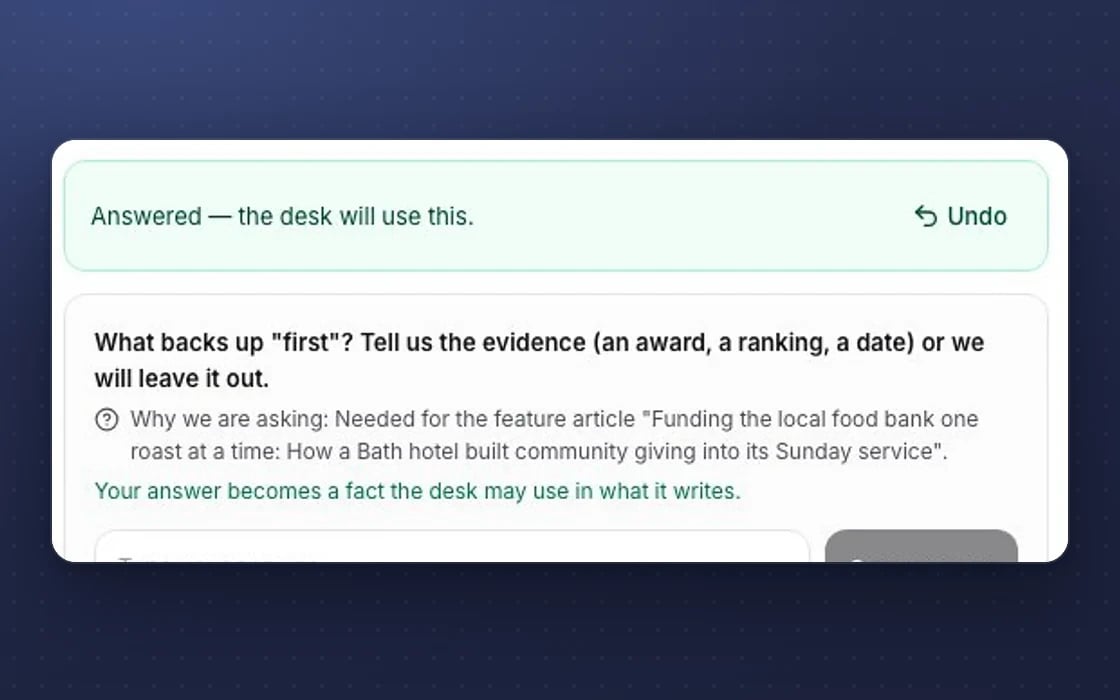
Undo
Destructive actions show an Undo button with a countdown, so a slip is easy to put right.
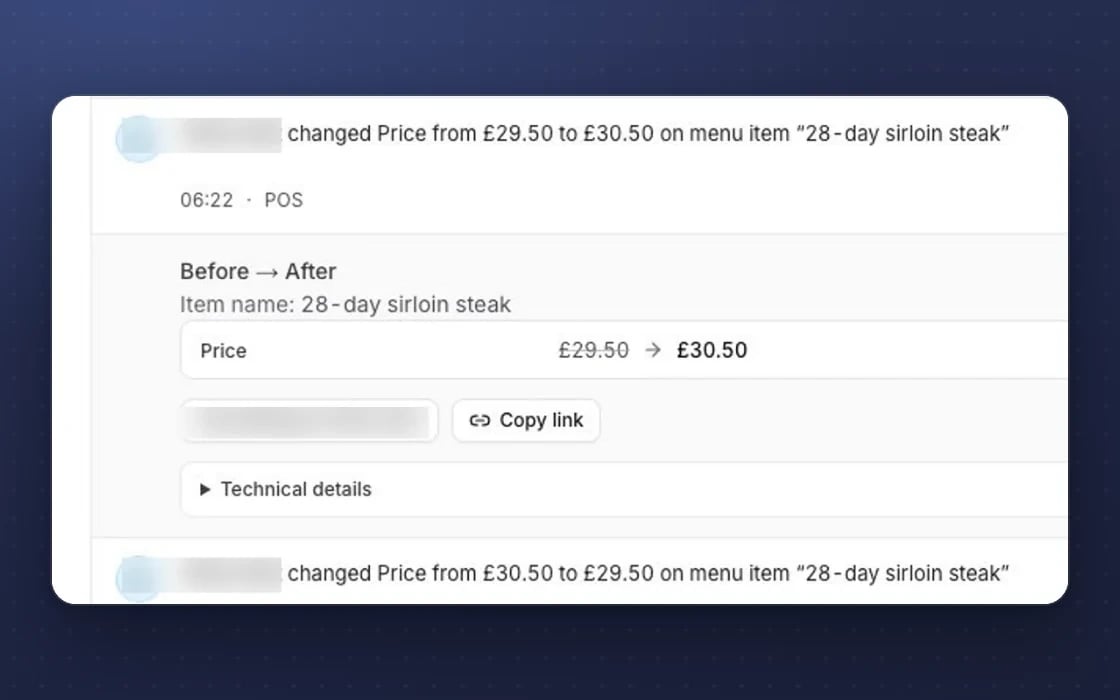
A tamper-evident log
The access log is append-only and checked every day, so a change can’t be quietly rewritten.
Our access, reported
Your admins get an email on any day the mDOS team accessed your account.
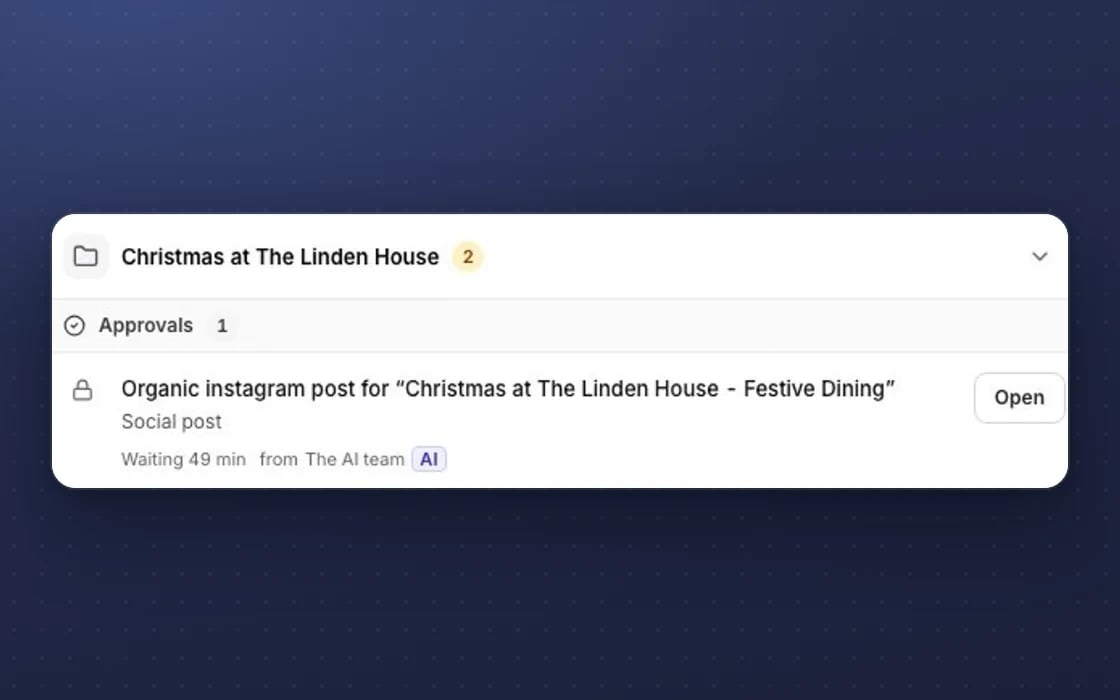
Approval first
Anything with money or brand risk waits in Approvals for a person to say yes.
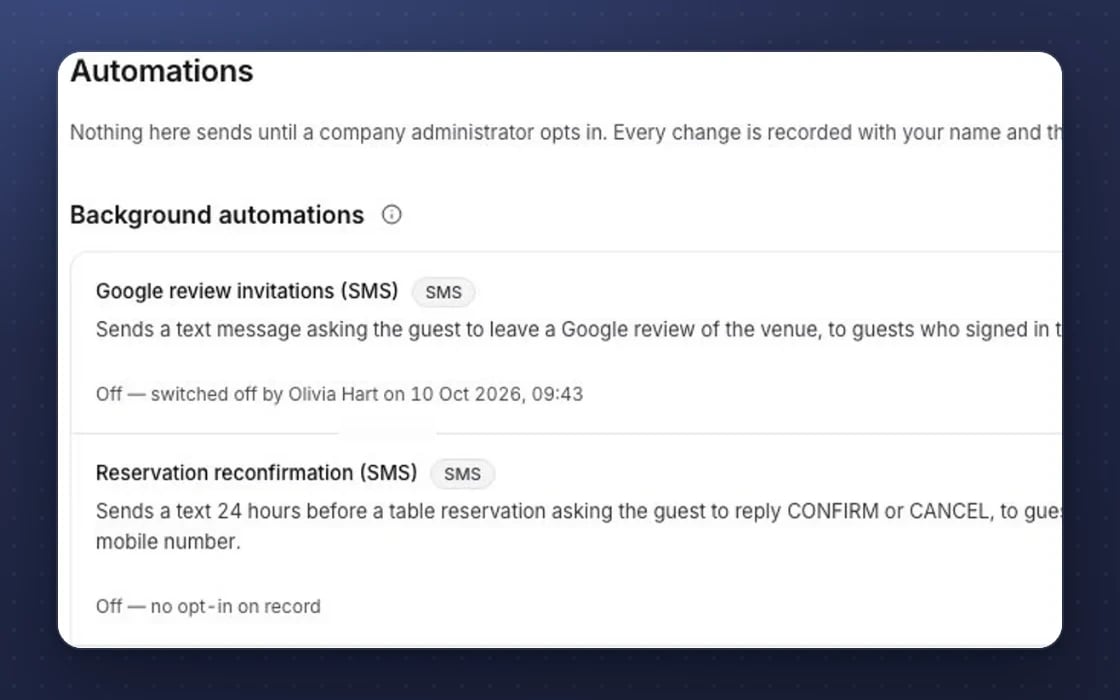
Zero default automations
No email, reminder or automation runs until a company administrator switches it on.
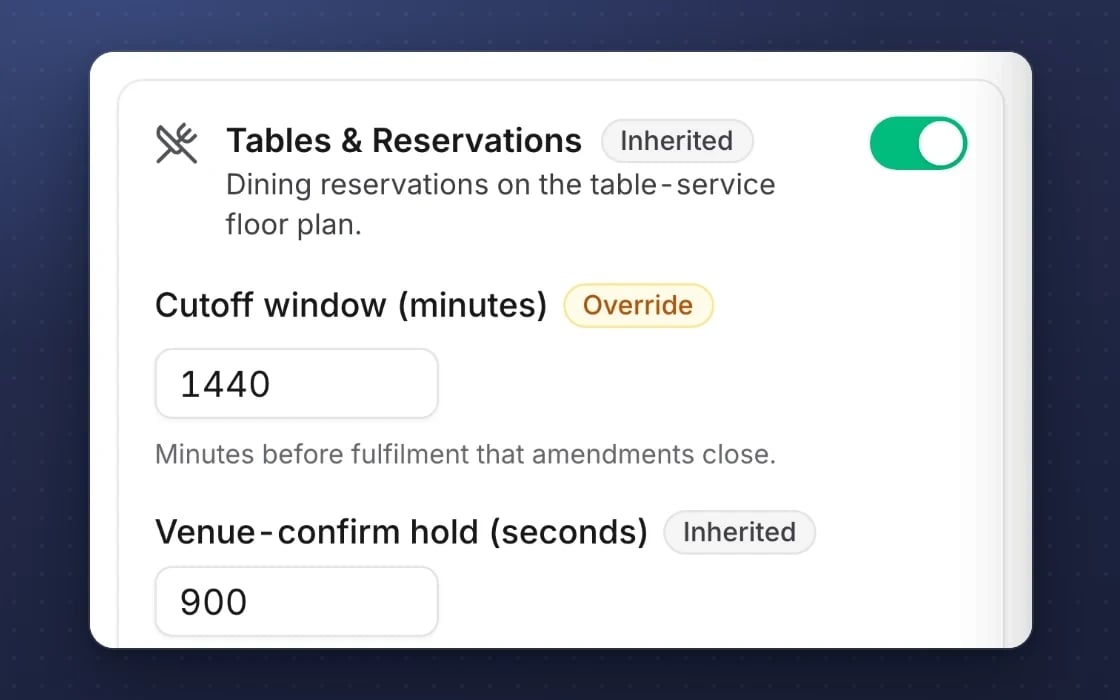
Inheritance
Settings flow from company to brand to site, with groups of sites, so every site follows your rules.
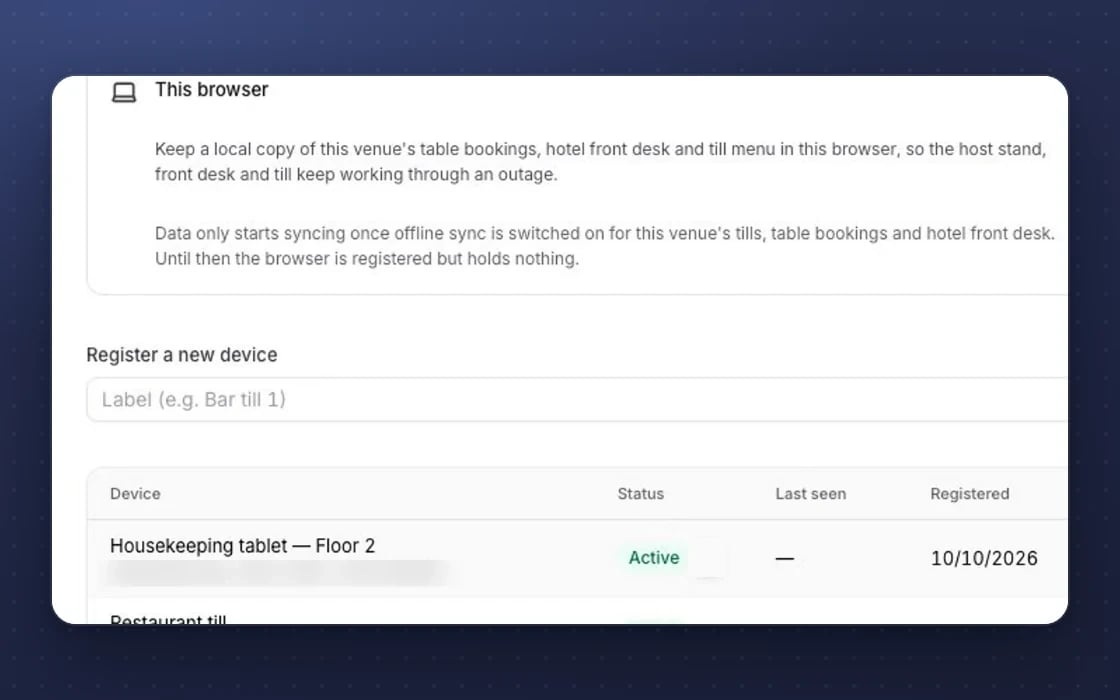
Works offline
The till, staff app, forms and ticket scanner keep working when the signal drops.
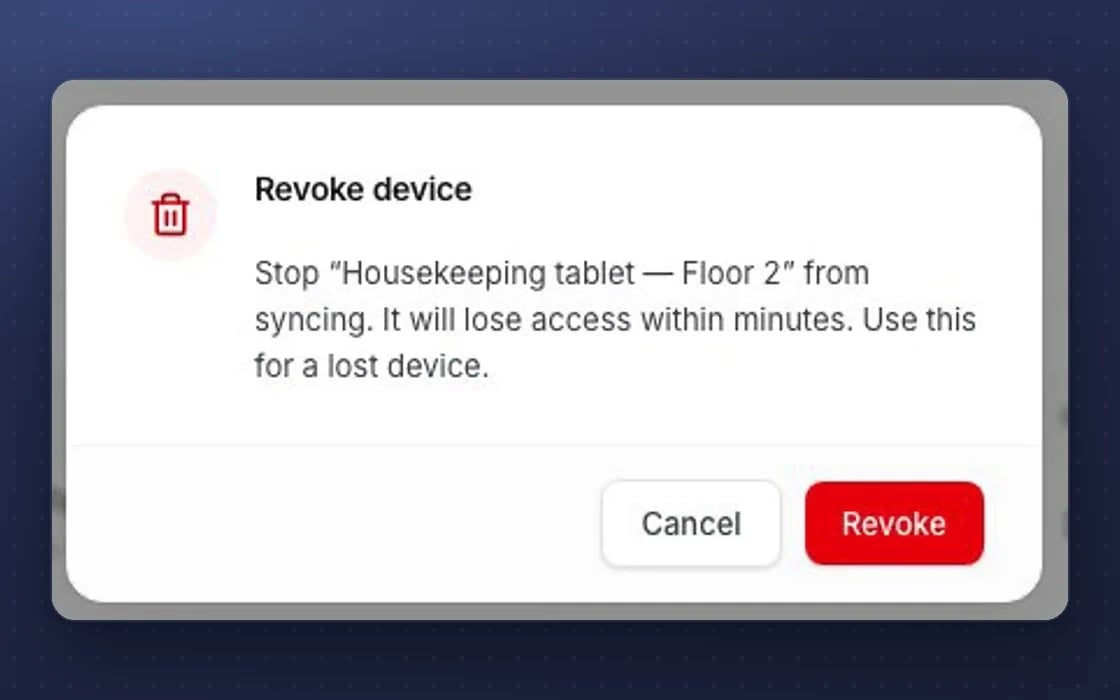
Device kill switch
A lost staff device can be revoked or wiped, so it stops syncing.
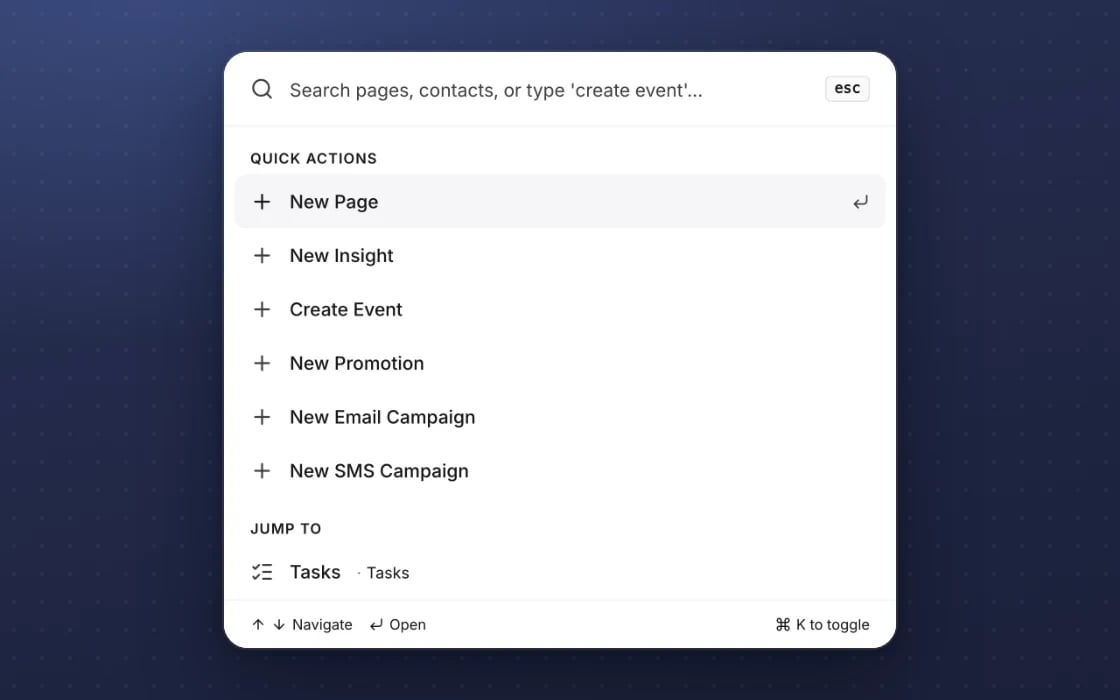
Keyboard-first
A command palette and keyboard shortcuts, with focus handled properly in every dialog.
What it replaces
One app for the whole shift.
Connecteam or Trail
A separate staff app for tasks and checklists, usually charged per person. Here tasks link to the same rota, rooms and stock as the rest of mDOS.
Deputy or Flexkeeping apps
One app for shifts and another for housekeeping, each with its own log-in. mDOS Staff covers both, with no per-user fees.
WhatsApp groups and calls
Ringing the shift lead to ask what to do next, or checking a group chat for the latest. The assistant answers from live information, so managers get fewer interruptions.
YOUR AI TEAM, ON SHIFT
An assistant for every shift
It works around the clock once you switch it on. It answers from your live information and each person’s role.
Answers from live data
“Is room 102 ready?” “What’s my shift on Friday?” It answers from what’s happening now, not from a manual written last year.
Knows who is asking
Answers fit the person’s site and role, and it remembers what they asked before. A housekeeper and a duty manager get the answers they each need.
Type or send a photo
Staff can ask by typing a question or by sending a picture of what they’re looking at. Answers appear as they’re written, so nobody waits.
Set up by real people, supported by AI. An mDOS Expert Partner sets up the app, PINs and permissions for each site, and the assistant is ready to switch on when you want it.
Switch at your own pace
Start with one site and one team, then roll the app out when you’re ready. Keep your current staff apps while their contracts run out, we move your staff list across, and we plan the switch with you.
Three things no one else brings together
The staff app puts mDOS in your team’s pockets, with an AI assistant built in and partner experts behind it.
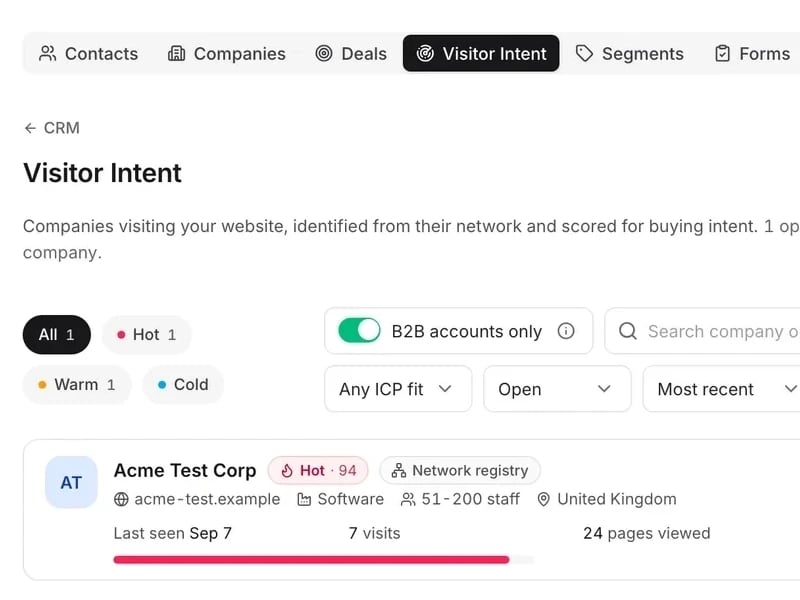
World-leading software
Shifts, tasks, customer messages and the jobs of the day in one app, with each person logging in with their own PIN.
Tireless AI agents
An AI assistant answers questions like “is room 102 ready?” from live information, fitted to each person’s site and role, by text or photo.

Real experts driving it
An mDOS Expert Partner sets up the app, PINs and permissions for each site with you, and the assistant is ready to switch on when you want it.
Keep the tools that work for you. Replace the ones that don't.
Already using a till, a payment provider or booking sites you like? mDOS works alongside them, or takes over when you’re ready.
Support from a real marketing team
mDOS is built and operated by MDOS AI LTD. When you message or phone us, real Marketing Experts answer, on every plan, led by our Founding Partner Agency, Mr Digital. Here are five ways we help you get results.
Chat with our marketing experts
Message us from any screen in mDOS. The people who answer are marketers from our partner agencies, not a call centre.
- Live chat on every plan, from the Chat button on every page, and you can phone us when you need to
- Answered by marketing experts from our partner agencies, the same people who run marketing for clients
- Ask about the software or your marketing: setup, campaigns and results
- AI support for quick answers whenever you need one
Included in every plan