
Hollowmere Spa & Salon
An independent day spa and salon in Bath.
What you can try
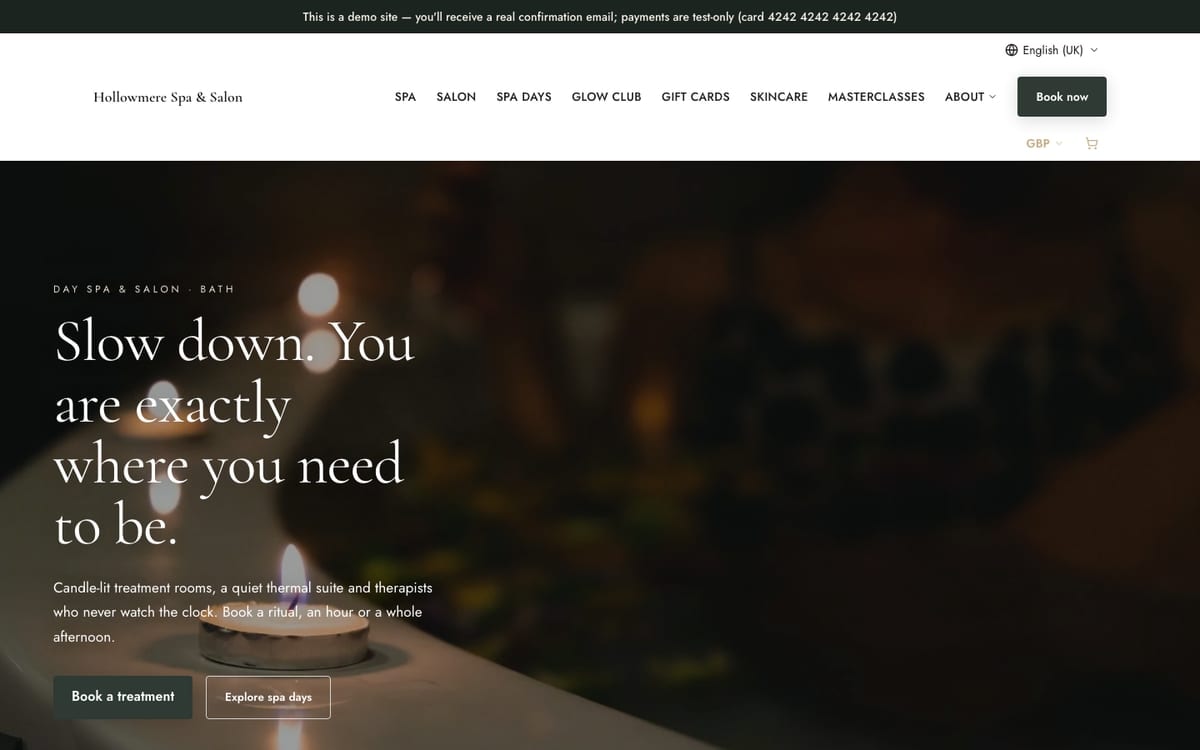
- See an in-page offer bar with its code
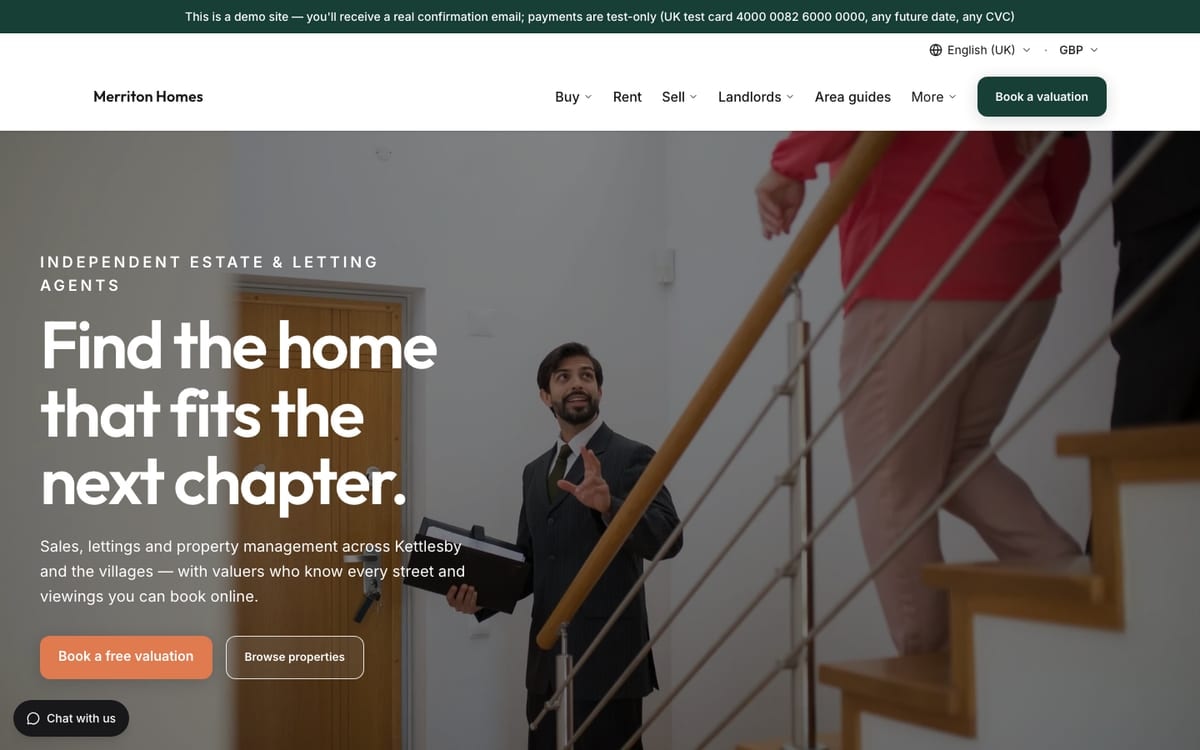
- See the demo notice pinned to the top bar
- Move your mouse off the top of the page to trigger the exit pop-up
Pick the shape that suits the message.
A short message on every page, such as an offer or opening news.
Get the message out on every site, with no developer.
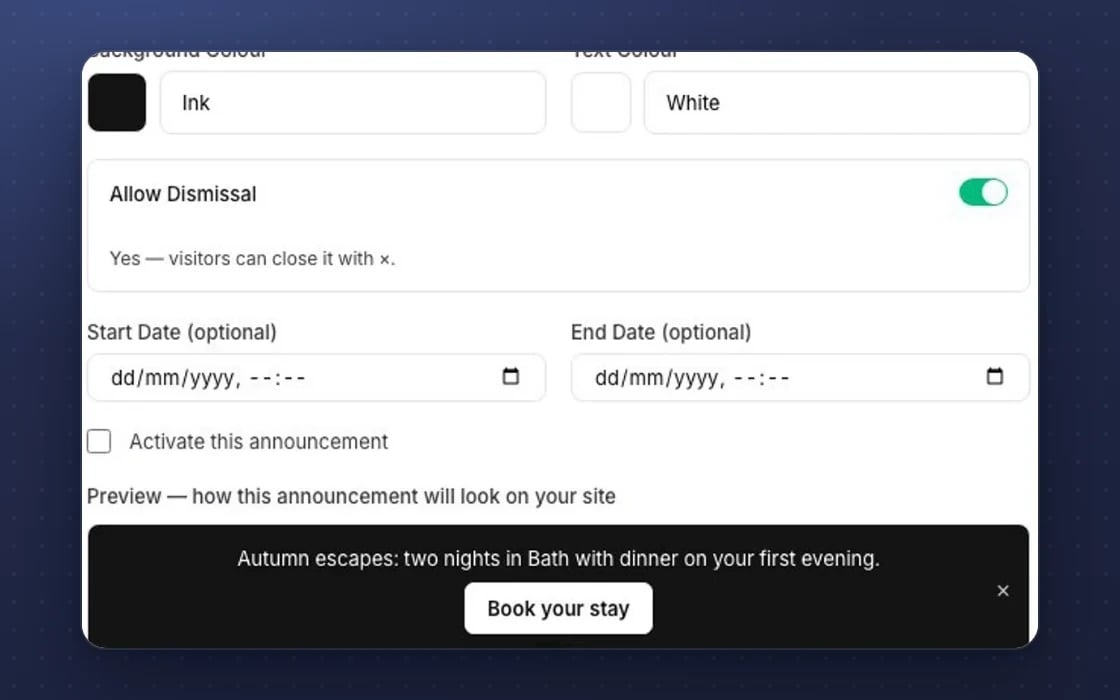
Top bars, exit pop-ups, in-page banners and floating buttons, all from one editor with a live preview. You can change it at any time from the announcements list.
A button can open a page, open your booking widget or capture a lead straight into your customer records.
Run a banner company-wide, for one site or for a group of sites, and copy banners to other sites in one go.
Add one script to a website not built with mDOS and your banners and lead capture work there too.
Every click on every banner is counted, so you can see which messages people act on.
Keep a banner as a draft, set start and end dates, and switch it on when you’re ready.
Everything below comes with every plan, at one price per site, with no add-ons or per-user fees.
Work three ways: do it yourself, ask your AI teammate, or let them draft it and take over. A draft lands as a normal item you can edit, not a block of text to copy and paste.

Your own colours, words and buttons, run company-wide, for one site or for a group of sites.

Copy banners to many sites at once, never duplicated, and count every click.
Do it yourself: build a banner in the editor with a live preview.
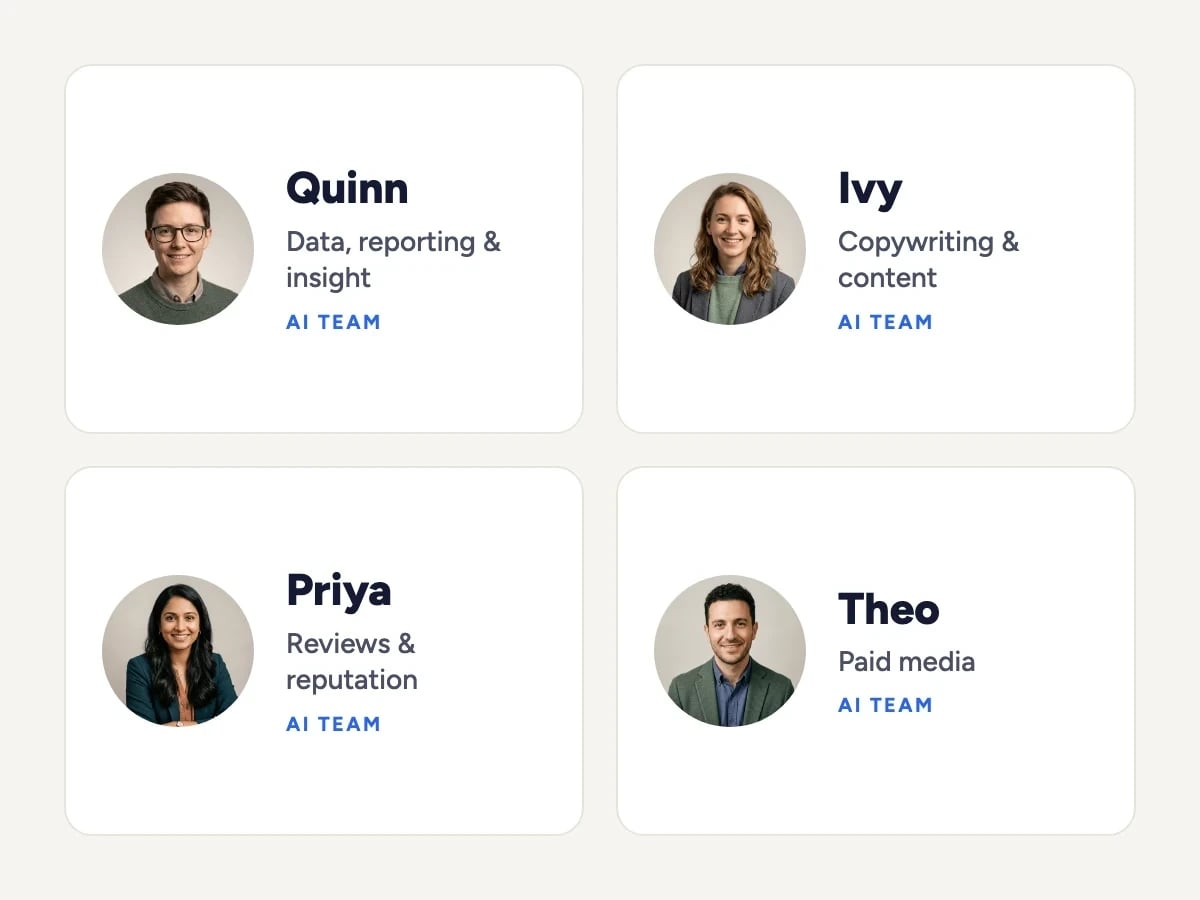
Ask Ivy: Ivy writes a banner or updates its copy and dates.
Or take over the draft: it lands as a normal banner in your announcements list, switched off until you approve it.
Banners that know your bookings and customers.
Separate pop-up and banner apps that need their own script, login and subscription on every site.
Asking a developer to add, change or remove a banner. Here your team does it in minutes.
Exporting sign-ups from a pop-up tool into your mailing list. Leads land in your customer records with a tag.
Set up by real people, supported by AI. Our team adds the script to any website not built with mDOS and helps you set up your first banners.
Keep your current pop-up tool while its contract runs out and move one site at a time. We bring your sign-up lists across, rebuild your current banners with you, and agree a tailored switching plan.
A banner gets your offer seen. mDOS also gives you AI agents to promote the same offer everywhere else, and marketers to plan what goes in it.

Top bars, exit pop-ups, in-page banners and floating buttons on any of your websites. Each one can link, open a booking or capture a lead into your customer records.

AI agents draft the emails and social posts that back up your offer, and check every draft against your real prices and dates before it reaches you to approve.

Our team adds the script to any website not built with mDOS and helps you set up your first banners, and partner marketers plan the offers worth shouting about.
Working websites built on mDOS for invented businesses. Open one and try it the way your customers would.
Demo sites are invented businesses. Payments are test-only: use the UK test card 4000 0082 6000 0000 with any future date and any CVC. Book or buy with your own email address and you’ll receive a real confirmation email.
mDOS is built and operated by MDOS AI LTD. When you message or phone us, real Marketing Experts answer, on every plan, led by our Founding Partner Agency, Mr Digital. Here are five ways we help you get results.
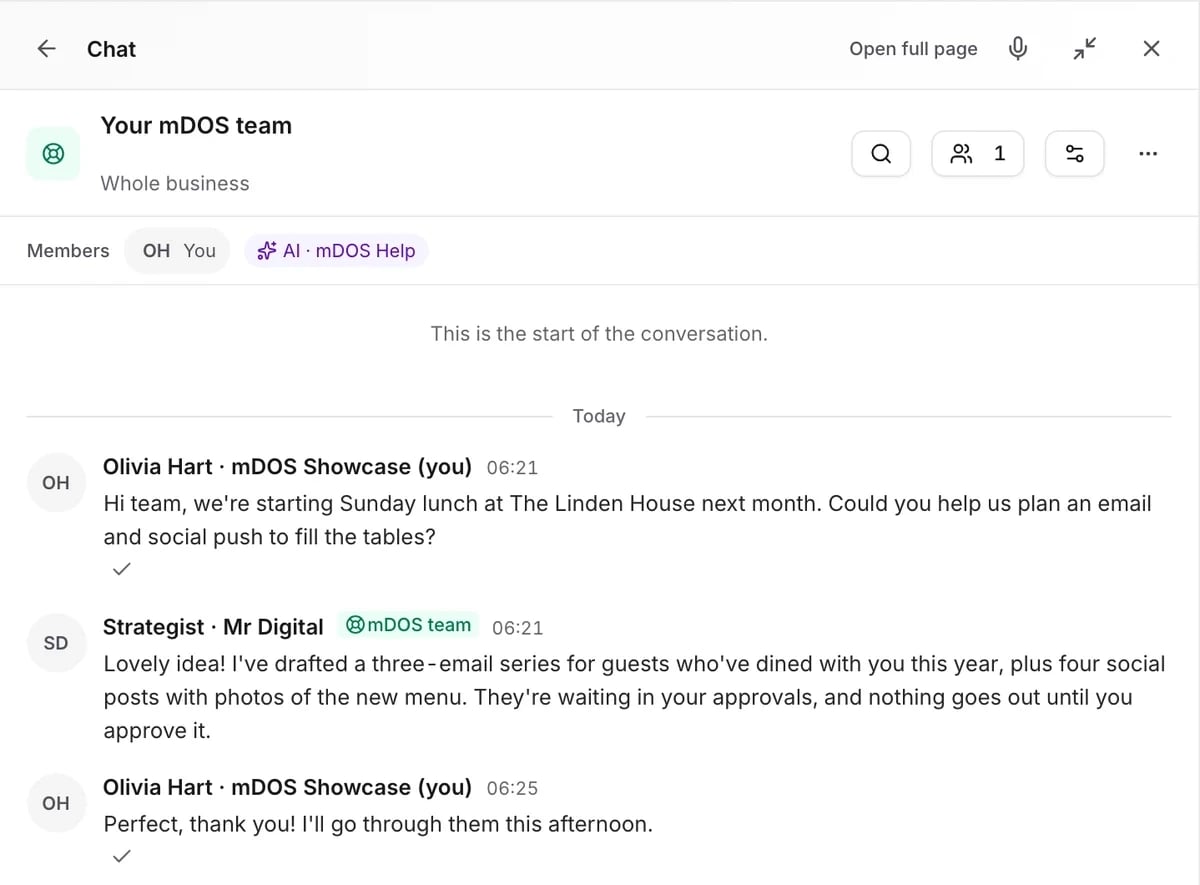
Message us from any screen in mDOS. The people who answer are marketers from our partner agencies, not a call centre.
Included in every plan